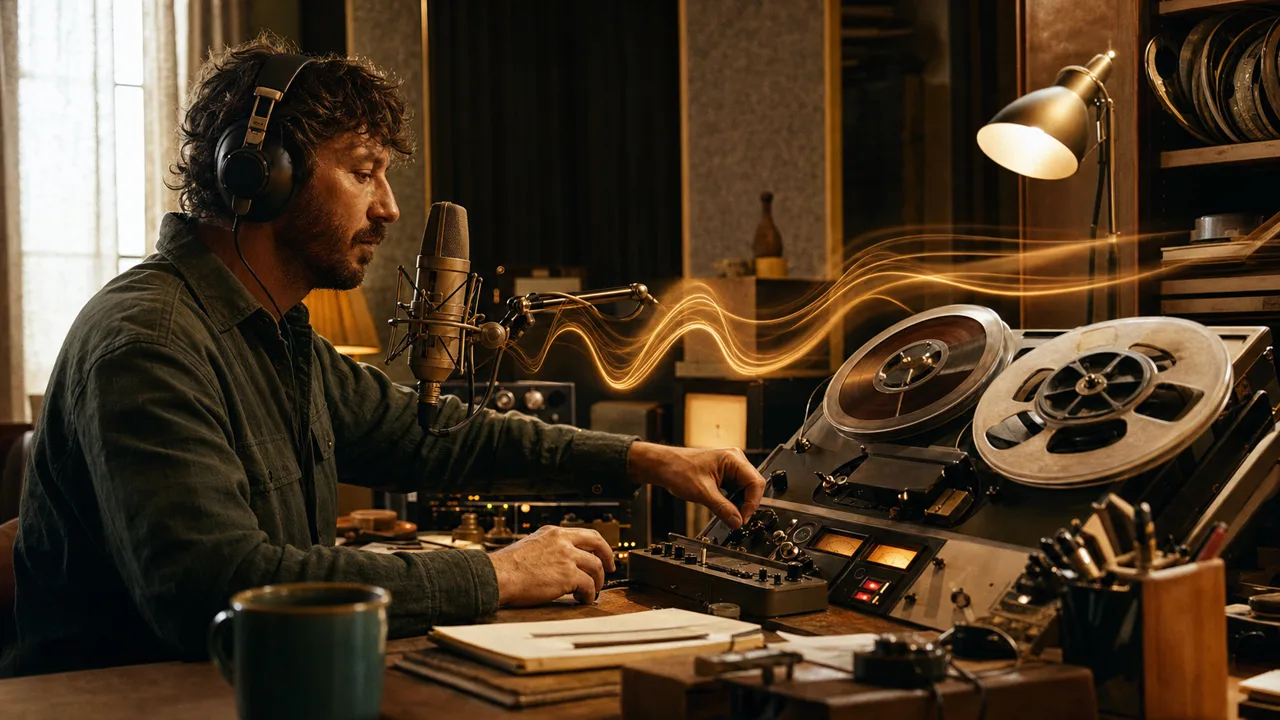
Adobe Podcast is a browser-based audio environment for recording speech and getting it into a cleaner, more usable state quickly. It is not a full digital-audio workstation. Its value is in simplifying common speech problems: room sound, uneven clarity, and the path from a rough recording to a version ready for an editorial decision.
Its best-known tool, Enhance Speech, can process spoken audio so a weak webcam or phone recording sounds closer to a controlled microphone take. That can rescue interviews, screen recordings, and internal updates. It cannot replace good source material, careful recording, or an editorial sign-off.
Editorial update July 2026
Adobe Podcast remains a fast browser path from a speech recording to a usable working cut. Enhance Speech is not a complete audio-production suite: artefacts, names, source rights, and final listening review remain editorial responsibilities.
Who is it for?
Adobe Podcast suits podcasters, marketing and communications teams, educators, and individuals who regularly create intelligible spoken clips without opening complex audio software for every recording. It is especially useful for fast first passes, remote interviews, and recordings made outside ideal rooms.
For music production, detailed sound design, meticulous edits, or shows with many tracks, a specialised DAW remains a better fit. Teams handling confidential conversations should also decide whether cloud processing is allowed before uploading source audio.
What Adobe Podcast does well
- Speech clean-up: Enhance Speech reduces distracting noise and adjusts speech characteristics for clearer listening.
- A web-first start: A team can begin without a local studio installation, reducing the barrier for small productions.
- Quick before-and-after evaluation: It helps decide whether a recording is worth repairing or should be captured again.
- A focused production step: For interviews, explainers, and podcast segments, enhancement can sit cleanly between recording and editing.
- Adobe workflow fit: Teams already using Adobe creative or video tools can treat speech cleanup as a bounded step in their existing process.
A practical workflow
Keep the original recording untouched in the project folder. Process a copy in Adobe Podcast, then listen on headphones and a basic speaker. Check deliberately for common artefacts: swallowed consonants, artificial breaths, metallic sibilants, changing room ambience, and a voice that no longer sounds like the person speaking.
If the processed version holds up, do the actual edit in the tool the team already knows. If it does not, the better answer is often a new recording, a different microphone, or a quieter location. AI enhancement is most valuable when it lowers the cost of minor mistakes rather than cosmetically hiding poor source material.
Editorial Assessment
Adobe Podcast is useful for speech-led content because it makes an otherwise technical production step accessible. The benefit is clearest for remote and ad-hoc recordings where intelligibility matters more than a perfect studio signature.
We would use it as a quality aid, not a quality guarantee. Every published recording needs a human listening check, and authentic voices should not be smoothed so heavily that conversational dynamics or identity disappear. For journalistic or sensitive material, retain the raw source and document the edit.
Cost, rights, and limits
Adobe offers a free entry point and expanded paid capabilities; exact allowances and limits can change, so check the current plan before committing to a repeatable production line. Budget for review time, storage, editing, and any professional post-production, not just the subscription.
Rights to music, voices, interviews, and consent remain with the publishing team regardless of the tool. For customer interviews, health topics, or personnel matters, establish whether cloud processing is permitted. A processed signal must never create the impression that someone said words that were not recorded.
Open frequently asked questions
FAQ
Can Enhance Speech completely fix an unusable recording?
No. Severe clipping, missing words, simultaneous speakers, or extreme background noise remain difficult. The tool can improve intelligibility; it cannot create a clean recording out of nothing.
Should we delete the original after processing?
No. The original is the traceable source and the best fallback if artefacts appear or a different treatment is needed later.
Is Adobe Podcast suitable for mixing music?
Its focus is speech. A full audio workstation is more appropriate for multi-track music, detailed sound design, and precise mastering.
How should quality be checked before publication?
Do a short listening pass on headphones and a second, simple playback device. Compare original and processed audio at difficult moments instead of judging only the first clean sentence.