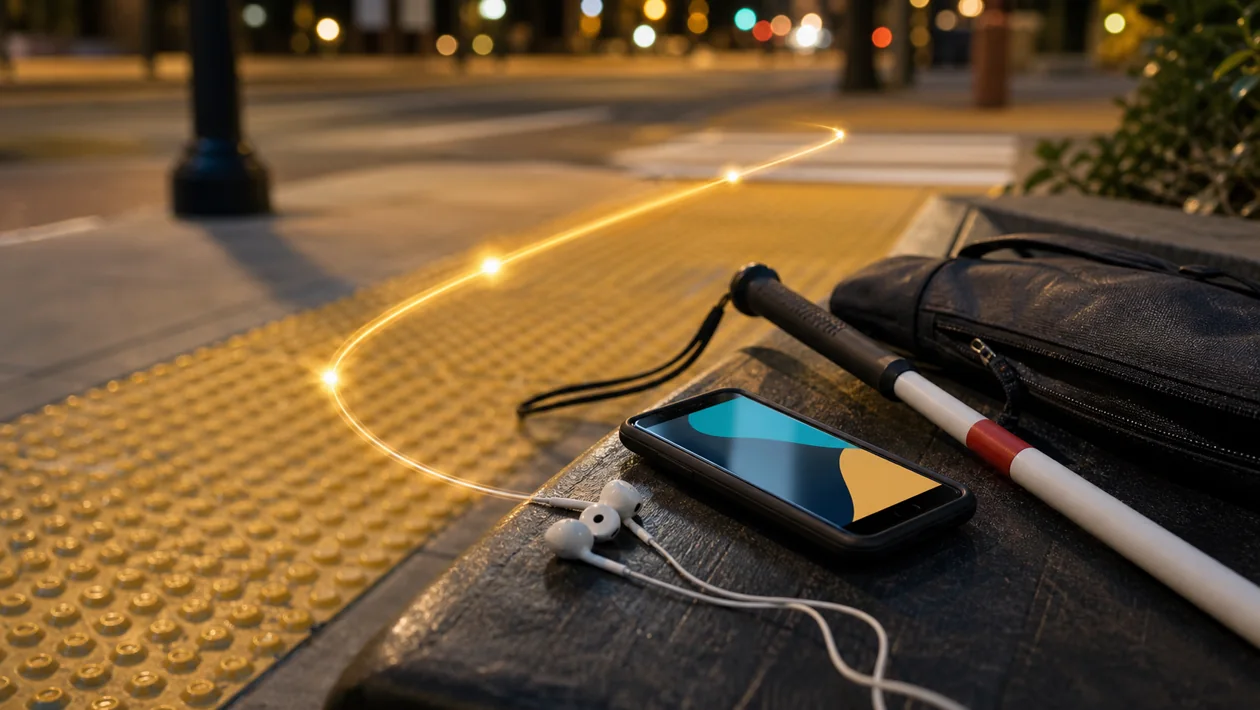
Aira is an on-demand visual interpreting service. A blind or low-vision person opens the Aira app, points a smartphone camera at the relevant scene, and connects with a professionally trained Visual Interpreter. The interpreter can describe, read, or explain visible information in real time. That distinction matters: Aira is not simply an image-recognition app. Its central value is human context and the ability to ask follow-up questions when a situation is unclear.
What Aira does
Aira turns visual information into spoken guidance. A session might cover a product label, a form, a sign, a room layout, or the location of a service desk. The official service describes use on iPhone and Android. Individuals may subscribe, while an organization can provide access as an Aira Access Partner. The available access route, coverage, and terms can therefore depend on the country, partner, and current plan.
Concrete use cases
- In a shop, an interpreter can read packaging, compare variants, or describe the route to a counter. The user remains in control of the purchase.
- During travel, Aira can help with signs, gate information, or the layout of an unfamiliar place. It should not be the only safety measure in traffic or other high-risk situations.
- At work or school, the service can make printed material, screens, objects, and room layouts easier to understand when a local process is not accessible.
- For digital tasks, the camera can help with a visual error message, an inaccessible document, or a CAPTCHA that cannot be handled through the existing interface.
How a session works
The user starts with a short, concrete request: “Read the ingredients,” “Which door leads to the lift?” or “Guide me to the service desk.” The camera should show only the area the interpreter needs to see. After the answer or guidance is complete, the session ends. For recurring work, it helps to record which camera angle, language, and description style worked well. This makes future calls shorter without turning Aira into a complicated ticketing system.
Limits and operational fit
Aira is not a replacement for a navigation system, a companion, medical advice, or a safety clearance. Results depend on light, camera position, mobile data or Wi-Fi, background noise, and the availability of an appropriate interpreter. Crowded spaces and poor connectivity can make a call less useful. Organizations should define who introduces the service, how visitors and staff request it, and what the fallback is when the connection fails. A clear accessibility process matters as much as the app itself.
Privacy and rights
A live camera may include faces, documents, screens, vehicle plates, or other personal data. Before using Aira in a workplace, school, public service, or regulated setting, clarify the purpose, legal basis, consent, retention, and handling of recordings. Aira’s published privacy material discusses security measures, possible recordings, and processing in the United States with international transfers. Do not show confidential material merely because the camera can see it; confirm that the specific disclosure is allowed. The Aira Trust Center and current privacy policy are the right sources for a formal review, not this short card.
Pricing and total cost
Aira uses a subscription and access-partner model. Individual plans, organizational access, included usage, and regional availability can differ, so the current provider terms should be checked before purchase. Budget for more than the subscription: a compatible phone, mobile data, onboarding, and an owner for accessibility operations may also be necessary. The practical test is whether the service resolves the important visual tasks with fewer failed attempts and less dependence on ad-hoc help.
Editorial Assessment
We recommend Aira to blind and low-vision users who need human description for changing real-world situations and can maintain a reliable camera connection. It can also make sense for organizations that want accessibility to work at a particular site, workplace, or service point rather than remain only a policy statement. Human context is the reason to choose it when automated recognition would miss the point.
Aira is a weaker fit when the task is only repetitive text extraction, when live human assistance is not permitted, or when a connection failure would leave no safe alternative. In those cases, built-in accessibility features, a redesigned local process, or an automatic recognition tool may be more appropriate. Before a wider rollout, run a small pilot with three real scenarios and measure completion without repetition, time to a usable answer, and how often a human fallback is still needed.
Open frequently asked questions
FAQ
Do I need special glasses to use Aira?
No. The basic route described here starts with the Aira app on a compatible smartphone. Other devices may change the interaction, but a dedicated pair of smart glasses is not required for the core phone-based use case.
Is Aira an automatic image-recognition app?
No. Aira connects the user to a professional Visual Interpreter in a live session. That is useful when context, follow-up questions, or an explanation of a messy scene matters more than an instant automated label.
Can an organization offer Aira to visitors or employees?
Yes. Organizations can become Aira Access Partners. Before doing so, document the site, target group, responsibility, privacy process, and fallback for an unavailable connection.
Is every Aira session free?
No. Partner access may be free for eligible users, while individual use and other plans follow the provider’s current terms. Confirm price, included usage, and regional availability before rollout.