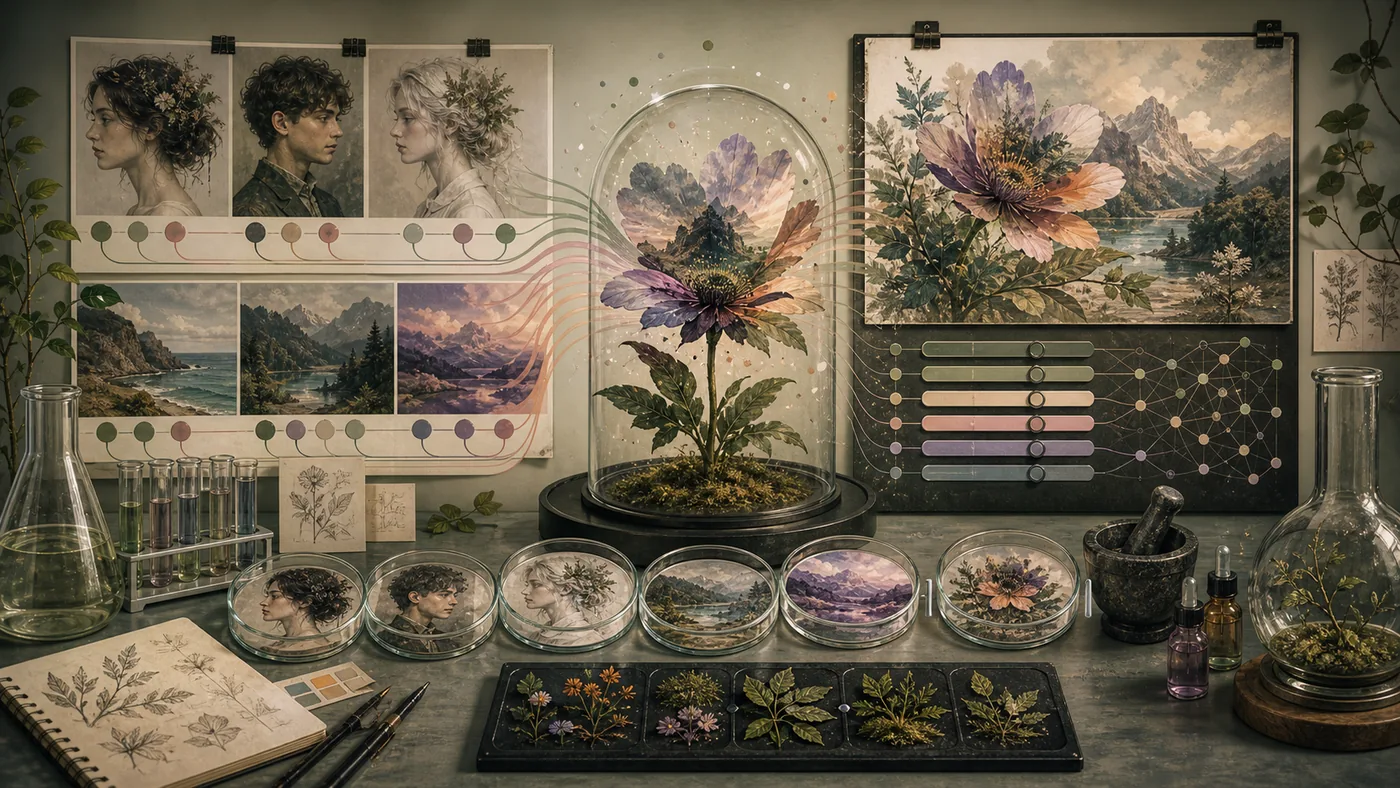
Artbreeder is an innovative online platform that utilizes artificial intelligence to create and modify creative image compositions. Users can create unique artworks by combining and adjusting images without requiring extensive design knowledge. The interface is intuitive, using sliders and fields to control various image features. Artbreeder is particularly suited for designers, artists, and anyone looking to develop visual content with AI assistance.
For whom is Artbreeder suitable?
Artbreeder is geared towards a wide range of users from the design and creative fields, including:
- Artists seeking new inspiration and experimenting with experimental image compositions.
- Graphic designers looking to quickly generate prototypes or concept images.
- Game designers and developers wanting to visualize characters or environments.
- Content creators and social media managers requiring engaging visual content.
- Beginners and hobbyists looking to create without prior knowledge of image editing.
The platform is ideal for users who want to experiment with AI in a simple and intuitive way and enhance their creative projects with unique visual elements.
Key Features
- AI-based Image Combination: Combine and merge multiple images to create unique artworks.
- Adjustment Sliders: Control image features such as colors, shapes, styles, and details using intuitive sliders.
- Portrait, Landscape, and More Generation: Create various image types, including faces, animals, landscapes, and abstract art.
- Community Gallery: Discover and share artworks from other users to gain inspiration or receive feedback.
- Download Options: Save your creations in different resolutions, depending on the chosen plan.
- Freemium Model: Free usage with basic features and limited storage capacity, as well as paid upgrades for enhanced features.
- Integration of External Images: Upload your own images to combine with AI-powered features.
- Versioning and History: Manage multiple versions of your artworks and revert to previous states as needed.
Advantages and Disadvantages
Advantages
- Intuitive and easy-to-use interface, even for beginners.
- Variety of creative possibilities thanks to AI-powered image manipulation.
- Large community with inspiring examples and exchange.
- Flexible Freemium model that allows for free entry.
- Quick results without installation or technical knowledge.
Disadvantages
- Limited resolution and functionality in the free plan.
- The quality of the results may vary depending on the image material.
- Limited control over details compared to professional image editing software.
- Privacy and copyright issues should be considered, especially when using third-party images.
- Artbreeder may have limitations for very specific or complex design requirements.
What really matters in daily use
In daily use, Artbreeder is useful only when it can support visual variants, character ideas and style exploration without a classic prompt workflow inside a real workflow. A fair pilot needs a real-world trial with test it against moodboards, image rights, recognizability and export quality; canned demos are not enough to reveal latency, review effort, rights issues and cost. The main caveat is clear: good for exploration, less ideal when a team needs reproducible brand assets with exact control.
Workflow Fit
Artbreeder should have a narrow job in the workflow: input, quality check, handoff point and owner. For visual variants, character ideas and style exploration without a classic prompt workflow, this kind of evidence is more informative than a long feature list: a real-world trial with test it against moodboards, image rights, recognizability and export quality. Only after that can a team judge whether integration, review and maintenance effort are worth it.
Editorial Assessment
Editorial view: Artbreeder is worth testing when the use case is specific and success can be measured. A broad search for automation is too vague. Good for exploration, less ideal when a team needs reproducible brand assets with exact control. That boundary should be discussed before a wider rollout, not after the workflow is already dependent on it.
Pricing & Costs
Artbreeder offers a Freemium model. The free version allows basic usage with limited storage capacity and download resolution. For users who work intensively or require higher quality, various paid subscription plans are available, which include:
- Increased upload and storage capacity.
- Access to enhanced features and higher resolutions.
- Priority support and additional export options.
The exact prices and conditions may vary depending on the provider and chosen plan.
👉 To the Provider: https://artbreeder.com
Open frequently asked questions
FAQ
1. Do I need prior knowledge to use Artbreeder?
What should a Artbreeder pilot look like?
Start with a bounded process, a small group and a clear success criterion. Check output quality, permissions and handovers before expanding the scope.
Which data should not be processed in Artbreeder without review?
Sensitive or confidential content should wait until contract terms, access, storage and deletion controls have been reviewed. Escalate uncertainty to the responsible privacy owner.
When is an alternative to Artbreeder the better choice?
Choose an alternative when the need is occasional, a required integration is missing, or administration and cost outweigh the practical benefit.
No, Artbreeder is designed to be user-friendly, even for those without technical or artistic knowledge.
2. Can I upload and edit my own images? Yes, the platform allows uploading your own images, which can then be combined and modified using the AI tools.
3. How does the Freemium model work? The free version offers basic features with limited functionality. Paid plans are available for more storage, higher quality, and additional features.
4. Are the generated images copyrighted? The rights to the generated images typically belong to the user, but it's essential to review Artbreeder's terms and conditions, especially for commercial use.
5. Can I download the created images? Yes, images can be downloaded, with the quality and resolution depending on the chosen plan.
6. Can I use Artbreeder in a team or for commercial projects? Depending on the plan and license, commercial use is possible. For team or business requirements, it's recommended to review the respective licensing terms.
7. How secure are my data on Artbreeder? Artbreeder stores user data and images in the cloud. It's recommended to review the privacy policy to understand how your personal data is handled.
8. Is there a mobile app for Artbreeder? Currently, Artbreeder is primarily available as a web application. Using mobile browsers is possible, but a native app is not officially available.