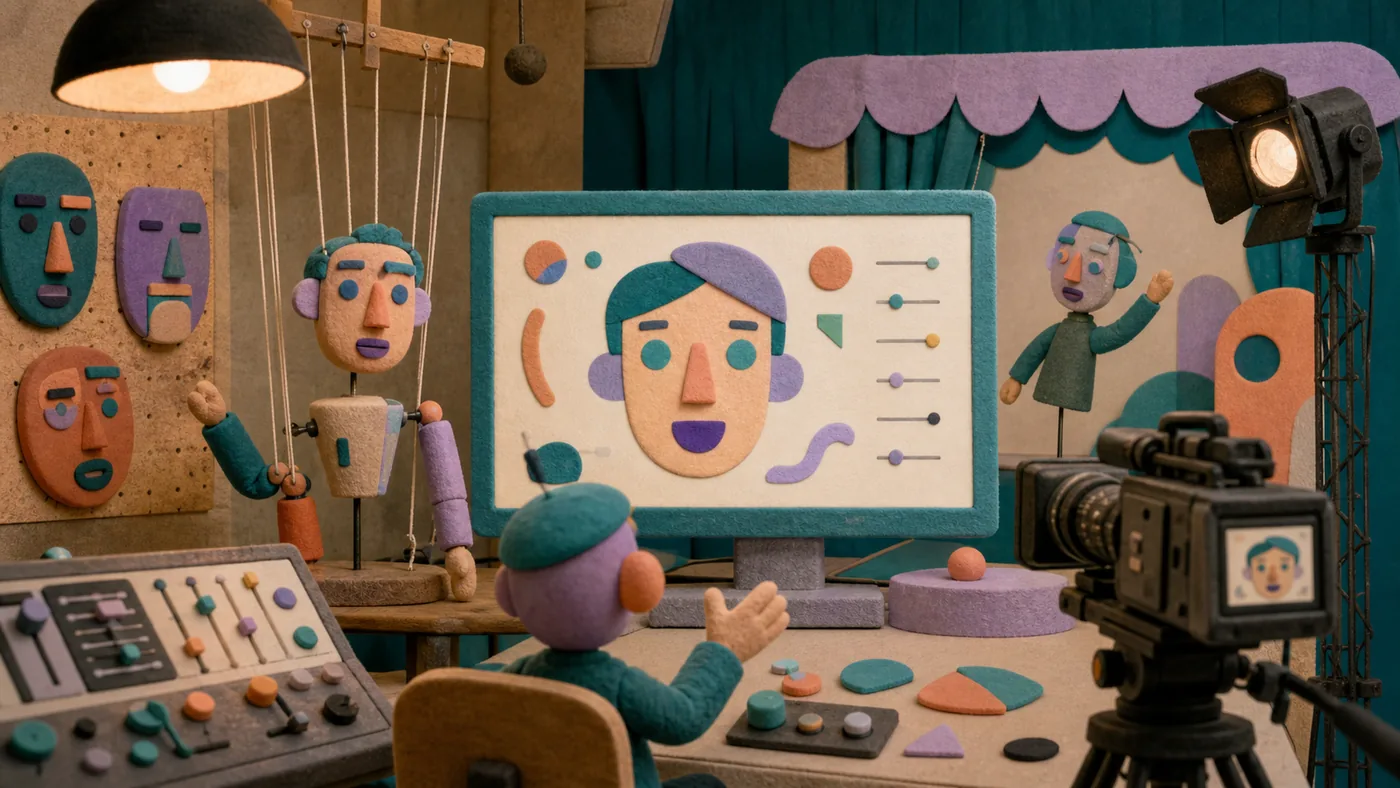
With Avatarify, it is worth taking a sober look at the everyday reality behind the promise. At its core, it focuses on face animation and avatar effects for video experiments; the tool becomes truly valuable when it helps create visual prototypes, filters, and playful live formats.
Before introducing it, the key question should be answered: are rights, labeling, and context clearly defined? Otherwise, the benefit remains difficult to measure. The most important caution is that it becomes problematic and misleading when used on real people without consent.
Who is Avatarify suitable for?
Avatarify is a good option for organizations where face animation and avatar effects for video experiments regularly take time. Getting started is especially worthwhile for creative experiments, demos, and non-critical video formats. A clearly assigned owner should accompany the process.
The tool is not ideal when the caution point remains hard to control: it becomes problematic and misleading when used on real people without consent. In that case, the process should be simplified first before additional software is introduced.
Editorial assessment
Avatarify should not be evaluated in isolation. What matters is the position in the workflow before and after it: Where do the inputs come from, who reviews the result, and how is an error corrected? Only then does it become clear whether the tool really shifts work or simply repackages it more attractively.
- A good fit if: for creative experiments, demos, and non-critical video formats.
- Measure: whether rights, labeling, and context are clearly defined.
- Boundary: it becomes problematic and misleading when used on real people without consent.
Main features
Real-time face animation: Animate photos with facial expressions and gestures based on video sources or webcam input.
Deepfake technology: Realistic overlay and manipulation of faces in videos.
Support for various image formats: Compatible with common image files for easy integration.
Open-source components: Possibility for customization and extension by developers.
Cross-platform use: Available for various operating systems, including Windows, macOS, and Linux.
Integration into video conferencing: Use as an overlay in Zoom, Teams, and other applications.
Batch processing: Automated animation of multiple images in a single pass.
Community support and tutorials: Access to resources and help for beginners and advanced users.
Practical check: whether rights, labeling, and context are clearly defined.
Team rollout: to create visual prototypes, filters, and playful live formats.
Pros and cons
Pros
- Creates realistic and appealing animations from static images.
- Flexible for different use cases such as entertainment, marketing, or education.
- Open-source components enable individual customization.
- Supports real-time animation, ideal for live streams or video conferences.
- Cross-platform and well documented.
- Especially valuable: for creative experiments, demos, and non-critical video formats.
Cons
- Requires some technical know-how for installation and optimal use.
- Performance and quality can vary depending on hardware and source material.
- Data protection and ethical aspects of using deepfake technology must be observed.
- Not a fully automated solution - manual fine-tuning may be necessary.
- Pricing model and availability of advanced features vary by provider.
- Caution point: it becomes problematic and misleading when used on real people without consent.
Pricing & costs
Avatarify's pricing varies depending on the provider and usage scenario. Because there are open-source components, a free basic version is available, but it offers limited functionality. For professional use or advanced features, paid plans or subscriptions may be necessary. More detailed pricing information depends on the respective provider or service.
For budget planning, Avatarify should not be evaluated by list price alone. More important are operating effort, training, integrations, and whether rights, labeling, and context are clearly defined.
Open frequently asked questions
FAQ
1. Is Avatarify free to use?
What should a Avatarify pilot look like?
Start with a bounded process, a small group and a clear success criterion. Check output quality, permissions and handovers before expanding the scope.
Which data should not be processed in Avatarify without review?
Sensitive or confidential content should wait until contract terms, access, storage and deletion controls have been reviewed. Escalate uncertainty to the responsible privacy owner.
When is an alternative to Avatarify the better choice?
Choose an alternative when the need is occasional, a required integration is missing, or administration and cost outweigh the practical benefit.
In principle, there is a free version with limited features, but professional features often require paid plans.
2. Do I need special hardware? For optimal results, a powerful graphics card is recommended, especially for real-time animation.
3. How safe is using Avatarify? Since it is deepfake technology, users should handle personal data responsibly and observe legal requirements.
4. Can I use Avatarify in video conferences? Yes, Avatarify supports integration as an overlay in common video conferencing tools such as Zoom or Microsoft Teams.
5. Is there support or documentation? Many resources, including guides and community forums, are available, especially for open-source versions.
6. Which image formats are supported? Typically common formats such as JPG, PNG, and BMP, depending on the respective version or platform.
7. How long does it take to animate an image? The duration depends on processing power and the scope of the animation, usually a few seconds to minutes.
8. Can I use Avatarify without programming knowledge? Basic functions are often accessible, but technical knowledge is helpful for advanced customization.
9. How should Avatarify be tested? Best with a small, real scenario from your own daily work. Check whether the tool helps create visual prototypes, filters, and playful live formats, and whether the results can be used without much rework.
10. What is the most common stumbling block with Avatarify? The most common stumbling block is starting too broadly. Before rollout, it should be clear whether rights, labeling, and context are clearly defined; otherwise, the benefit is difficult to assess.
Workflow and rollout
A useful start with Avatarify begins with one concrete workflow and a small user group. Define the input, expected outcome and manual checkpoint before adding more automation or permissions. Record who approves the result and how a failed step is reversed. A focused pilot makes it clear whether Avatarify holds up in daily work or only looks convincing in a demo.