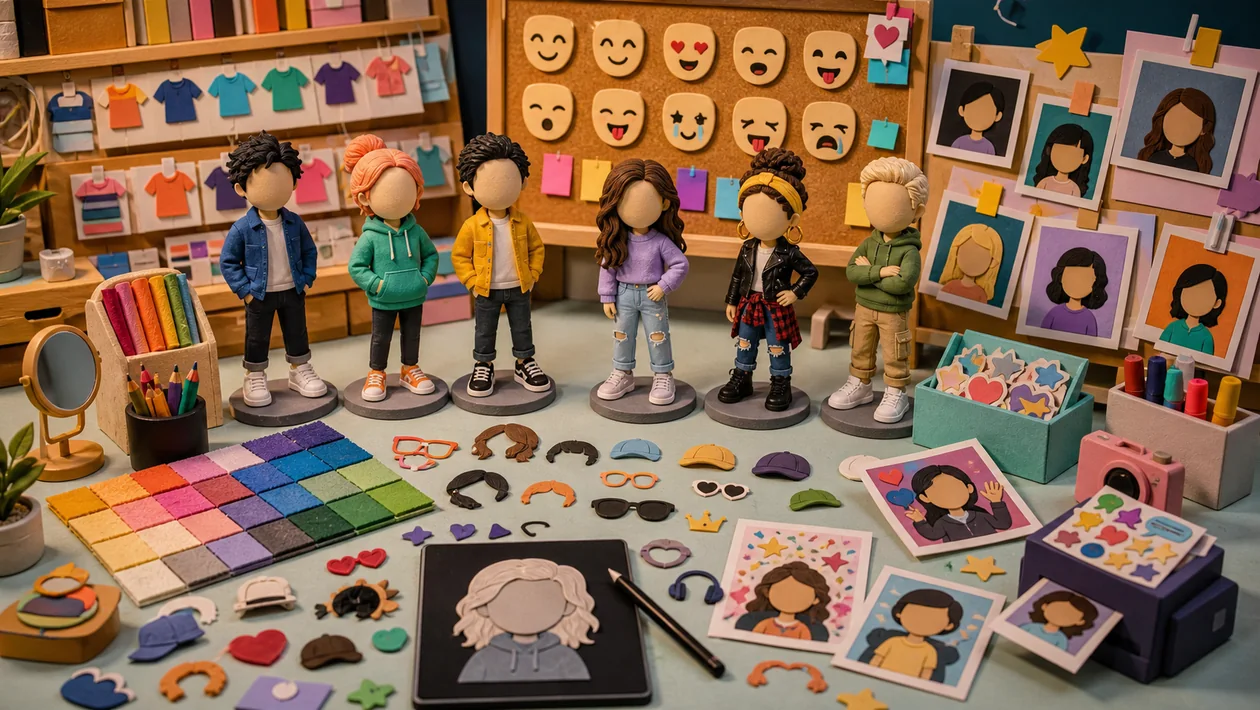
Bitmoji is a mobile avatar and sticker app. You create a personal character and use 2D or 3D versions in chats, Snapchat profiles, Stories, and supported keyboards. Its practical value is not campaign image production; it is the speed of sending a recognisable reaction, mood, or status while talking to someone. If you need a neutral brand avatar, print-ready artwork, or a centrally governed company asset library, Bitmoji is the wrong production tool.
Who is Bitmoji for?
Bitmoji is a good fit for individuals, friends, families, and private social accounts that want a consistent visual identity in casual communication. Small creator communities may also use it for quick reactions and informal updates. The basic flow is approachable: create an avatar, choose its look, search the sticker library, and share from the app or a supported keyboard.
For businesses, Bitmoji is best treated as an optional personal communication layer for individual employees, not as an editorial system. It does not provide a shared brand library, approval workflow, or reliable asset-management process. Once several people must use the same approved motifs, document rights, or retain source files, a dedicated design or content tool is a safer choice.
What does the everyday workflow look like?
The normal workflow is short:
- Build the avatar and choose its face, hair, clothing, and accessories.
- Search the sticker library for a situation, phrase, or mood.
- Select a sticker in Snapchat, the Bitmoji app, a supported keyboard, or a compatible messaging app.
- Check the recipient and context before sending.
The available library and features can vary with device language, location, operating system, and partner app. Snapchat has its own 3D experiences, so the feature set outside Snapchat is not automatically identical. That is the main expectation boundary for anyone who wants the same avatar experience everywhere.
Features that matter in practice
The avatar editor is the foundation: you can adjust the character's appearance, clothing, and accessories. You then browse categories or search by keyword for a relevant sticker. On Android, the Bitmoji Keyboard can suggest stickers as you type; Gboard and Samsung Keyboard have their own integration paths on supported devices. On iOS, the Bitmoji Keyboard can copy stickers into compatible chat fields.
Inside Snapchat, a linked 3D Bitmoji can appear in the profile and in Lenses. Snapchat Customojis combine typed words with text stickers featuring your Bitmoji. These are platform-specific experiences, not a universal export format. For a simple profile image or one-off reaction, the standard sticker flow is usually enough.
Concrete use cases
- Chat reactions: Send a congratulation, apology, or agreement with more personality than a plain emoji, without designing an image from scratch.
- Snapchat identity: Use a 3D Bitmoji as part of a Snapchat profile and its visual presence.
- Mobile community work: Community managers or creators can send recurring informal notices faster, provided the community tone supports it.
- Friend groups: Friendmoji and shared scenes can work well in private conversations when everyone is comfortable with their avatars being used.
Bitmoji is not a good fit for confidential customer documents, formal accessibility communication, professional campaigns without a rights review, or automated bulk image production. Its strength is spontaneous expression, not controlled media operations.
Integrations and technical boundaries
Bitmoji is most dependable on a phone. Official support covers iOS and Android apps, keyboard integrations, and a Chrome extension, but a feature is not available in every messaging app. If a chat field cannot accept an image paste, sending through Gboard or the Bitmoji Keyboard may fail. Before recommending it to a team, test the actual phones, messengers, and operating-system versions in use.
Linking Bitmoji to Snapchat is convenient, but it ties accounts and features more closely to Snapchat. When moving between a standalone Bitmoji account and Snapchat login, make sure the recovery email and ownership are clear. A small operating checklist should name the account owner, record whether the keyboard is enabled, list tested destination apps, and explain how the avatar is recovered after a device change.
Privacy, permissions, and rights
A third-party keyboard deserves a deliberate permission review. Users should understand the operating-system warning and enable the keyboard only when the convenience is worth the additional access. Bitmoji says its Android smart sticker suggestions are processed on the device and that it does not track the text you type for that feature; it also describes collecting product activity such as stickers shared or categories browsed. That is not a blanket approval for every setup, so check the current privacy policy and device settings.
Public or paid communication adds a rights question. Bitmoji's official brand guidelines focus on personal, non-monetised use and warn against suggesting a partnership or selling Bitmoji material. A Bitmoji in a private profile is therefore different from a paid advertising visual, a customer logo, or merchandise. For minors, shared avatars, and public posts, consent should be explicit and understandable.
Costs and ongoing effort
Bitmoji is best described as Freemium: core avatar creation and much of the sticker use are available without a conventional purchase, while some content, platform features, or connected Snapchat offers may have separate conditions. The less visible cost is operational: app updates, device compatibility, account recovery, and rights checks. Before an organisation recommends Bitmoji as a work aid, it should also confirm that personal accounts and third-party keyboards are allowed under its internal policies.
Editorial Assessment
We recommend Bitmoji to private users and informal communities that want quick, personal, cartoon-style reactions on a phone. It delivers value when Snapchat or the chosen messenger supports the needed integration and everyone is comfortable with the casual tone. A sensible trial needs only one device, two frequently used destination apps, and a short review of permissions and rights.
Choose an alternative when a team needs shared assets, traceable approvals, commercial licensing, accessibility controls, or reproducible exports. Bitmoji is friendly and fast, but it is not a replacement for a design or content system. Our assessment is therefore clear: strong for personal communication, limited for professional communication, and unsuitable as a governed company asset library.
Open frequently asked questions
FAQ
Can I use Bitmoji for free?
Core avatar creation and many stickers are available under the Freemium model. Individual content or connected Snapchat offers can have different terms, so check the notice shown in the relevant app.
Can I use Bitmoji in WhatsApp or other messengers?
Often, yes, if the app accepts images pasted from the Bitmoji app, Gboard, or the Bitmoji Keyboard. Compatibility is not universal. If sending fails, check the app version, selected keyboard, and whether the specific chat field supports image pasting.
Do I have to enable the Bitmoji Keyboard?
No. You can choose a sticker in the Bitmoji app and share it without enabling a keyboard. The keyboard is faster, but it requests additional system permissions and should be enabled only when that convenience is justified.
What happens when I unlink Bitmoji from Snapchat?
It depends on how the account was created. A Bitmoji account created through Snapchat can lose its avatar and saved clothing items permanently when unlinked. Check the warning in the settings and confirm the login email and recovery path before removing the link.
Can I use Bitmoji in advertising or client work?
Not automatically. The official brand guidelines distinguish personal, non-monetised use from commercial communication and warn against implying a partnership or selling Bitmoji material. A campaign needs an explicit rights review before publication.