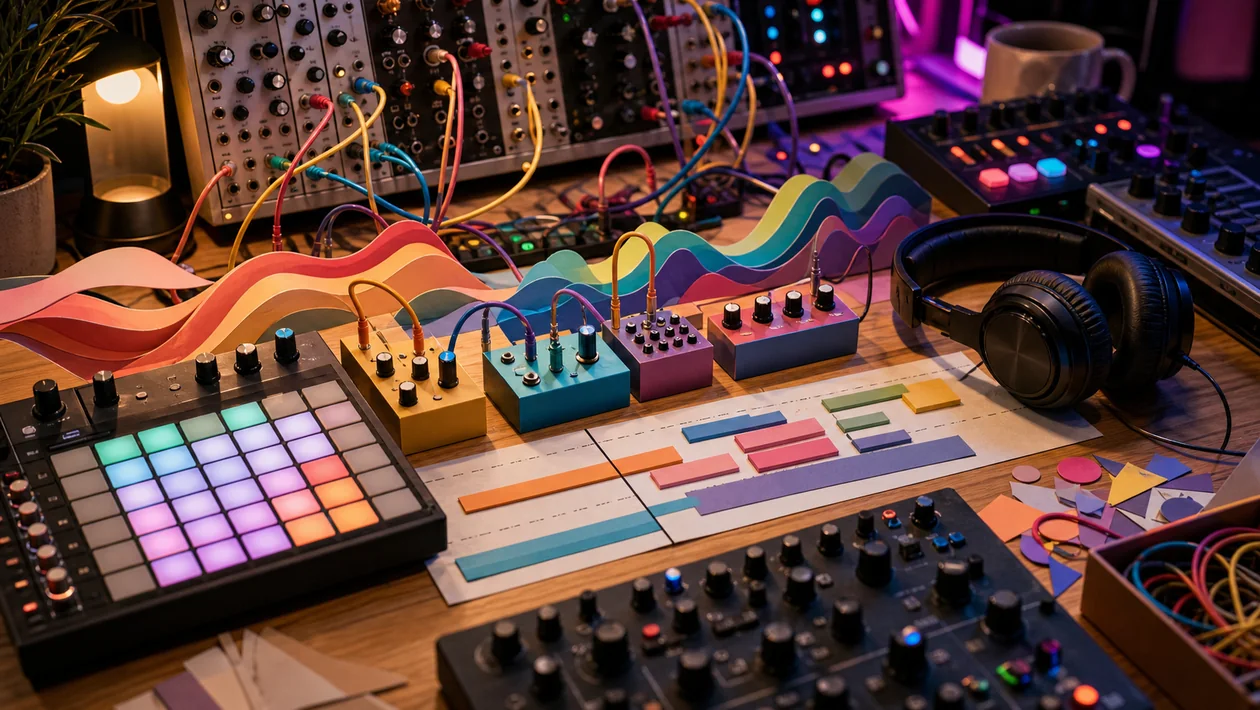
Bitwig Studio is a digital audio workstation for musicians, producers, sound designers, and live performers. It combines a linear Arranger timeline with the Clip Launcher, recording, mixing, instruments, effects, and the modular The Grid environment. The practical boundary matters: Bitwig does not replace careful audio and MIDI editing or rights clearance for samples, voices, and recordings.
Who is Bitwig Studio for?
Bitwig fits people who want to move quickly from sketches to playable arrangements while keeping room for deep modulation and sound design. It is particularly useful for:
- Electronic producers who want to combine clips, scenes, and linear arrangement.
- Sound designers building their own synthesizers, effects, or note processors in The Grid.
- Live acts preparing scenes and improvising with controllers, audio, or MIDI.
- Studios that need to keep Windows, macOS, and Linux in the platform conversation.
If the job is only trimming a voice recording or making a quick beat with no learning curve, a smaller editor or focused beat app may be the faster choice.
What does the daily workflow look like?
A reliable session starts with a project folder, a tempo and sample plan, and clear tracks for recording, arrangement, and mix. Ideas can be tested in the Clip Launcher, grouped into scenes, and then moved into the Arranger timeline. For approval, export a defined mixdown and keep the project file, source samples, and plugin versions traceable.
For sound design, add a Grid device, connect modules, and map modulation to parameters. This is useful for custom instruments, generative sequences, and unusual effects, but it needs more documentation than loading a finished preset. In a team, assign ownership for file structure, versions, and final exports.
The components that matter
- Arranger and Clip Launcher: Linear composition and nonlinear jamming live in one project; clips can be grouped into scenes and transferred into the Arranger.
- Recording and editing: Audio and MIDI tracks, comping, time-stretching, automation, and detailed clip editing cover the normal production path.
- Unified modulation: Audio, MIDI, note, and hardware signals can modulate device and project parameters.
- The Grid: Poly Grid, FX Grid, and Note Grid support custom instruments, effects, and note generators.
- Hybrid tracks and routing: Audio and note material can work together through tracks, containers, and signal paths.
- Controllers and CV: Hardware controllers plus MIDI and CV workflows can be part of performance and modulation setups.
- Browser and multi-project work: Searchable content and multiple open projects help with variants and comparisons.
Concrete scenarios
Electronic track: Start in the Clip Launcher with drums, bass, and two scenes. After arranging, review automation, a reference mix, and the final export separately.
Live set: Give every scene a clear name, a safe start and stop point, and a tested controller map. Test the show with the actual audio interface and an offline backup, not only through laptop speakers.
Modular sound: Build a synth in Poly Grid or an effect in FX Grid. Document the preset, modulation logic, and CPU behavior before reusing the patch across projects.
Podcast or video score: Keep music, voice tracks, and markers in one project. Before handoff, check loudness, silence, file format, sample rights, and master version.
Limits, cost, and operations
Bitwig Studio is sold as a license with a 12-month Upgrade Plan. When the plan expires, the owned license continues to run the latest version received; the plan matters for new major versions and further updates. Check the official shop for current prices and edition differences instead of relying on an old offer page.
The performance limit is not only Bitwig: large track counts, oversampling, Grid patches, and third-party plugins consume CPU, RAM, and disk. Stable live use requires testing the audio interface, drivers, buffer, controller, and plugins with the real set. A project may behave differently on another platform or with another plugin version.
Recordings and samples may contain personal data, client speech, or third-party rights. Before sharing a project, define storage, backups, permissions, and the libraries used. A local project file is not a backup or archive strategy.
Editorial assessment
We recommend Bitwig Studio to producers and live teams that need clip-based work and linear arrangement in the same project and will actually use advanced modulation or The Grid. Its value is clearest in repeatable sessions, custom instruments, and performances, not in the length of its feature list.
It is a weaker fit for an organization that only edits audio, works exclusively on a Mac with Logic, or needs finished results without plugin and project maintenance. A fair pilot is one real track or a 20-minute live set with export, restore test, and a second machine. Judge it by stable playback, traceable files, and time saved against the current DAW workflow.
Open frequently asked questions
FAQ
Can I try Bitwig Studio before buying it?
Yes. Bitwig offers a time-limited trial. Use it with a real project and test the controller and plugin path you intend to use before deciding.
Which operating systems are supported?
Bitwig Studio is available for Windows, macOS, and Linux. Test the exact release, CPU support, and Linux distribution as part of the rollout check.
Is Bitwig Studio subscription-only?
No. After the 12-month Upgrade Plan ends, the license remains usable for the latest version you received. New major versions require renewing the plan.
Can I use VST plugins and hardware?
Third-party plugins plus MIDI and controller hardware are part of the intended workflow. Format, driver, stability, and CPU load still need testing for each plugin, operating system, and project.
Do I need The Grid for normal music production?
No. Recording, arrangement, clips, and integrated devices work without custom Grid patches. The Grid is useful when you want to build instruments, effects, or note logic yourself.
