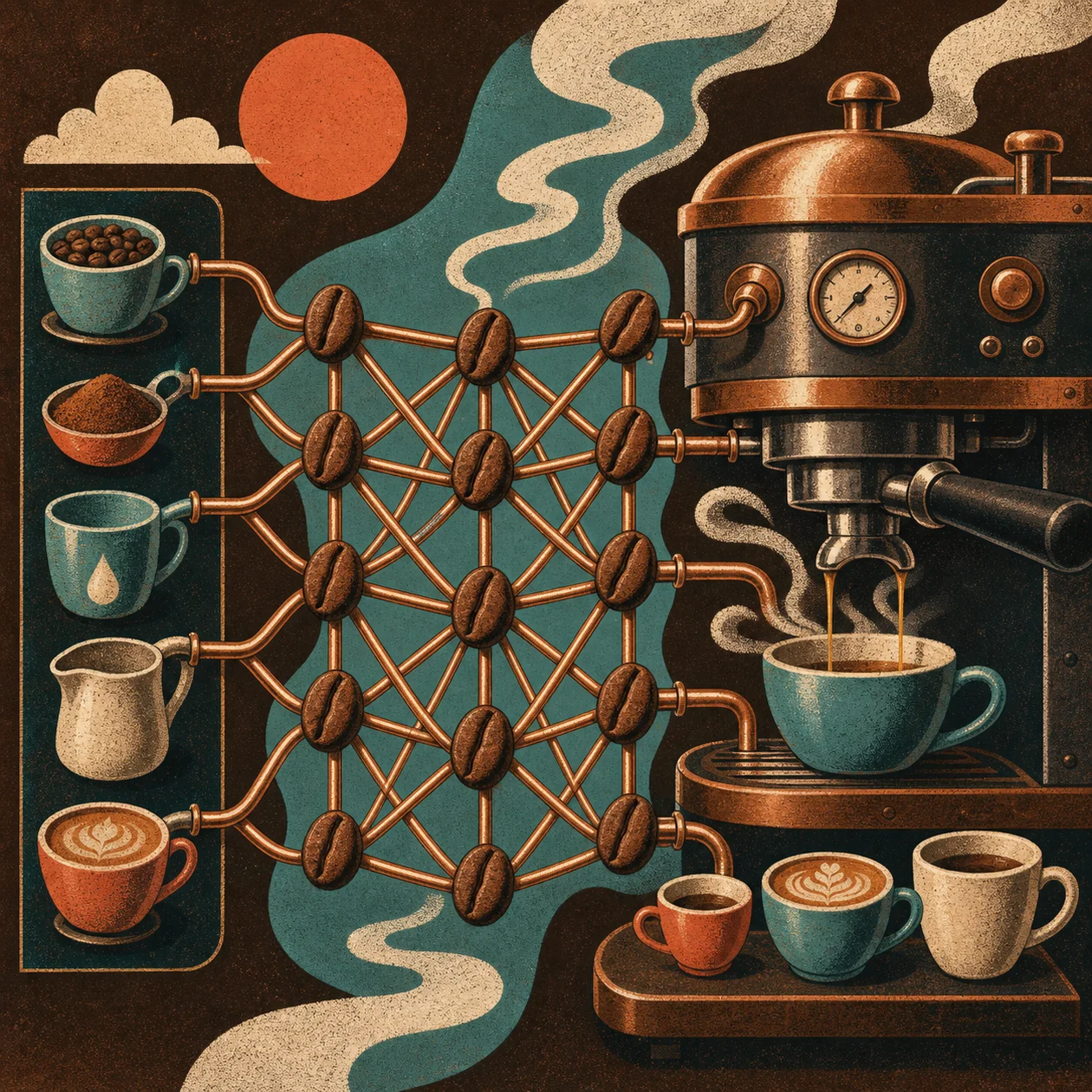
Caffe is a C++-based open-source deep-learning framework that describes networks, data paths, and training declaratively through prototxt files. It is most useful when a team needs to reproduce, fine-tune, or run an existing vision model with a relatively fixed graph; for a new general-purpose ML platform, its older development baseline is an important constraint.
Who is Caffe for?
Caffe fits ML engineers, researchers, and maintainers of computer-vision pipelines who value C++ execution, explicit model graphs, and versioned configuration. The team should be comfortable with Linux builds, training data, and hardware dependencies. People starting from zero will usually reach a useful first experiment faster with Keras or PyTorch, especially when they do not already have Caffe model artifacts.
The components in a real workflow
A Caffe project is more than one network file. A prototxt describes the network topology, layers define data flow and computation, and a second configuration controls learning rate, iterations, test intervals, snapshots, and solver behavior. Data layers can read from LMDB, LevelDB, HDF5, or files. Weights are commonly stored as .caffemodel files, so the model description, weights, data provenance, and license should be versioned as one reproducible bundle.
Concrete use cases
- Taking over a legacy vision model: Pin the Caffe commit and weights, run a published CaffeNet, LeNet, or other reference model, and compare its output on a controlled validation set.
- Fine-tuning classification or detection: Keep a known architecture, then change the data layer, classes, solver settings, and weights for a narrowly defined task.
- Reproducible batch inference: A C++ service or command-line job loads a fixed net and weights, processes images or video frames, and writes scores together with the model version.
- Research prototyping with a Python layer: Add custom logic through the Python interface, but isolate it behind pinned dependencies and dedicated tests.
Caffe is a poor fit for a rapidly changing multimodal, NLP, or generative project where modern operators, flexible autograd, and a current ecosystem matter more than compatibility with Caffe artifacts.
Installation and operations
Caffe is built from source. A CPU-only build must be selected deliberately; GPU operation requires CUDA and a compatible driver. Depending on the setup, the build also involves BLAS, Boost, protobuf, glog, gflags, and HDF5, with LMDB, LevelDB, OpenCV, and cuDNN as optional pieces. The Python and MATLAB wrappers are additional build targets rather than an automatic high-level layer.
For controlled operations, record the compiler, build flags, CUDA/cuDNN versions, Caffe commit, prototxt, weights, and preprocessing rules as one artifact. Before replacing a model, run caffe test on an unchanged test set and caffe time on the target hardware. Keep snapshots and logs outside ephemeral containers so a failed run can be inspected and resumed.
Evaluation and boundaries
One accuracy number is not enough. For each model, check class balance, representative failure cases, preprocessing drift, inference time, memory use, and behavior on damaged or unknown images. Compare an unchanged reference with the fine-tuned model and document which changes explain the result.
Caffe is most convincing when the required artifact already exists in Caffe format. For a new project, missing current operators, older build assumptions, and a smaller active ecosystem can make integration and debugging more expensive. A successful MNIST run proves that a build works; it does not prove production readiness.
Data, licensing, and governance
Caffe itself is released under the BSD 2-Clause license. That does not settle the rights for training images, derived datasets, pretrained weights, or custom Python layers. The Model Zoo explicitly points readers to the conditions attached to individual authors. Check dataset licenses, model READMEs, attribution, and permitted use before shipping any weight.
For personal or confidential images, document the local data path and restrict access to training and snapshot directories. Keep sensitive examples out of logs and artifacts, define retention rules, and record a traceable hash for the model and configuration. Caffe does not provide a complete platform for roles, secrets, monitoring, or deletion workflows; those controls have to live around the framework.
Costs and support effort
Caffe has no license or subscription fee. The real cost is engineering time, build and dependency maintenance, CPU/GPU compute, storage for data and snapshots, and possibly a custom wrapper or support arrangement. GPU acceleration is not a free add-on when it requires CUDA-capable hardware, driver maintenance, and reproducible images.
For an existing Caffe pipeline, compatibility can be cheaper than an immediate migration. For a new project, include the cost of missing modern integrations, scarce internal expertise, and a later conversion in the decision. A small load and maintenance test is more informative than comparing feature lists.
Editorial Assessment
We recommend Caffe to teams that must keep, reproduce, or carefully fine-tune a concrete vision model in Caffe format and can own the build, data, and evaluation work. Its value is the explicit, versionable description of a network and solver, not a modern all-purpose ecosystem.
For a new general deep-learning project, start by comparing PyTorch, TensorFlow, or Keras. Choose OpenCV instead when the actual need is image processing rather than deep-learning training; stay with Caffe when compatibility with a historical artifact is the decisive requirement. The decision should be based on a reproducible build plus error and latency measurements on real data.
Open frequently asked questions
FAQ
Do I need an NVIDIA GPU to use Caffe?
No. Caffe can be built and run in CPU-only mode. GPU training or inference does require a CUDA-capable environment and a compatible driver, which adds operational work.
Which files should be versioned with a Caffe model?
At minimum, version the network and solver prototxt, weights, preprocessing rules, data description, build configuration, and a reproducible test run. A .caffemodel file alone cannot explain future output reliably.
Can I use Caffe models directly in PyTorch or TensorFlow?
Not in every case. Conversion depends on layers, operators, weights, and preprocessing and must be checked against reference outputs. Custom layers or Python layers may require a manual rewrite.
Is Caffe a sensible choice for a new generative or multimodal product?
Usually not. Its declarative, older orientation and smaller current ecosystem suit stable vision graphs and compatibility work better than rapidly changing generative workloads.
Can I use Model Zoo weights commercially?
It depends on the individual model and dataset. Caffe uses the BSD 2-Clause license, but Model Zoo entries can carry their own attribution, citation, or usage conditions. Review the README and training-data rights for each weight separately.