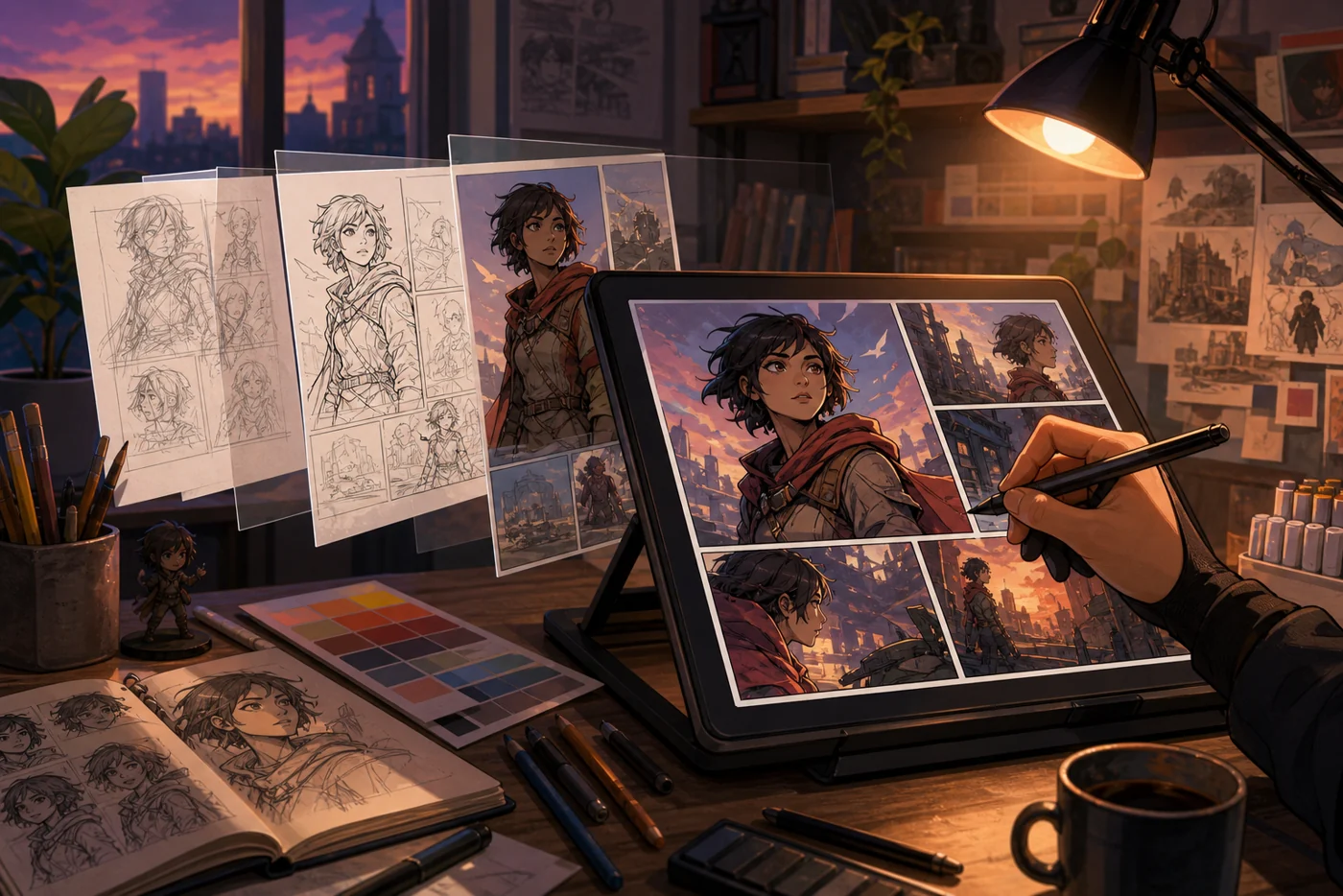
Clip Studio Paint is a versatile software specializing in digital drawing, painting, illustration, and animation. It offers a wide range of tools suitable for both beginners and professional artists. The software is known for its natural brush engine and extensive features for comics and manga, making it a popular choice in the creative industry.
Who is Clip Studio Paint for?
Clip Studio Paint is designed for artists, illustrators, comic artists, and animators seeking a powerful and flexible solution for digital drawing and animation. The software is suitable for hobbyists and professionals alike who want to create detailed illustrations, comics, or animated sequences. Designers who prioritize precise brushes and a variety of drawing tools will also find a suitable platform here.
Key Features
- Natural and customizable brushes with realistic texture
- Support for vector and raster graphics
- Extensive tools for comic and manga creation (panel layouts, speech bubbles, raster screens)
- Animation features for frame-by-frame animation
- 3D model import and integration to support drawing figures and perspectives
- Adjustable user interface and workspaces
- Level management with various modes and masks
- Support for graphics tablets and stylus sensitivity
- Cloud storage options for synchronizing projects (depending on the plan)
- Regular updates and expansions
Advantages and Disadvantages
Advantages
- Very realistic brushes and drawing tools
- Extensive features for comics and animations in one program
- Flexible and adaptable for various art styles and projects
- One-time payment and subscription models available
- Active community and many tutorials
Disadvantages
- For beginners, the wide range of features can be overwhelming
- Some advanced features are only available in the Pro or EX version
- Animation tools are good but not as extensive as specialized animation software
- The software is not open-source and is a paid product
Pricing & Costs
Clip Studio Paint offers various pricing models, including a one-time payment for the Pro and EX versions, as well as a subscription model for additional cloud features and updates. Prices may vary depending on the provider and plan. There is also a free trial version available, allowing users to test the software before purchasing.
Open frequently asked questions
FAQ
1. Is Clip Studio Paint suitable for beginners?
What should a Clip Studio Paint pilot look like?
Start with a bounded process, a small group and a clear success criterion. Check output quality, permissions and handovers before expanding the scope.
Which data should not be processed in Clip Studio Paint without review?
Sensitive or confidential content should wait until contract terms, access, storage and deletion controls have been reviewed. Escalate uncertainty to the responsible privacy owner.
When is an alternative to Clip Studio Paint the better choice?
Choose an alternative when the need is occasional, a required integration is missing, or administration and cost outweigh the practical benefit.
Yes, the software offers an intuitive user interface and many tutorials, but may initially seem complex due to its extensive features.
2. What versions of Clip Studio Paint are available? There are primarily the Pro and EX versions, with EX offering more features for animation and comics.
3. Can I try Clip Studio Paint for free? Yes, a free trial version is available, allowing users to test the software before purchasing.
4. Does Clip Studio Paint support animation? Yes, the software offers frame-by-frame animation tools suitable for simple to moderately complex animations.
5. What platforms does Clip Studio Paint run on? Clip Studio Paint is available for Windows, macOS, iPad, iPhone, and Android.
6. What input devices are supported? The software supports graphics tablets and styluses with sensitivity, enabling precise drawing.
7. Does Clip Studio Paint have cloud features? Yes, users can store and synchronize projects in the cloud depending on the plan.
8. How does Clip Studio Paint differ from other drawing programs? Clip Studio Paint combines powerful drawing and painting tools with specialized features for comics and animation, making it particularly versatile.
Editorial Assessment
Clip Studio Paint is a defensible choice when a defined workflow, clear ownership and a limited pilot come together. The decision should rest less on a feature checklist than on whether the team can review results, hand work over reliably and respond to change. Our verdict: a good fit for recurring work with an accountable owner; for a narrow or occasional task, a simpler alternative is usually more sensible.
Workflow and rollout
A useful start with Clip Studio Paint begins with one concrete workflow and a small user group. Define the input, expected outcome and manual checkpoint before adding more automation or permissions. Record who approves the result and how a failed step is reversed. A focused pilot makes it clear whether Clip Studio Paint holds up in daily work or only looks convincing in a demo.