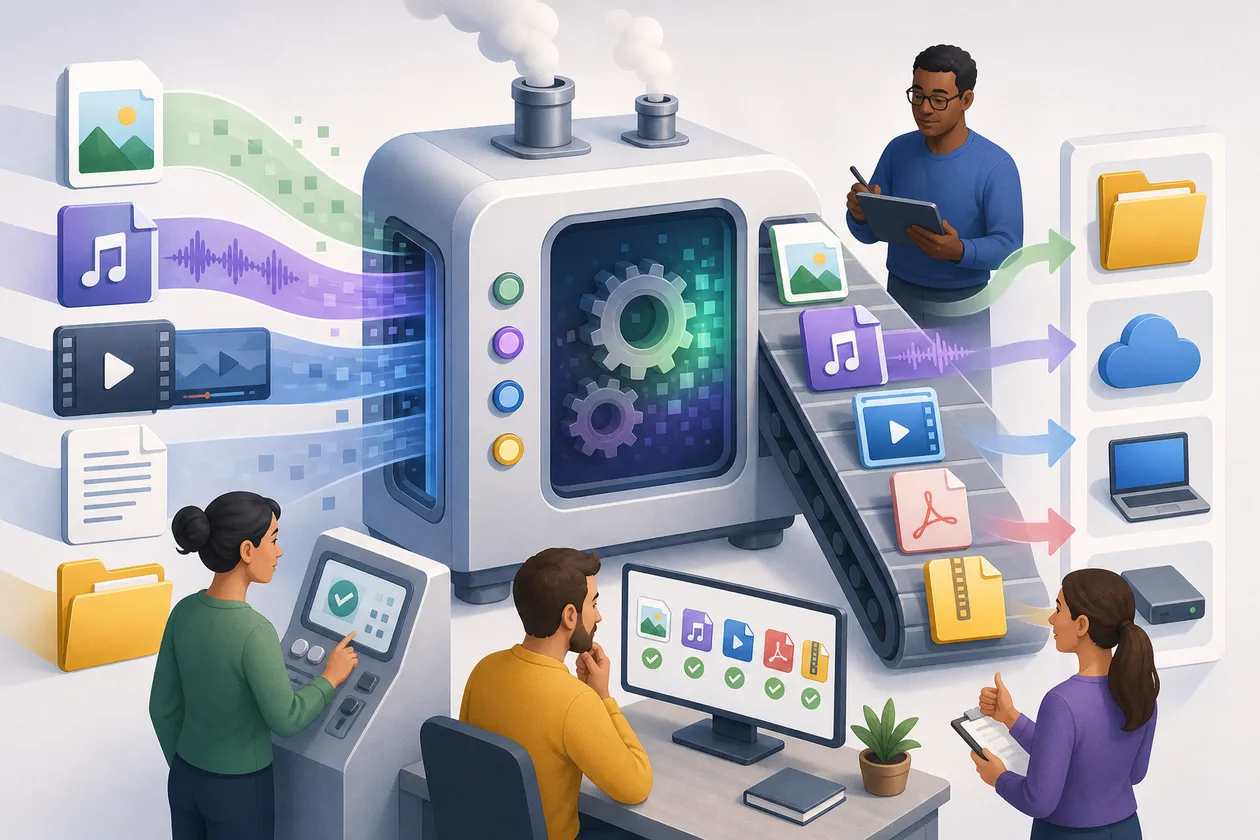
Convertio is a versatile online tool for file and document conversion based on artificial intelligence. It allows users to quickly and easily convert files into various formats without the need for installation. The tool supports a wide range of file types, including images, documents, audio, and video files, and is particularly suitable for users seeking flexible and uncomplicated solutions for file conversions.
For whom is Convertio suitable?
Convertio is suitable for a broad target audience: from private individuals who occasionally need to convert files, to students and professionals who need to convert documents into other formats, and even small and medium-sized enterprises that regularly work with different file types. It is particularly useful for users who do not want to install complex programs and prefer a fast, web-based solution. Additionally, users with little technical experience will find the tool easy to understand and intuitive to use.
Main Features
- Support for a wide range of file formats: Conversion of documents (PDF, DOCX, PPTX), images (JPG, PNG, SVG), audio (MP3, WAV), and video (MP4, AVI).
- Cloud Integration: The ability to import files directly from cloud services like Google Drive or Dropbox and store converted files there.
- Batch Conversion: Conversion of multiple files at the same time, saving time.
- OCR Function: Text recognition in scanned documents and images to convert them into editable formats.
- User-friendly interface: Easy drag-and-drop functionality and clear menu structure.
- Security Standards: Encryption of uploaded files for data protection and security.
- Platform-independent: Access to the tool directly in the browser without installation, compatible with Windows, macOS, Linux, and mobile devices.
- Automatic Format Recognition: The tool automatically recognizes the source format and suggests suitable target formats.
Advantages and Disadvantages
Advantages
- No software installation required – completely web-based.
- Wide range of supported file formats.
- Fast and easy-to-use interface, even for beginners.
- Possibility of using free basic functions.
- Integration with cloud services simplifies workflows.
- Batch conversion saves time with multiple files.
- OCR function for text recognition in images and PDFs.
Disadvantages
- Paid plans required for larger files and expanded functionality.
- Upload and download of files require internet connection.
- Data protection depends on the provider, so sensitive data should be handled with caution.
- Processing of large files may be limited depending on the tariff.
- No offline use is possible.
Prices & Costs
Convertio offers a Freemium model: The basic functions are free to use, but with limitations on file size and number of conversions per day. For expanded functionality, larger files, and unlimited use, Convertio offers various paid plans. The prices vary depending on the chosen subscription and performance.
Details on prices and subscriptions are available on the official website of the provider and may vary depending on the region and tariff.
What really matters in daily use
Convertio can look useful quickly, but daily work asks a sharper question: does browser-based file conversion across many formats and quick one-off tasks fit existing data, roles and approvals? Good evaluation means real trials with original files, layout fidelity, privacy and batch limits, not just a quick look at example outputs. The important constraint is: helpful for simple conversion, but not a safe production pipeline for sensitive documents.
Workflow Fit
For teams, Convertio should not start as a loose side tool; it should attach to a repeatable step in the process. When browser-based file conversion across many formats and quick one-off tasks happens often, a small pilot makes visible how much control and cleanup are really needed. The evidence should come from real trials with original files, layout fidelity, privacy and batch limits. That keeps a strong first impression from becoming operational drag later.
Editorial Assessment
Our assessment: Convertio is strongest when benefits, limits and owners are named before the test starts. The decision should consider cost, quality and controllability together. Helpful for simple conversion, but not a safe production pipeline for sensitive documents. Otherwise the tool can look more valuable than the real process gain proves to be.
Related Guides
Open frequently asked questions
FAQ
1. What file formats does Convertio support?
What should a Convertio pilot look like?
Start with a bounded process, a small group and a clear success criterion. Check output quality, permissions and handovers before expanding the scope.
Which data should not be processed in Convertio without review?
Sensitive or confidential content should wait until contract terms, access, storage and deletion controls have been reviewed. Escalate uncertainty to the responsible privacy owner.
When is an alternative to Convertio the better choice?
Choose an alternative when the need is occasional, a required integration is missing, or administration and cost outweigh the practical benefit.
Convertio supports a wide range of formats, including documents (PDF, DOCX, PPTX), images (JPG, PNG, SVG), audio (MP3, WAV), and video formats (MP4, AVI). A complete list can be found on the provider's website.
**2. Can I use Convertio for free? Yes, Convertio offers a free basic version with limitations on file size and number of conversions per day. For expanded functionality, a paid subscription is required.
**3. How secure are my files on Convertio? Convertio uses encryption during upload and processing to ensure the security of files. However, sensitive data should be handled with caution, as files are transmitted over the internet.
**4. Do I need to install anything? No, Convertio is completely web-based and can be accessed directly in the browser without installation.
**5. Can I convert multiple files at the same time? Yes, Convertio supports batch conversion, allowing multiple files to be converted simultaneously.
**6. Is there a mobile app for Convertio? Convertio is primarily a web application and can be accessed through mobile browsers. A dedicated app is not necessarily required.
**7. How long do converted files stay on the server? Most online conversion tools, including Convertio, automatically delete files after a certain period to ensure data protection. The exact duration can vary depending on the provider.
**8. Does Convertio support OCR for text recognition? Yes, Convertio offers an OCR function that recognizes text in scanned documents and images and converts them into editable formats.
Editorial cluster update June 2026
Convertio is a lightweight converter in the guide context, useful when a single document needs to be adapted before OCR, delivery or upload.
Convertio fits harmless files, test data and occasional formats. Recurring business processes usually need an API or workflow tool instead.
When Convertio fits well
Convertio is most useful when the workflow is already named and the team is not only looking for a tool name. For the Utildesk guide clusters, the practical questions are: which task is being prepared, which data is processed, who reviews the result and which alternative is more realistic in the same work context?
Limits and review points
The boundary is privacy: invoices, applications and customer documents require more than convenience; storage location, deletion logic and accountability matter.
Internal comparison points
Useful comparison points in the Utildesk catalogue are CloudConvert, AnyConv, Smallpdf, Zamzar AI. These links keep Convertio connected to its real cluster of alternatives, risks and workflow roles instead of treating it as a standalone listing.