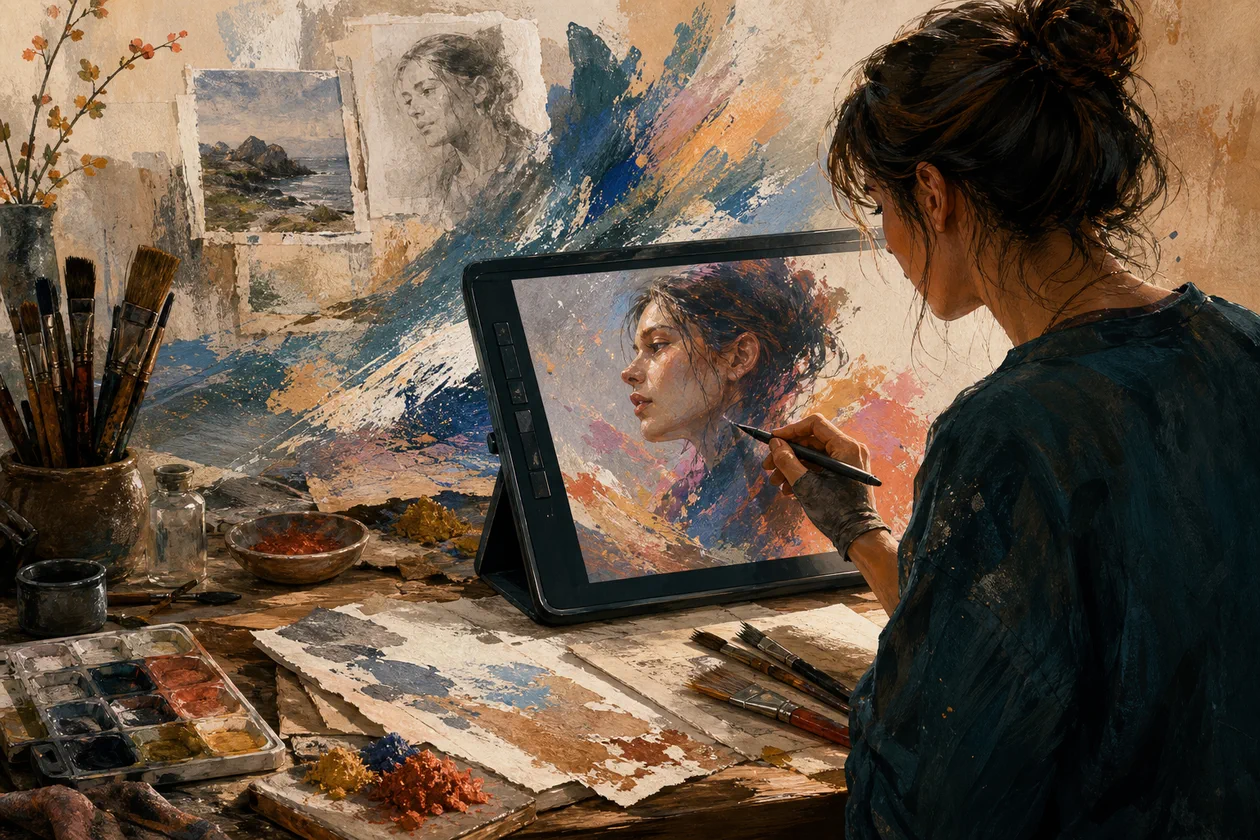
Corel Painter is a professional digital painting and illustration software designed for artists and designers seeking realistic brushes and creative freedom. With a wide range of brush options and AI-powered features, Corel Painter provides a natural and intuitive painting experience on the desktop. The software is suitable for anyone who wants to create high-detail digital artworks with a high artistic standard.
Who is Corel Painter for?
Corel Painter is ideal for professional artists, illustrators, concept artists, and designers who value a realistic painting experience. Also, advanced hobbyists who want to build their digital painting skills can benefit from the extensive toolset. The software is perfect for users who work on desktop systems and value precise control and a wide range of creative possibilities.
Key Features
- Realistic brushes and textures that mimic traditional painting techniques
- AI-powered painting tools to support creative processes
- Adjustable workspaces and user interface for individual workflows
- Support for graphics tablets and stylus input devices with pressure sensitivity
- Level and mask functions for complex illustrations
- Color management and color harmony tools
- Import and export options for various image formats
- Time-lapse feature to record the painting process
- Integration of 3D textures and pattern libraries
- Compatibility with Windows and macOS desktop systems
Advantages and Disadvantages
Advantages
- Very realistic and versatile brushes for different painting styles
- Intuitive interface despite the large range of features
- Powerful AI tools for creative support
- Highly customizable user interface
- Extensive tutorials and community support
Disadvantages
- Relatively high price compared to simpler painting programs
- Requires powerful hardware for smooth operation
- Can be challenging for beginners to learn
- Limited mobile versions or cloud options are available
Pricing & Costs
Corel Painter offers various pricing models, including one-time payments and subscription options. The exact prices vary depending on the provider, region, and chosen plan. There are also free trial versions available, which allow you to test the software before purchasing. For the latest and most detailed pricing information, it's recommended to visit the official website or consult authorized resellers.
What really matters in daily use
Corel Painter is interesting for digital painting when brush feel, texture, and traditional media should feel closer to a real studio. Its strength appears in illustration, concept art, and experimental styles, less in quick layouts or vector-based brand assets.
Workflow Fit
- Good for illustrators, artists, concept artists, and anyone looking for digital tools with an analog feel.
- Less suitable for UI design, simple social templates, or collaborative design systems.
Editorial Assessment
Corel Painter is a tool for visual handwriting. If you only need quick graphics, other tools are faster; if you need brushes, surfaces, and painterly expression, it offers depth.
Open frequently asked questions
FAQ
Is Corel Painter suitable for beginners?
What should a Corel Painter pilot look like?
Start with a bounded process, a small group and a clear success criterion. Check output quality, permissions and handovers before expanding the scope.
Which data should not be processed in Corel Painter without review?
Sensitive or confidential content should wait until contract terms, access, storage and deletion controls have been reviewed. Escalate uncertainty to the responsible privacy owner.
When is an alternative to Corel Painter the better choice?
Choose an alternative when the need is occasional, a required integration is missing, or administration and cost outweigh the practical benefit.
Corel Painter offers many professional features that require a certain amount of time to learn. For beginners, the software can be challenging, but tutorials and an active community can help with the learning process.
Which operating systems are supported? Corel Painter is available for Windows and macOS and optimized for desktop computers and laptops.
Is there a free trial version available? Yes, Corel Painter usually offers a free trial version that can be used for a limited time.
Which input devices are supported? The software supports graphics tablets and stylus input devices with pressure and tilt recognition for precise painting.
How do the subscription and one-time payment models differ? Depending on the plan, Corel Painter offers either a permanent license for a one-time payment or a subscription with regular updates and support.
Can Corel Painter use AI-powered features? Yes, Corel Painter incorporates AI technology to support painting processes and create creative effects.
Is Corel Painter suitable for commercial projects? Yes, the software is often used by professional artists for commercial illustration, concept art, and design projects.
How extensive is the community and support? Corel Painter has an active user community and official support channels, as well as extensive learning resources.