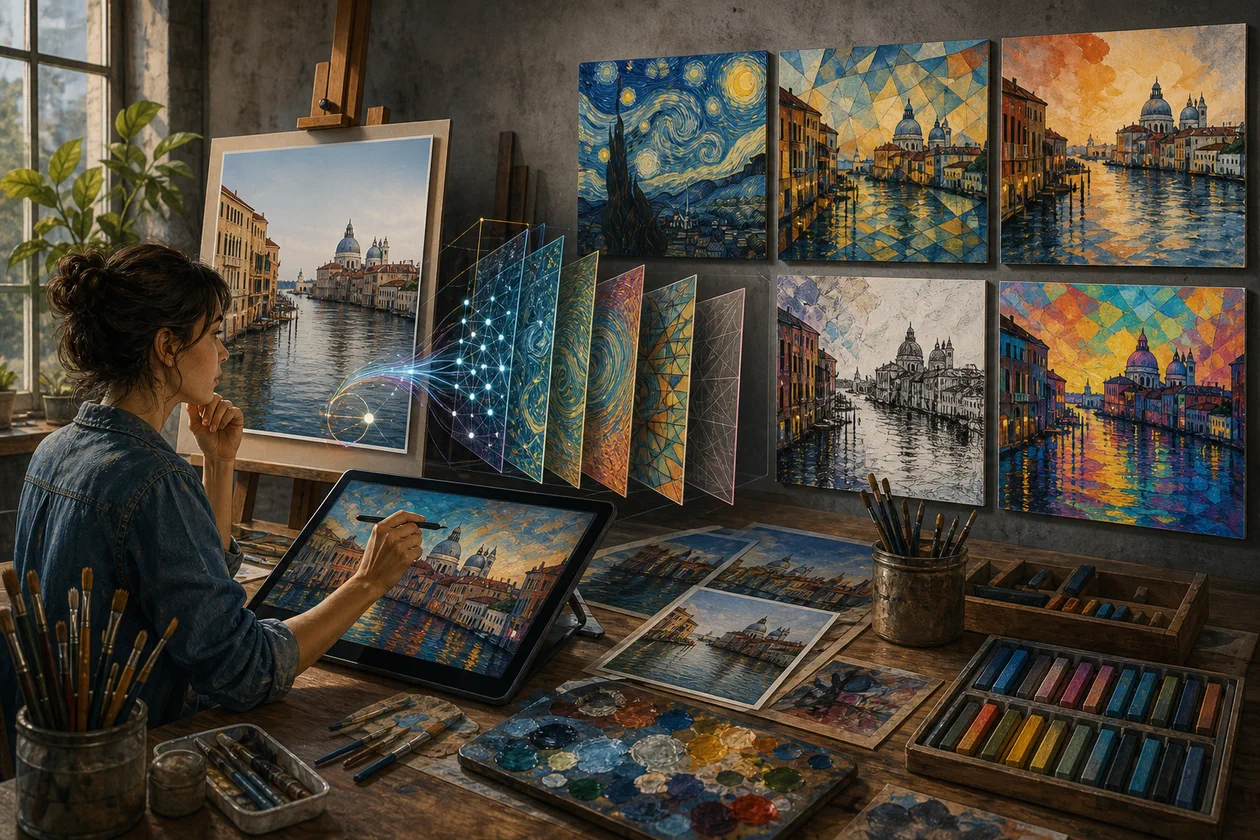
Deep Art Effects is a software that enables users to transform photos into artistic works using advanced algorithms in the field of artificial intelligence. This application allows users to edit their photos with various styles of famous artists and art movements. The application is suitable for both hobbyists and professionals who want to create creative and individual art pieces.
Who is Deep Art Effects for?
Deep Art Effects is particularly suitable for creatives who want to enhance their photos and graphics with artistic effects. This includes:
- Photographers who want to give their photos a unique look
- Artists and designers who create digital art
- Social media users who want to share attention-grabbing and creative content
- Marketing and advertising agencies who need visual content with a special style
- Educational institutions and artists who want to experiment with AI-powered art
The tool is suitable for both beginners and experienced users, as it offers a user-friendly interface and various customization options.
Key Features
- AI-powered Style Transfer: Transfers the style of famous artists such as Van Gogh, Picasso, or Monet onto your own photos.
- Large Selection of Art Styles: Available are numerous filters and effects that cover various art movements, such as Impressionism, Expressionism, or abstract art.
- Batch Processing: Allows for simultaneous processing of multiple images, saving time.
- High Resolution: Export of processed images in high quality for printing and digital applications.
- Offline and Online Mode: Can be used as a desktop application or through a web platform.
- Customizable Settings: Parameters such as effect intensity, color correction, and other settings can be individually adjusted.
- Integration with Workflows: Compatible with popular image editing software and supports various file formats.
- Community and Inspiration: Access to a gallery of user examples and exchange possibilities.
Advantages and Disadvantages
Advantages
- Easy to use even for beginners
- Variety of and high-quality artistic styles
- Fast processing time thanks to AI technology
- Possibility of offline use
- Batch processing for efficient work
- High image quality upon export
Disadvantages
- Some advanced features are only available in paid plans
- Dependent on computer performance in desktop versions
- Style transfer can result in unexpected results with complex images
- Limited customization options in the free Freemium model
Pricing & Costs
Deep Art Effects offers a Freemium pricing model. The basic version is free to use and includes basic filters and functions. For enhanced features, higher resolutions, and commercial use, paid subscriptions or individual offers are available. Prices vary depending on the scope of functionality and usage duration.
Open frequently asked questions
FAQ
1. Do I need special hardware to use Deep Art Effects?
What should a Deep Art Effects pilot look like?
Start with a bounded process, a small group and a clear success criterion. Check output quality, permissions and handovers before expanding the scope.
Which data should not be processed in Deep Art Effects without review?
Sensitive or confidential content should wait until contract terms, access, storage and deletion controls have been reviewed. Escalate uncertainty to the responsible privacy owner.
When is an alternative to Deep Art Effects the better choice?
Choose an alternative when the need is occasional, a required integration is missing, or administration and cost outweigh the practical benefit.
Depending on the platform, performance may vary. For the desktop version, a modern computer is recommended, while the web version typically has lower requirements.
2. Can I try Deep Art Effects for free? Yes, there is a free basic version with limited functions that can be used to try it out.
3. Which file formats are supported? Common image formats such as JPG, PNG, and TIFF are supported. Details may vary depending on the version.
4. Is the use of Deep Art Effects for commercial purposes allowed? For commercial use, usually paid plans are required. The exact usage terms should be checked with the provider.
5. How long does the image processing take? The duration depends on the image size, chosen style, and hardware. In general, processing takes a few seconds to minutes.
6. Can I add my own artistic styles? Depending on the version and plan, adding your own styles may be possible, but usually in the expanded or individual offers.
7. Is there a mobile app for Deep Art Effects? Deep Art Effects primarily offers desktop and web versions. Information on mobile apps should be obtained directly from the provider.
8. How secure are my uploaded images? Data security and safety depend on the provider. Users should check the privacy policy, especially when using the online version.
Editorial Assessment
Deep Art Effects is a defensible choice when a defined workflow, clear ownership and a limited pilot come together. The decision should rest less on a feature checklist than on whether the team can review results, hand work over reliably and respond to change. Our verdict: a good fit for recurring work with an accountable owner; for a narrow or occasional task, a simpler alternative is usually more sensible.
Workflow and rollout
A useful start with Deep Art Effects begins with one concrete workflow and a small user group. Define the input, expected outcome and manual checkpoint before adding more automation or permissions. Record who approves the result and how a failed step is reversed. A focused pilot makes it clear whether Deep Art Effects holds up in daily work or only looks convincing in a demo.