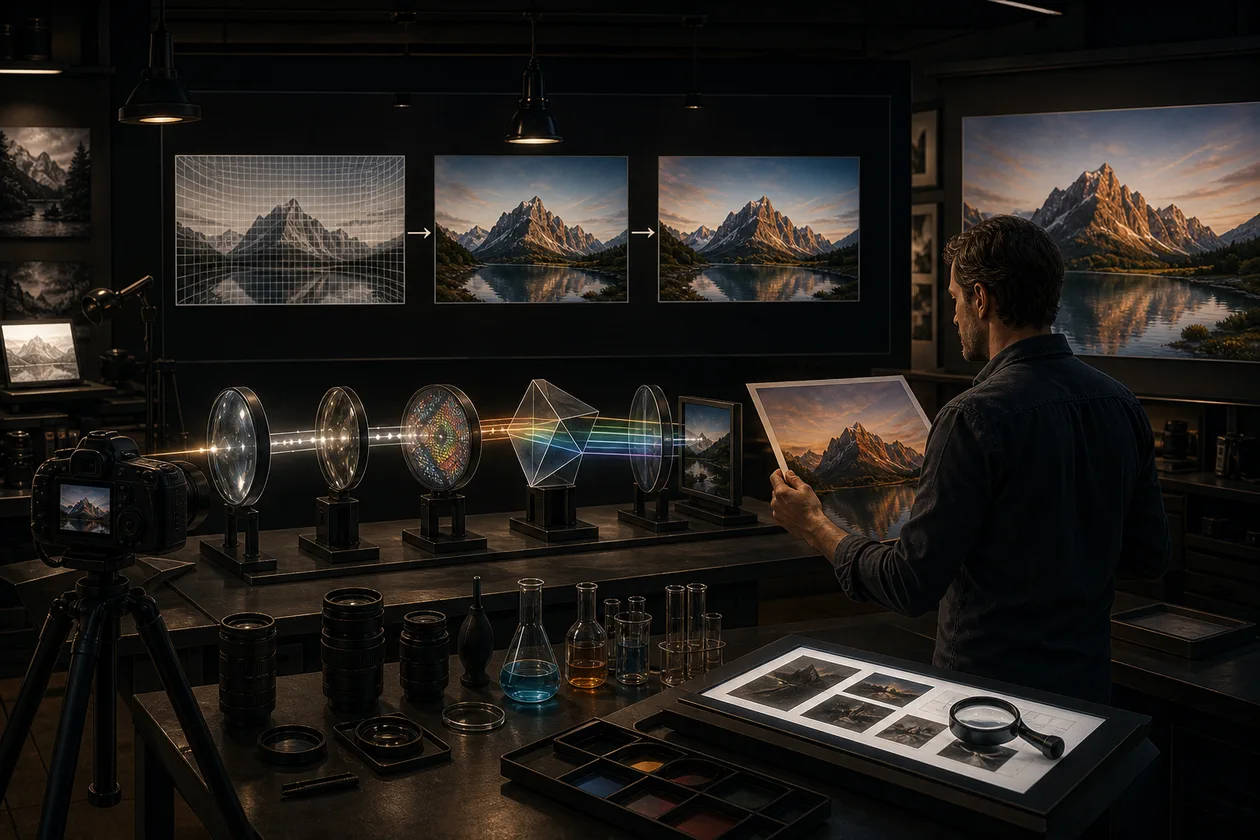
DxO PhotoLab is a desktop RAW editor for photographers who want camera and lens corrections, noise reduction, and local image adjustments in a controlled workflow. Its focus is developing your own RAW files, not providing a cloud library, team review space, or mobile editing app. The relevant camera and lens DxO Module must be supported, so that compatibility check belongs before purchase.
What PhotoLab does in practice
PhotoLab reads supported RAW files, applies camera and lens profiles, and lets you adjust exposure, tone, colour, sharpening, and geometry non-destructively. The original remains available while edits and metadata are kept as an editing state and rendered into a new file at export. This fits individuals, studios, and small creative teams that value image quality and repeatable corrections more than a shared media library.
Tools and boundaries
DeepPRIME technologies target noise reduction and detail preservation during RAW processing. U Point, masks, brushes, and graduated tools support local corrections, while DxO Modules account for optical characteristics of supported camera-lens combinations. PhotoLab 9 also adds AI Masks and workflow improvements; camera, lens, GPU, and operating-system support remain version-dependent. It is not a substitute for a dedicated DAM, compositor, collaborative approval system, or complete print-colour workflow.
A practical first run
- Build a test set from real RAWs: backlit scenes, high ISO, skin tones, and architecture.
- Check camera and lens support, then define a neutral starting preset.
- Correct optics, white balance, exposure, and noise first; use local masks only where the image requires them.
- Compare at 100 percent and at the final delivery size. Export clearly named TIFF, JPEG, or DNG variants with the intended colour profile.
- Hand off selections, exports, and unresolved decisions to the next person. PhotoLab does not replace a shared approval or archive system.
Export, integration, and operations
PhotoLab can fit into workflows with Lightroom Classic and offers export presets for different destinations. A dependable setup also needs fast local storage for RAWs and exports, separate backups of originals, and documented preset and colour-profile choices. Test whether an export sent to Photoshop, Lightroom, or another destination preserves the expected colour space, metadata, and dimensions. Teams should not treat one person-bound license as a shared rotating account; assign ownership, activation, and file access explicitly.
Quality control and decision criteria
Do not judge PhotoLab by a dramatic before-and-after screenshot alone. Use a fixed set to measure editing time per image, artefacts requiring rework, consistency across a series, and approval loops. Inspect fine detail after DeepPRIME, edges after strong lens corrections, and skin tones after local masks. A useful pilot ends with two approved export presets and a short supported-gear list. If manual cleanup stays unchanged, image quality alone may not justify migration.
Privacy, rights, and governance
Image processing is a desktop workflow, but downloading, installation, and activation require internet access. DxO processes personal data for its services and license administration, so its privacy policy and EULA belong in procurement review. Keep RAW files containing people, client material, or location data on controlled storage. Decide who may delete originals, how exports are named, and whether GPS metadata is removed before publication. The license is registered to an account and is not transferable; Essential and Elite editions have different activation limits. Document that for freelancers, workstations, and hardware changes.
Pricing and total cost
PhotoLab 9 is sold as a perpetual license without a recurring subscription. The official shop separates new licenses from upgrades and presents Essential and Elite offers; displayed amounts can change with region, tax, and promotions. Budget for GPU and storage needs, backups, colour management, training, and future upgrades alongside the license. The official 30-day Elite trial is useful for a real pilot rather than a marketing comparison. For occasional JPEG touch-ups, the purchase and learning cost may be harder to justify.
Editorial Assessment
PhotoLab is recommended for photographers and small studios when RAW quality, optical corrections, and local editing are central and image management is handled elsewhere. It creates the most value with a stable camera fleet, recurring subjects, and a clear export standard. Choose a broader or more mobile alternative first if you need cloud synchronisation, extensive cataloguing, collaborative approvals, or daily phone editing. The decision should follow a pilot with real files, measured editing time, and verified exports.
Open frequently asked questions
FAQ
Does PhotoLab require a permanent internet connection?
Internet is needed for download, installation, and activation. The editing itself is local rather than a cloud editor, but confirm how license checks and device changes work on your network before rollout.
Which edition should a pilot use?
Start with the official 30-day trial and test Elite features on real RAWs. Buy only after camera and lens modules, export colour, and editing time meet your requirements.
Does PhotoLab replace Lightroom or a DAM?
Not completely. PhotoLab can participate in a Lightroom workflow, but it is not a universal replacement for cataloguing, cloud synchronisation, approvals, or long-term media management.
What should be checked before export?
Check colour profile, dimensions, format, metadata, and visible artefacts at 100 percent. Use separate named presets and versioning for web, print, and archive outputs.
How should teams handle licenses and devices?
Assign each activation to a person and device. The allowed number depends on Essential or Elite; a person-bound license should not be treated as a freely shared team account.