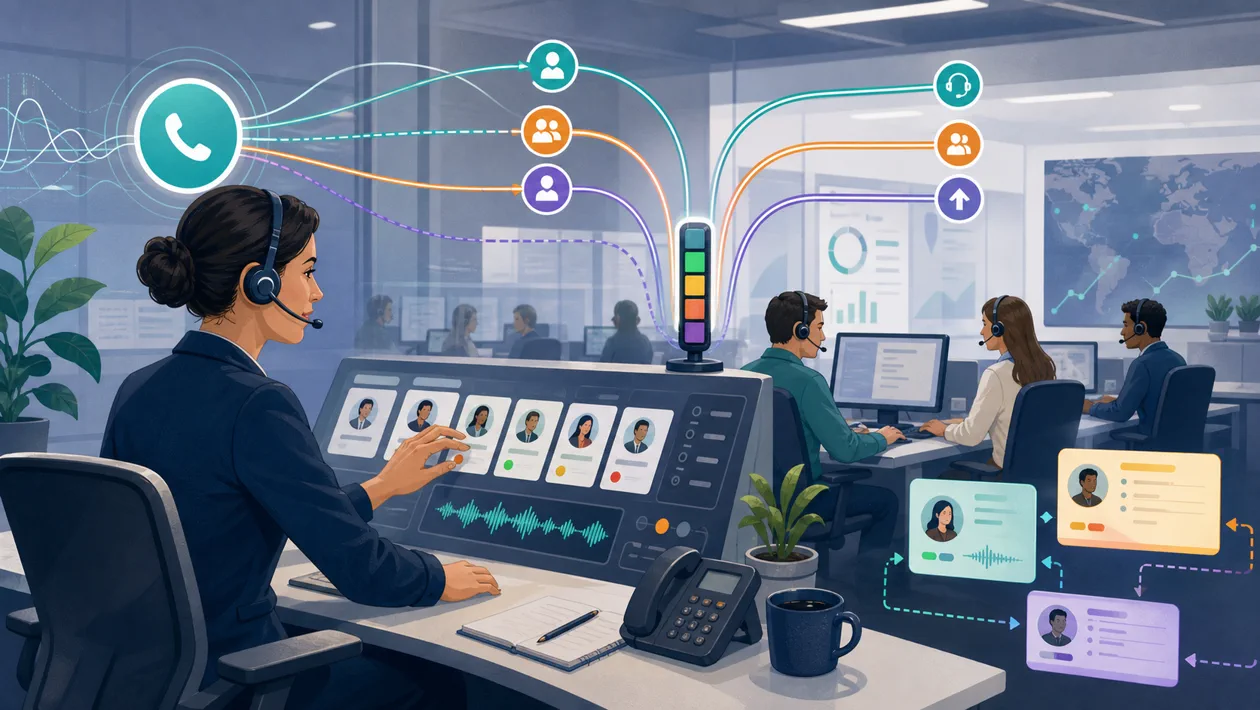
In practice, Freshcaller is not defined by the feature list alone. It matters whether the tool closes a small but persistent workflow gap: cloud telephony and call-center features for support and sales teams.
A fair practical test for Freshcaller is simple: use a real example, define the goal, and compare the result with the current workflow. That is where useful help separates from tool curiosity.
Practical core
Support tools are only as good as the response paths behind them. A fast channel without ownership does not make customers happier.
Freshcaller makes sense for support teams, small contact centers, sales teams, and service organizations when it stabilizes part of the process: less searching, less manual repetition, fewer unclear handoffs.
Typical use cases
- run phone support without a classic PBX
- route, log, and analyze calls
- connect support channels with Freshworks processes
- give remote teams unified number logic
What works well in daily use
- shortens the path from request to answer
- helps with routing, documentation, and repetition
- makes service quality more measurable
Context matters as well: some teams use tools like Freshcaller as a quick pre-production step, while others make them part of the production workflow. The second path needs more rules, but it pays off when many similar tasks repeat.
Limits and red flags
- automation must remain friendly and correct
- phone and chat touch personal data
- a weak knowledge base creates weak answers
- Telephony feels simple until queues, ownership, and recording need to be legally clean.
Workflow fit
Freshcaller fits best when the desired output is clear before the tool is opened. A good setup defines input material, ownership, review steps, and export. Without those four points, a tool may feel productive while creating more unfinished intermediate work.
Quality control
A good test is a real customer question that gets resolved and documented cleanly. For catalog evaluation, that means looking beyond the first output. Test the same case two or three times with slightly different inputs. If the results remain stable, explainable, and editable, the value is much more reliable.
Privacy & operations
Depending on the use case, text, images, audio, customer data, research notes, or internal process information may be processed. Before production use, permissions, storage location, export paths, and deletion options should be clear. For AI or cloud-based tools, it also matters whether data is used for training, analytics, or only for providing the service.
Pricing & costs
In the catalog, Freshcaller is marked with the pricing model Subscription. For a real decision, check current limits, team features, export options, and whether a free or cheap entry point turns into an expensive workflow later.
Provider: https://www.freshworks.com/freshcaller-cloud-pbx/
Editorial assessment
Freshcaller is a good choice when cloud telephony and call-center features for support and sales teams is truly a recurring part of the work. If the need appears only occasionally, a lighter tool or an existing process may be enough. If the need appears regularly, run a clean test with real material, real approvals, and a clear quality bar.
Open frequently asked questions
FAQ
Is Freshcaller beginner-friendly?
Usually for first tests, yes. Productive use depends less on the first click and more on whether tasks, data, and quality control are defined.
When is Freshcaller worth it?
When the same work step repeats regularly and is currently manual, scattered, or hard to review.
What should be checked before adoption?
Pricing model, data processing, export, team permissions, integrations, and who signs off on the results.
What is the most common mistake?
Treating the tool as the solution too early. A small practical test with a real example and a clear decision afterwards works better.