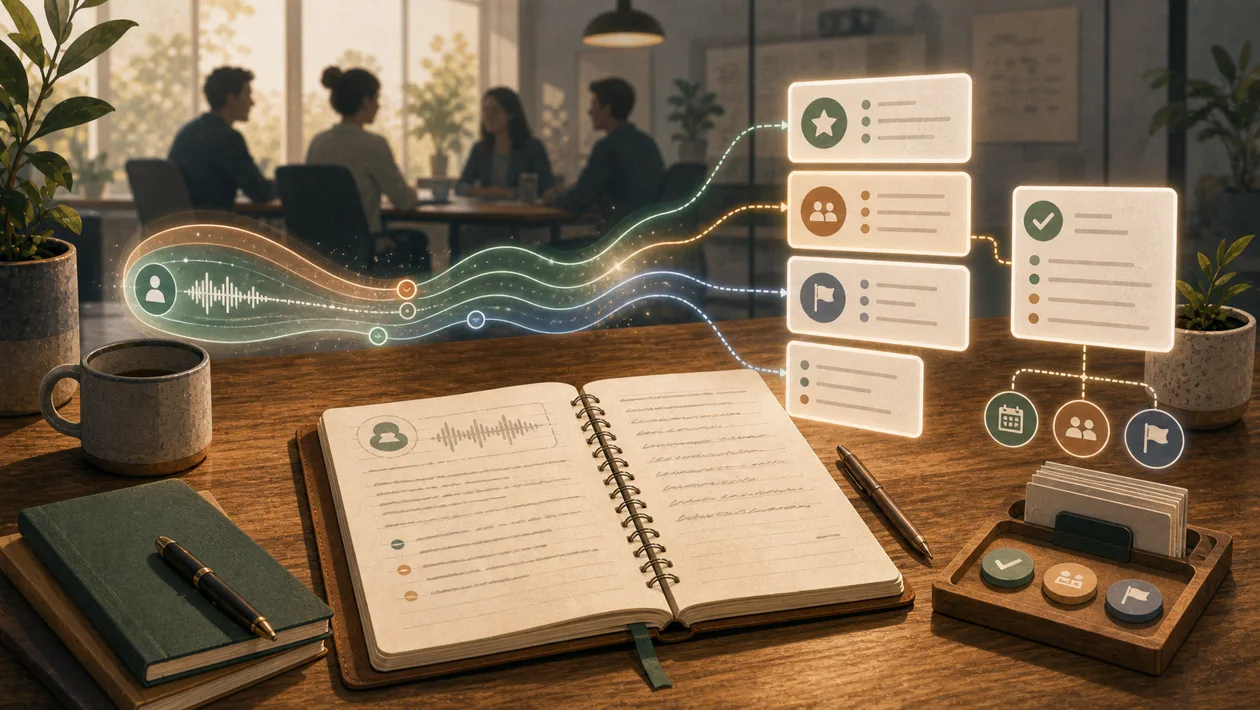
Granola is an AI meeting notepad that combines your rough notes with conversation context and a transcript to produce structured follow-up. It runs on desktop or iPhone, is started manually for a meeting, and captures device audio instead of placing a visible meeting bot in Zoom, Google Meet, or Microsoft Teams. That makes it useful for personal, reviewable meeting notes, but it does not remove the need to notify participants, obtain any required consent, or check AI-generated claims before acting on them.
Editorial update July 2026
Granola is moving from a personal meeting notepad towards a more connected work surface: chat over meeting history, Briefs, MCP access, and broader integrations make handoff into downstream systems more useful. A fair pilot should therefore test more than summary quality. Check whether decisions, sources, permissions, and approvals survive export correctly, and verify the current integration and platform availability before rollout.
Who is Granola for?
Granola is aimed at people with dense schedules of conversations, including product, consulting, sales, recruiting, and leadership roles. Its distinctive fit is a workflow where short personal markers are enough during the call and decisions, open questions, and follow-up need to be shaped afterwards. Teams that primarily need a centrally governed meeting archive with strict retention rules should first compare Granola with their compliance and records requirements.
How the note-taking model works
The app can show upcoming events from Google Calendar or Outlook. Once you open a meeting note, Granola can process microphone and system audio; it does not join the call as a participant and does not auto-start. During the conversation, your rough notes can point the AI towards what matters. After the meeting, Granola enhances those notes with transcript context. Personal input and AI additions remain distinguishable, which gives a reviewer a practical way to check where important statements came from.
A practical workflow
Use a bounded process rather than treating the app as an automatic record system. First connect the calendar and select relevant meetings. Before the call, write the objective, participants, and sensitive topics in rough notes. Start Granola deliberately and explain the enhanced note-taking to participants. After the call, compare the result with your own notes and inspect critical claims against the transcript. Finally move decisions and tasks into the system of record for your project, CRM, or ticket queue. The last step prevents a polished note from becoming an unowned action list.
Notes, search, and integrations
Notes can be organized in private or shared areas, folders, and team spaces. Granola Chat can search meeting history and answer questions about conversations. Depending on the plan, integrations include Slack, Notion, Zapier, and CRM systems such as Attio, HubSpot, and Affinity; Granola also documents MCP access and an API for certain Business and Enterprise offerings. These connections move information but do not validate it. Field mapping, permission scope, destination review, and an approval step before creating tickets or CRM updates still belong in the operating procedure.
Quality checks and limitations
Evaluate more than how polished a summary looks. Measure whether decisions, owners, dates, and uncertainty are captured correctly. For a pilot, sample typical meetings and compare two reviewers on the same notes. Track speaker and terminology errors, the amount of correction work, and whether follow-up tasks are actually completed. Poor room acoustics, overlapping speakers, accents, and vague language can reduce quality. Legal, HR, medical, or other high-stakes decisions should never be accepted from an AI summary without human review.
Privacy and governance
Granola says it does not permanently store meeting audio: on desktop it transcribes in real time, while on iPhone audio may be cached temporarily during processing. The stored record consists of the transcript and notes you provide. Notes are private by default and become visible to others only when you choose to share them. The provider cites SOC 2 Type II and makes a GDPR data processing agreement available. According to its security information, third-party providers such as OpenAI and Anthropic are not allowed to train on customer data. Users can opt out of Granola's training on anonymized data in Settings, and this is off by default for Enterprise. These statements do not replace a decision about consent, employment law, retention, classification, or deletion in your own organization.
Pricing and operating cost
Granola offers a Basic tier alongside paid Business and Enterprise tiers. The decision is not only about seats: assess access to older history, advanced models, calendar and CRM connections, API or MCP use, team administration, and the number of people who need shared notes. Official documentation describes a limited history window on Basic, while paid tiers extend access. Before buying, calculate which meetings must remain searchable, which exports or downstream automations are required, and how much review time is still needed. The current pricing page and the terms for the selected plan remain the source of truth because limits can change.
Editorial Assessment
Granola is a good recommendation for individuals and teams that want to stay present in meetings while retaining a personal, reviewable record afterwards. It creates value when rough notes, human verification, and handoff to a system of record are treated as one operating process. A specialized alternative is likely better for centralized bot recording, deep sales analytics, or tightly prescribed compliance workflows.
Open frequently asked questions
FAQ
Does Granola need to join a Zoom, Meet, or Teams call?
No. After you start it, the desktop app uses microphone and computer audio and, according to the provider, does not appear as a bot or participant. Your organization still needs to handle local law and participant consent.
Does Granola start automatically for every calendar event?
No. The calendar supplies upcoming events and context. Transcription starts only after you actively open a note for the meeting or start Granola.
Does Granola permanently store meeting recordings?
Granola's security information says that it does not permanently store meeting audio. Transcripts and the notes you provide are still sensitive records that need their own access, retention, and deletion rules.
When is the Basic tier no longer enough?
Review the paid tiers when older notes must remain accessible or calendar, CRM, team, and API handoffs become central to the workflow. The current plan description determines the exact limits and integrations.