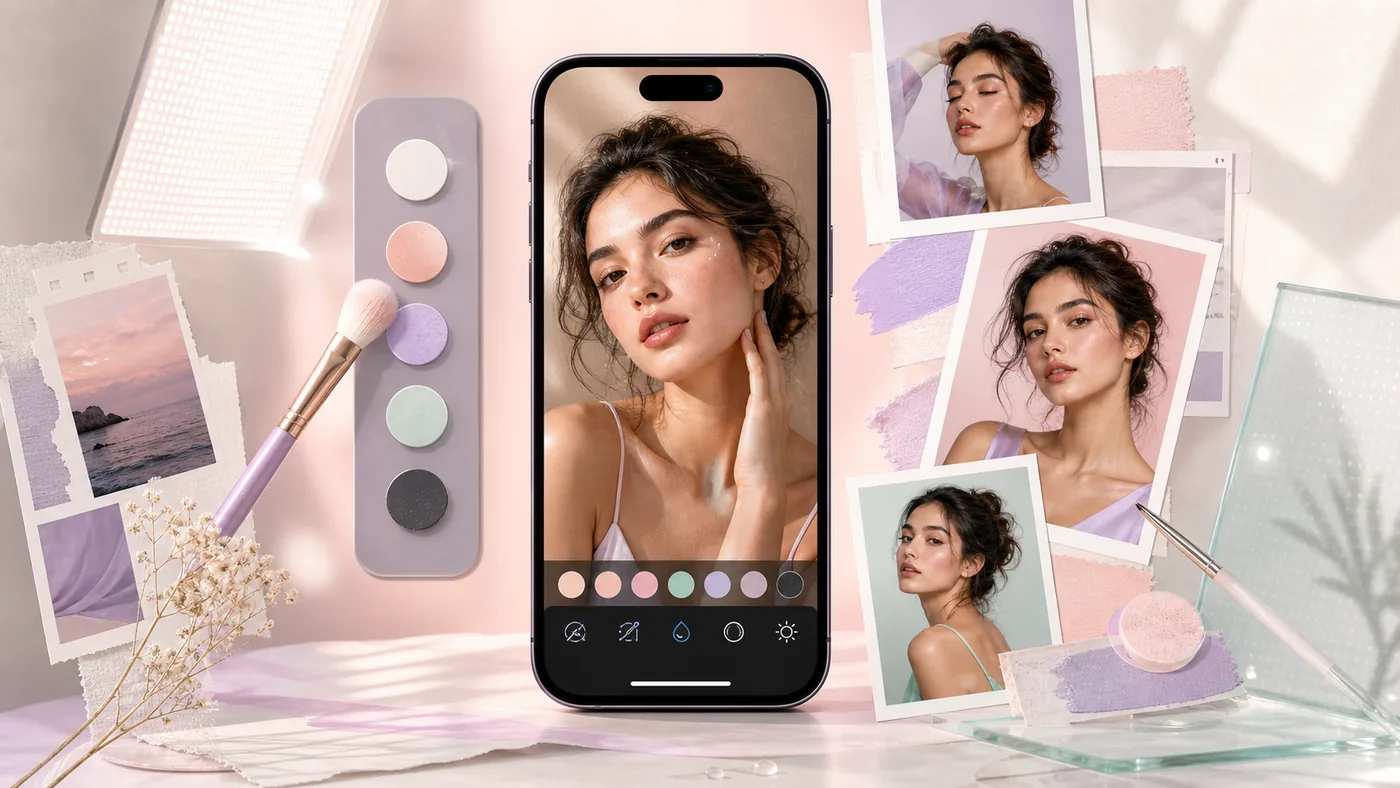
Hypic is a mobile image-editing app for quick retouching, looks, filters, social visuals, and AI-assisted image improvement.
Its appeal is speed: instead of a desktop Photoshop workflow, it focuses on instant smartphone editing, especially for creators, social media, and personal visual styles.
Who is it for?
Hypic fits mobile creators, social teams, and users who want to improve images quickly. For professional retouching, print files, or deep layer control, Photoshop-style desktop tools are still more suitable.
Typical use cases
- Edit portraits and social images directly on a phone
- Prepare quick looks, filters, and retouching for posts
- Test image ideas without a heavy desktop workflow
- Speed up creator content with a consistent look
Core features
- Mobile image editing and retouching
- AI-assisted enhancement and style features
- Filters, looks, and social-ready outputs
- Low barrier to entry for fast results
Pros and cons
Pros
- Very fast for mobile editing
- Good fit for creators and social content
- Easy to start without a professional setup
Cons
- Not suited to every professional production workflow
- App and platform rules can change
- Fine control is more limited than in desktop software
Workflow fit
Hypic is a fast mobile tool, not a production system. That is exactly why it can be useful when images need to move from phone to content workflow without friction.
Privacy & data notes
Photo apps can involve image content, faces, metadata, and cloud processing. Review privacy and storage rules before using sensitive client images.
Pricing & costs
Hypic is distributed as a mobile app with a free entry point and possible in-app purchases or premium features. Check the relevant app store for details.
Go to provider: https://play.google.com/store/apps/details?id=com.xt.retouchoversea
Editorial assessment
Hypic is a fast mobile tool, not a production system. That is exactly why it can be useful when images need to move from phone to content workflow without friction.
Open frequently asked questions
FAQ
Is Hypic free?
There is a free entry point; premium features can vary by store and region.
Is Hypic suitable for professional retouching?
For quick retouching, yes. For controlled high-end production, usually not.
Can I use Hypic for client images?
Only after reviewing privacy rules, especially for faces or sensitive images.