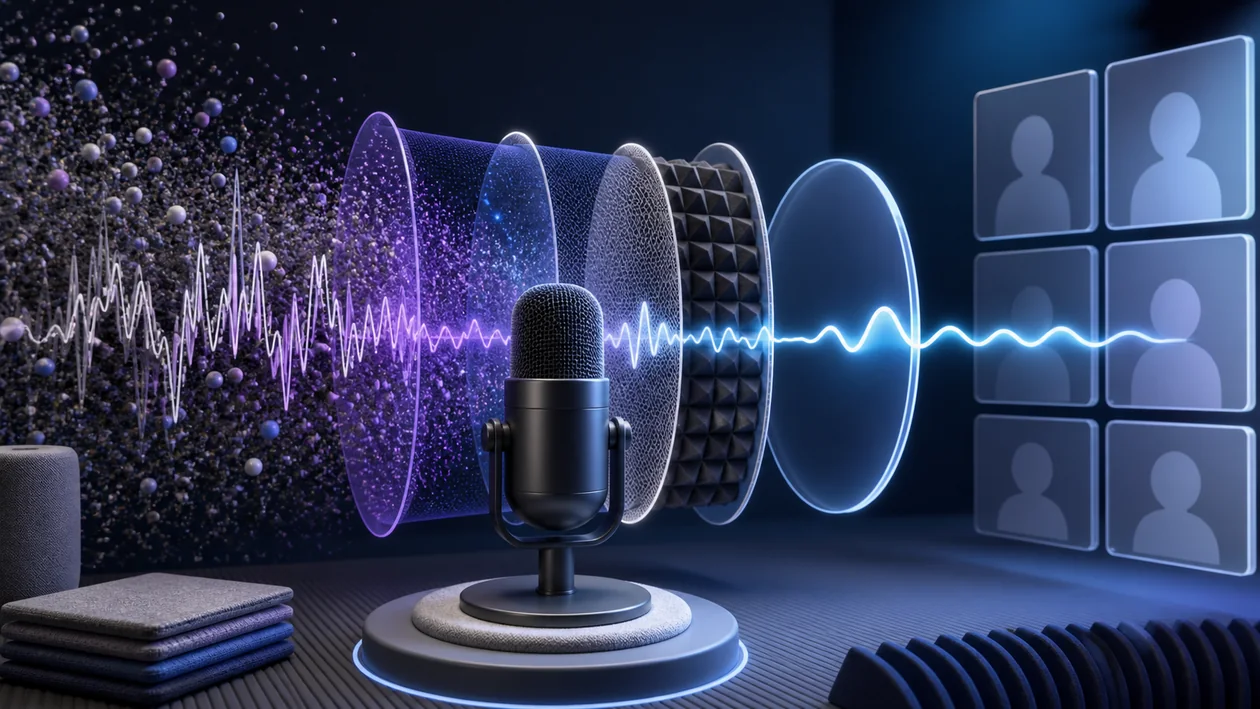
Krisp is an AI-based audio software that filters out background noise in real time, delivering clear sound for phone calls, video conferences, and recordings. The application is compatible with many common communication and recording tools and is especially suited for users who work in noisy environments or value professional audio quality.
Who is Krisp suitable for?
Krisp is aimed at professionals, remote workers, podcasters, teachers, and anyone who frequently takes part in online meetings or records audio. It is especially useful for people working in open offices, cafés, or other noisy environments where background noise can be distracting. Krisp also offers a practical solution for gamers, streamers, and content creators who want to suppress disruptive sounds and improve audio quality.
Krisp becomes especially relevant when several roles are involved. Then usability matters, but so do handoffs, reviews, and traceable decisions around customer communication, availability, and clean handoffs between channels.
Before rollout, Krisp should pass a small reality check: who owns the result, who reviews it, and what improvement would the team actually notice?
Editorial assessment
The practical value of Krisp becomes visible through repeated use, not a polished first impression. Teams should check whether response time, handoff quality, and customer satisfaction become more stable after real runs.
A useful evaluation starts with a real service case with intake, prioritization, response, escalation, and follow-up. Only then can a team decide whether Krisp is just a nice add-on or a dependable part of the workflow.
- What to watch: Krisp is useful only if response time, handoff quality, and customer satisfaction can be compared after a real run and reviewed by someone else.
- Good starting point: A small pilot with a few users and real examples is more useful than a broad demo that only shows ideal cases for Krisp.
- Common pitfall: Krisp disappoints when channels, ownership, and escalation rules are not clearly defined.
Main features
Real-time noise cancellation: Automatically filters out background noise during calls or recordings.
Compatibility: Works with common apps such as Zoom, Microsoft Teams, Skype, Discord, Google Meet, and more.
Bidirectional noise cancellation: Removes both your own background noise and that of other participants.
Easy to use: Intuitive user interface with minimal configuration required.
Cross-platform: Available for Windows, macOS, iOS, and as a Chrome extension.
Privacy: Local audio processing without cloud upload.
Freemium model: Free basic version with limited usage, advanced features in the paid subscription.
Practical workflow: Krisp should be tested against a real service case with intake, prioritization, response, escalation, and follow-up, not only against a polished demo.
Quality control: In operation, Krisp should leave enough context to explain how response time, handoff quality, and customer satisfaction were judged and corrected.
Team handoff: Krisp becomes more useful when outputs, decisions, and open questions remain understandable for other roles.
Pros and cons
Pros
Effective and reliable AI-powered noise cancellation.
Supports many communication and recording programs.
Easy to set up and use, even for less technically experienced users.
Usable across multiple platforms.
Privacy-friendly, since audio is processed locally.
Free basic version available.
Stronger in daily work when Krisp is used for clearly bounded tasks rather than every possible side problem.
Helps most where the work around customer communication, availability, and clean handoffs between channels still depends on individual people, private routines, or improvised handoffs. With Krisp, the team should clarify this before rollout.
Cons
Paid versions can be expensive depending on the plan.
Limited free usage time per week in the freemium model.
Functionality depends on the quality of the microphone and hardware.
In very complex or extremely noisy environments, filtering may be limited.
Becomes harder to run when Krisp enters the workflow while channels, ownership, and escalation rules are not clearly defined and the team only discovers that gap later.
The setup matters less than whether the team keeps Krisp reviewed, cleaned up, and tied to real working rules.
Pricing & costs
Krisp offers a freemium model with a free version that includes a limited number of minutes per week for noise cancellation. For users who want to use Krisp more intensively or professionally, there are various paid subscriptions. These differ depending on the provider and plan in terms of the number of usable minutes, additional features, and supported devices. Exact prices can be found on the official website or through authorized resellers.
Beyond the list price, Krisp should be evaluated by the cost of adoption. Relevant factors include setup, phone numbers, integrations, training, and ongoing administration. For team use, these indirect costs can matter more than the monthly or annual subscription itself.
Open frequently asked questions
FAQ
1. How does noise cancellation work in Krisp?
What should a Krisp pilot look like?
Start with a bounded process, a small group and a clear success criterion. Check output quality, permissions and handovers before expanding the scope.
Which data should not be processed in Krisp without review?
Sensitive or confidential content should wait until contract terms, access, storage and deletion controls have been reviewed. Escalate uncertainty to the responsible privacy owner.
When is an alternative to Krisp the better choice?
Choose an alternative when the need is occasional, a required integration is missing, or administration and cost outweigh the practical benefit.
Krisp uses artificial intelligence to detect and filter background noise in real time without affecting the user's voice.
2. Is Krisp compatible with all communication programs? Krisp supports most common programs such as Zoom, Microsoft Teams, Skype, Google Meet, and others. It can be set up as a virtual audio source in the control panel.
3. How much does Krisp cost? There is a free version with limited usage and various paid subscriptions. Prices vary depending on the plan and provider.
4. Does Krisp require an internet connection? Audio processing takes place locally on the device, so a constant internet connection is not required for noise cancellation.
5. Can Krisp also filter background noise from other participants? Yes, Krisp offers bidirectional noise cancellation that reduces both your own and other participants' background noise.
6. On which platforms is Krisp available? Krisp is available for Windows, macOS, iOS, and as a Chrome extension.
7. How easy is Krisp to set up? Installation and setup are designed to be user-friendly and do not require any special technical knowledge.
8. Is there a free trial version? Yes, the free version of Krisp lets you test the basic features with a limited number of minutes per week.
9. How should a team test Krisp? A narrow pilot is enough: real task, clear acceptance point, and a short retrospective on what Krisp improved and what stayed manual.
10. When is Krisp a poor fit? When channels, ownership, and escalation rules are not clearly defined, or when nobody has time for setup, review, and maintenance. In that case Krisp becomes another stop in the process rather than real relief.
Workflow and rollout
A useful start with Krisp begins with one concrete workflow and a small user group. Define the input, expected outcome and manual checkpoint before adding more automation or permissions. Record who approves the result and how a failed step is reversed. A focused pilot makes it clear whether Krisp holds up in daily work or only looks convincing in a demo.