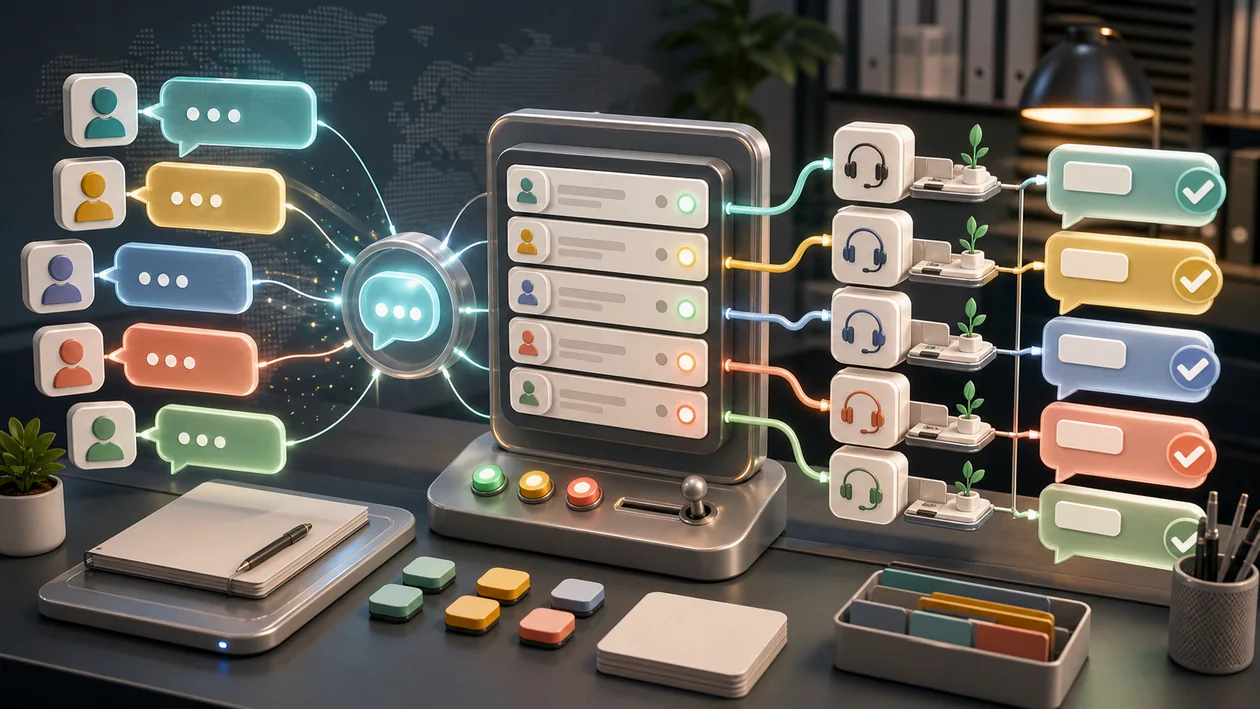
LiveChat is a platform for customer communication via website chat, support routing, and service workflows. It helps avoid leaving visitors with contact forms alone and lets you capture questions at the right moment.
The value, however, does not come from the chat window itself. What matters is response time, clear ownership, good macros, and a clean handoff from chat to ticket, sales, or support case.
Who is LiveChat suitable for?
LiveChat is suitable for e-commerce, SaaS, support teams, sales, and service providers with advice-heavy websites. It is especially useful when many questions arise before purchase or sign-up and a fast response improves conversion or customer satisfaction.
Typical use cases
- Support website visitors with product questions or purchase decisions.
- Capture support inquiries directly from chat and route them onward.
- Shorten recurring answers with macros and a knowledge base.
- Qualify leads and pass them to sales or CRM.
- Measure service quality through response times, ratings, and chat logs.
What really matters in day-to-day work
In everyday use, LiveChat is only an advantage if someone actually responds. A chat window with a long wait feels worse than an honest contact form.
Good teams keep macros short, but do not sound like machines. The trick is prepared answers with a human touch.
Key features
- Website chat with agent interface and routing.
- Chat histories, tags, macros, and internal notes.
- Integrations with CRM, helpdesk, e-commerce, or analytics depending on the plan.
- Reports for response times, satisfaction, and volume.
- Automations or chatbot-like features depending on the setup.
Pros and limitations
Advantages
- Can noticeably improve conversion and support satisfaction.
- Makes recurring customer questions visible.
- Easy to integrate into support and sales processes.
Limitations
- Requires staffing planning and clear response commitments.
- Poor macros quickly feel impersonal.
- Data protection, tracking, and chat logs must be properly governed.
Workflow fit
LiveChat fits into a support process with clear stages: chat intake, qualification, resolution or handoff, follow-up in the ticket or CRM. Regular review of the most common questions improves the website, product, and help center.
After the first few weeks, the team should translate the most frequent chat reasons into website improvements. If the same question comes up every day, the chat is not succeeding; the page is probably unclear.
Offline hours should also be designed deliberately. An honest message with expectations, a contact method, and the next step works better than a seemingly active chat that makes visitors wait for minutes.
Privacy & data
Chats often contain personal data, order information, or support details. Privacy notices, retention, access rights, and integrations should be reviewed before going live.
Pricing & costs
LiveChat is typically billed based on agents, features, and usage. The business case depends on response volume, conversion impact, and saved support time. The pricing model listed in the dataset is: Depending on plan.
Editorial assessment
LiveChat is strong when website communication is actively managed. Without staffing, rules, and good answers, it is just a blinking promise.
A good first test for LiveChat is therefore not a demo click, but a real mini-workflow: support website visitors with product questions or purchase decisions. If that works with real data, real roles, and a clear outcome, the next expansion stage is worthwhile.
At the same time, the most important limitation should be stated openly: it requires staffing planning and clear response commitments. This friction is not a deal-breaker, but it belongs before the decision, not only in the frustrated debrief after purchase.
Open frequently asked questions
FAQ
Is LiveChat suitable for small teams?
What should a LiveChat pilot look like?
Start with a bounded process, a small group and a clear success criterion. Check output quality, permissions and handovers before expanding the scope.
Which data should not be processed in LiveChat without review?
Sensitive or confidential content should wait until contract terms, access, storage and deletion controls have been reviewed. Escalate uncertainty to the responsible privacy owner.
When is an alternative to LiveChat the better choice?
Choose an alternative when the need is occasional, a required integration is missing, or administration and cost outweigh the practical benefit.
Partially. Small teams should check whether the benefit really justifies the setup and maintenance effort.
What should you watch out for before using LiveChat? It requires staffing planning and clear response commitments. It should also be clear in advance who maintains the tool, which data is used, and how success is measured.
Does LiveChat replace human work? No. LiveChat can speed up or structure work, but decisions, quality control, and responsibility remain with the team.