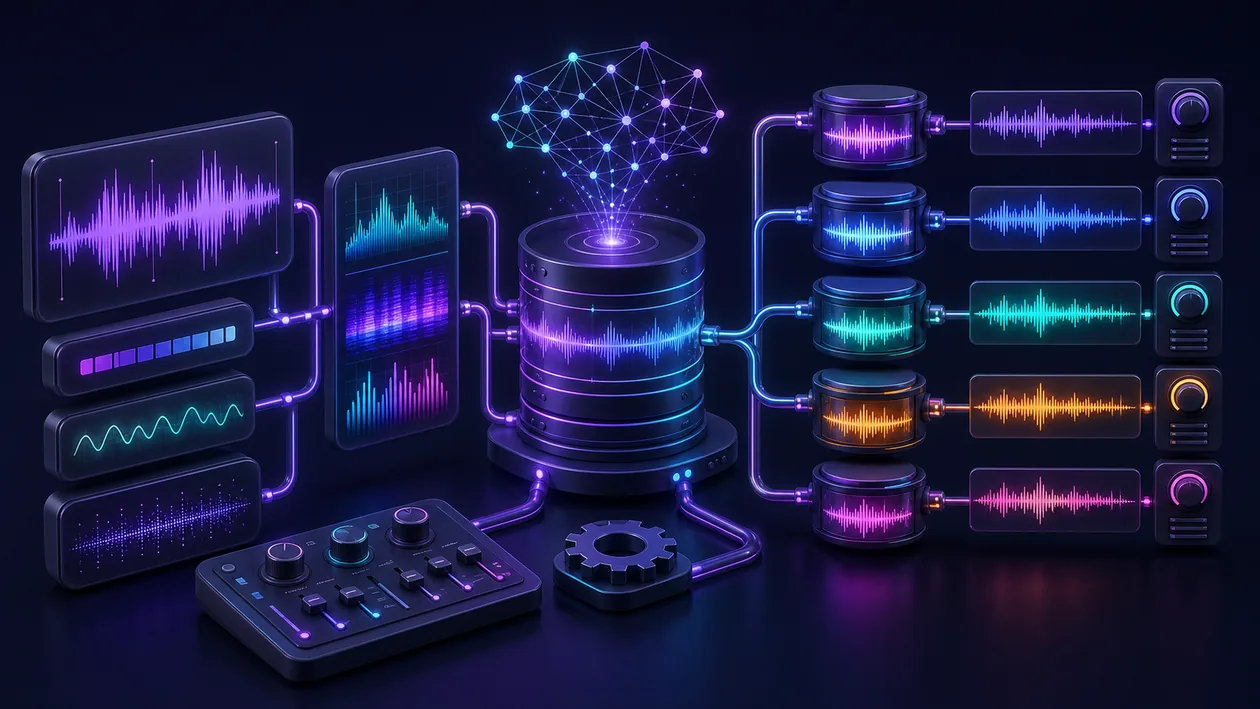
Mimic is an advanced AI-based speech synthesis software that generates natural and realistic voices. It is ideally suited for applications that require high-quality speech output, such as audiobooks, virtual assistants, or audio content. By combining machine learning with state-of-the-art audio processing, Mimic enables flexible and customizable voice generation with a wide variety of voices and languages.
Who is Mimic suitable for?
Mimic is aimed at developers, content creators, businesses, and creatives looking for a powerful speech synthesis solution. The tool is especially relevant for:
- Developers of apps and websites who want to integrate voice interactions.
- Producers of podcasts, audiobooks, or other audio formats.
- Companies that want to improve automated customer communication with a natural voice.
- Educational institutions that want to provide accessible learning materials with spoken text.
Mimic becomes especially relevant when several roles are involved. Then usability matters, but so do handoffs, reviews, and traceable decisions around customer communication, availability, and clean handoffs between channels.
The decision becomes clearer when owners, review steps, and success criteria are written down before Mimic enters the workflow.
Editorial assessment
The practical value of Mimic becomes visible through repeated use, not a polished first impression. Teams should check whether response time, handoff quality, and customer satisfaction become more stable after real runs.
A useful evaluation starts with a real service case with intake, prioritization, response, escalation, and follow-up. Only then can a team decide whether Mimic is just a nice add-on or a dependable part of the workflow.
- What to watch: The important signal is whether Mimic improves response time, handoff quality, and customer satisfaction while keeping the result explainable.
- Good starting point: For Mimic, use a narrow pilot with real material, clear ownership, and a defined acceptance point at the end.
- Common pitfall: Mimic disappoints when channels, ownership, and escalation rules are not clearly defined.
Key features
Realistic speech synthesis with natural emphasis and intonation.
Support for multiple languages and voice variants.
Customizable voice settings such as pitch, speaking speed, and volume.
API integration for flexible embedding into your own applications.
Offline use possible (depending on the version/plan).
Support for audio formats for different use cases.
Automatic text-to-speech conversion with high accuracy.
Tools for editing and optimizing the generated audio files.
Practical workflow: Mimic should be tested against a real service case with intake, prioritization, response, escalation, and follow-up, not only against a polished demo.
Quality control: The team should define how response time, handoff quality, and customer satisfaction are measured, approved, and revisited after Mimic is used.
Team handoff: Mimic becomes more useful when outputs, decisions, and open questions remain understandable for other roles.
Pros and cons
Pros
Very natural and easy-to-understand voices.
Extensive customization options for individual requirements.
Broad range of use cases across different industries.
API access makes integration into existing systems easier.
Advanced AI technology ensures continuous improvements.
Offline use is also possible depending on the plan, which increases data security.
Stronger in daily work when Mimic is used for clearly bounded tasks rather than every possible side problem.
Can distribute knowledge when the work around customer communication, availability, and clean handoffs between channels has depended on a few specialists or hand-built transitions. With Mimic, this belongs in the practical test, not only in onboarding.
Cons
Costs can vary depending on usage and plan.
Setup and integration can be complex for beginners.
Some features may only be available in higher-priced plans.
Voice quality and availability may vary by language.
Needs clear guardrails, because problems surface quickly when channels, ownership, and escalation rules are not clearly defined.
The value of Mimic depends on whether review, data care, and ownership are actually followed after the first setup.
Pricing & costs
Mimic offers various pricing options that are based on the desired feature set and usage intensity. Pricing depends on the plan and may include the following models:
- Free entry with limited features (freemium).
- Subscription models for regular users with expanded features.
- Usage-based billing for flexible adjustment to demand.
- Custom offers for companies with special requirements.
Detailed pricing information is available on the official website or from the provider.
Beyond the list price, Mimic should be evaluated by the cost of adoption. Relevant factors include setup, phone numbers, integrations, training, and ongoing administration. For team use, these indirect costs can matter more than the monthly or annual subscription itself.
Open frequently asked questions
FAQ
1. Which languages does Mimic support?
What should a Mimic pilot look like?
Start with a bounded process, a small group and a clear success criterion. Check output quality, permissions and handovers before expanding the scope.
Which data should not be processed in Mimic without review?
Sensitive or confidential content should wait until contract terms, access, storage and deletion controls have been reviewed. Escalate uncertainty to the responsible privacy owner.
When is an alternative to Mimic the better choice?
Choose an alternative when the need is occasional, a required integration is missing, or administration and cost outweigh the practical benefit.
The supported languages vary depending on the version and plan, but usually include several common languages with different voices.
2. Can I use Mimic offline? Depending on the plan and software version, offline use is possible, which is especially relevant for privacy and for applications without a permanent internet connection.
3. How can Mimic be integrated into my own projects? Mimic offers an API that enables easy integration into various applications and platforms.
4. Is there a free trial version? Many providers of Mimic-like solutions offer a free entry option or trial periods so users can try out the features.
5. Which audio formats are supported? Typically, Mimic supports common formats such as MP3, WAV, and others, depending on the respective plan and application.
6. How does Mimic differ from other TTS tools? Mimic places particular emphasis on natural speech quality and flexible customization options, which makes it attractive for professional applications.
7. Is Mimic suitable for commercial use? Yes, depending on the license and plan, Mimic can also be used for commercial projects.
8. How can I contact customer support? Support is usually provided through the provider's website or through special customer portals, depending on the tariff and contract terms.
9. How should a team test Mimic? Start with one clear task rather than every feature. After a few runs, check whether Mimic truly saves effort or only moves the work elsewhere.
10. When is Mimic a poor fit? It becomes risky when channels, ownership, and escalation rules are not clearly defined, or when decisions will not be reviewed later. In that case Mimic adds surface area without enough clarity.
Workflow and rollout
A useful start with Mimic begins with one concrete workflow and a small user group. Define the input, expected outcome and manual checkpoint before adding more automation or permissions. Record who approves the result and how a failed step is reversed. A focused pilot makes it clear whether Mimic holds up in daily work or only looks convincing in a demo.