Status as of July 19, 2026
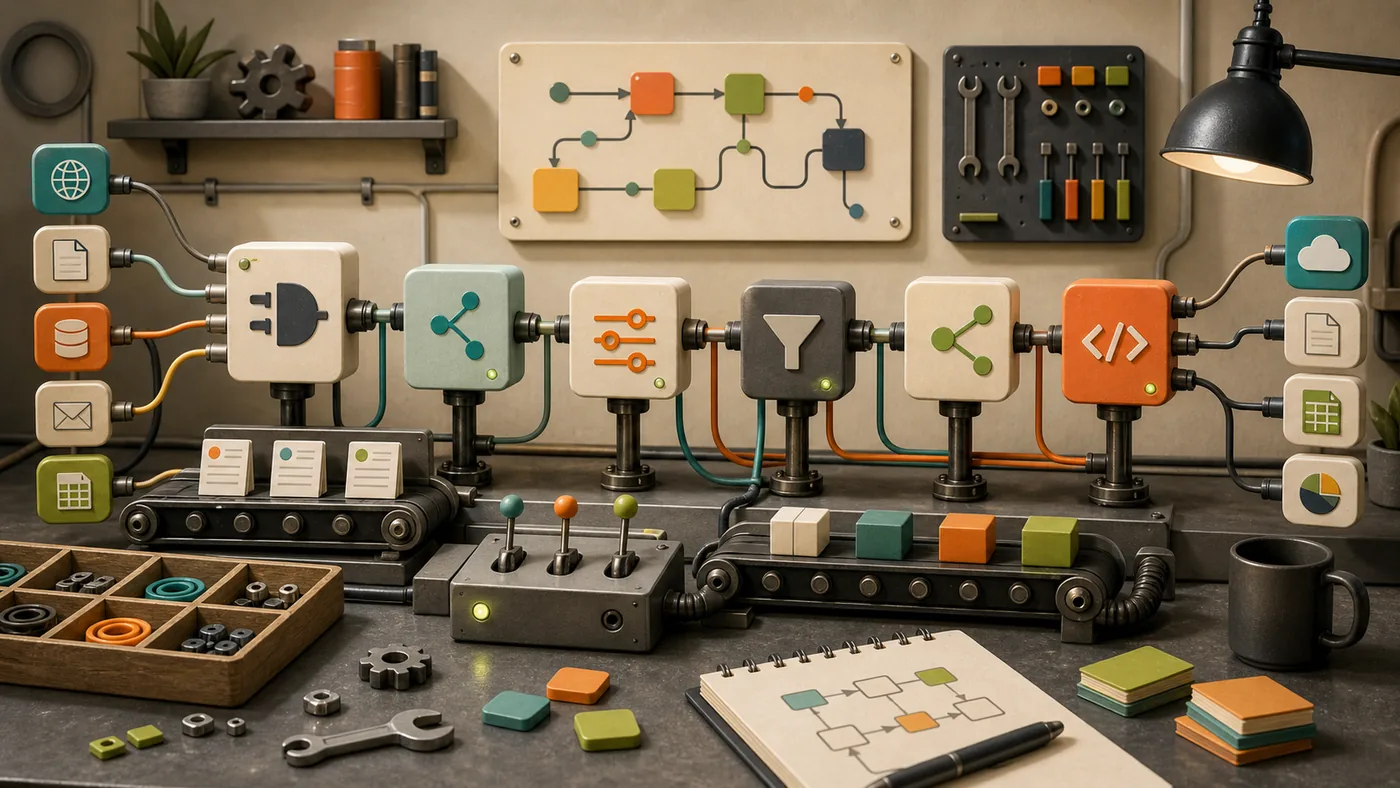
n8n is moving from a connector builder towards an orchestration layer for automation with AI steps. The meaningful change is not another prompt node. It is the surrounding discipline: structured outputs, narrowly scoped tools, failure paths and permissions that match the task.
A useful pilot starts with a process that has a measurable beginning and end, such as qualifying incoming requests. Every outward-facing action needs approval or a safe fallback. That makes it clear whether value comes from real automation rather than a convincing demo.
n8n is a workflow automation platform for people who want to connect SaaS tools, APIs, data flows, and custom logic.
Compared with very simple automation tools, its strength is technical depth: n8n can start near no-code, but remains open to developers and self-hosted workflows.
2026 update: what to review now
n8n is especially interesting in 2026 for teams that want to combine automation, AI agents, and self-hosting. AI Agent nodes, tool calls, LangChain-like building blocks, templates, credentials, queues, and versioning make n8n stronger for technical workflows than many pure no-code automation services.
The value depends on operational discipline. Self-hosted n8n needs updates, secret management, access controls, backups, monitoring, and clear boundaries for agentic workflows. With that in place, n8n can become a very flexible automation core.
Who is it for?
n8n fits operations, growth, developer teams, and automation builders who want more control than Zapier. For pure enterprise RPA, UiPath or Kofax are better fits; for very simple SaaS zaps, Zapier is often faster.
Typical use cases
- Connect APIs, webhooks, and SaaS tools
- Automate internal processes and sync data
- Embed AI steps into workflows
- Run self-hosted automation with more control
Core features
- Visual workflow builder with many integrations
- Webhooks, code steps, and API-oriented logic
- Cloud and self-hosting options
- AI and agent-oriented workflow patterns
Pros and cons
Pros
- More control than many simple no-code tools
- Good fit for technical teams and self-hosting
- Strong for API and data workflows
Cons
- Requires more technical understanding than Zapier
- Self-hosting brings operational responsibility
- Error handling and monitoring need proper planning
Workflow fit
n8n is one of the best candidates when automation should become infrastructure, not just a click path. That also requires discipline around operations and secrets.
Privacy & data notes
Automation workflows often move tokens, customer data, and internal data. Secrets, logs, permissions, and separation between test and production are critical.
Pricing & costs
n8n offers cloud plans and self-hostable options. The right choice depends on privacy, operational effort, execution volume, and team control.
Go to provider: https://n8n.io
Editorial assessment
n8n is one of the best candidates when automation should become infrastructure, not just a click path. That also requires discipline around operations and secrets.
Related Guides
- Read Invoices Automatically from Emails: Tools and Workflows
- Make vs n8n vs Zapier for Invoice Automation
- AI Tools with EU Data Processing: What Small Businesses Should Check
Open frequently asked questions
FAQ
Is n8n open source?
n8n is self-hostable and source-available; check the current license directly.
Is n8n better than Zapier?
If control and technical depth matter, often yes. For simple automations, Zapier is faster.
Can n8n build AI workflows?
Yes, n8n is often used for LLM and agent-like workflows.
How should a team pilot n8n?
Choose one workflow with a clear metric and build the read-only or preparatory part first. Only let it write data or trigger external actions once logs, failure paths and approvals work as intended.
Editorial cluster update June 2026
n8n is the flexible, developer-friendly workflow builder in the automation cluster for APIs, triggers, data flows and increasingly AI steps.
n8n fits teams that want to understand, version and sometimes self-host processes. It is stronger than a simple no-code zap, but also demands more operational discipline.
When n8n fits well
n8n is most useful when the workflow is already named and the team is not only looking for a tool name. For the Utildesk guide clusters, the practical questions are: which task is being prepared, which data is processed, who reviews the result and which alternative is more realistic in the same work context?
Limits and review points
Credentials, retries, AI-node costs and ownership are the critical points. Without monitoring, workflows quickly become invisible dependencies.
Internal comparison points
Useful comparison points in the Utildesk catalogue are Make (formerly Integromat), Zapier, Microsoft Power Automate, UiPath. These links keep n8n connected to its real cluster of alternatives, risks and workflow roles instead of treating it as a standalone listing.