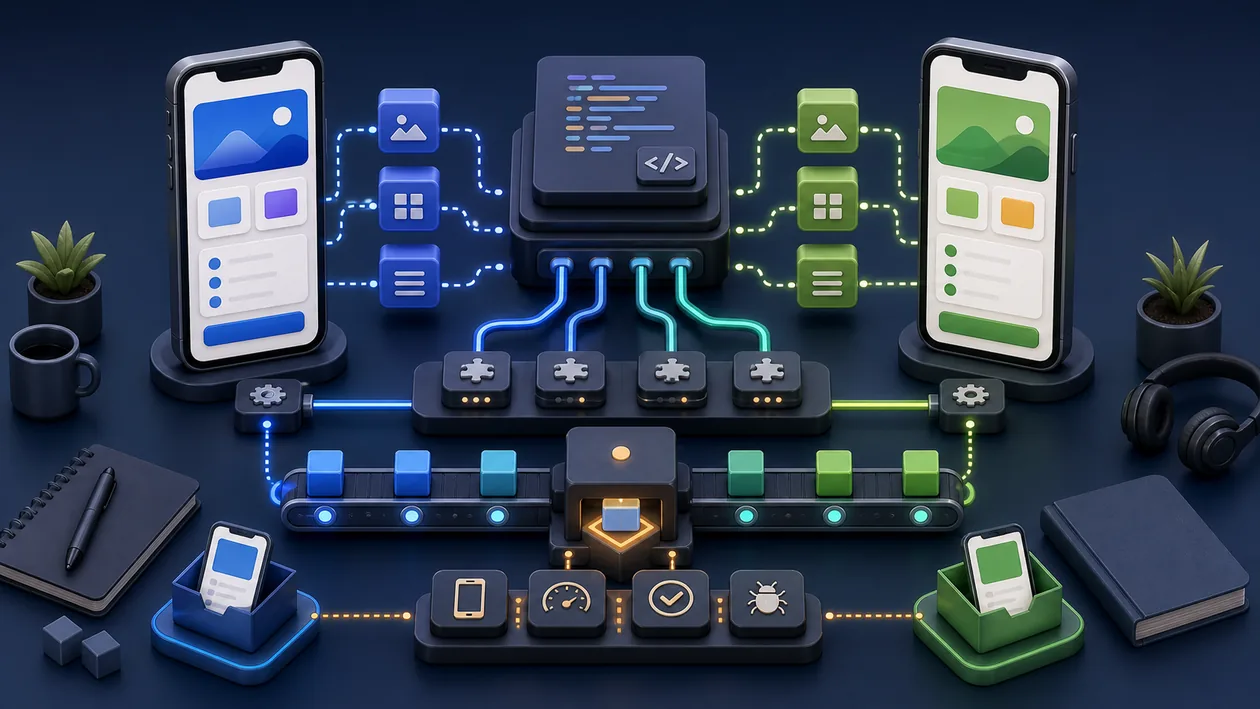
NativeScript is an open-source framework for building native mobile applications for iOS and Android. It allows developers to create native apps with JavaScript, TypeScript, or Angular without relying on platform-specific languages such as Swift or Java. NativeScript provides direct access to native APIs and UI components, enabling high-performance apps with a polished look and feel. The framework is often used to build cross-platform mobile applications from a single codebase.
Who is NativeScript suitable for?
NativeScript is aimed at developers and teams who want to build native mobile apps for multiple platforms without having to learn several programming languages. It is especially well suited for:
- JavaScript and TypeScript developers who want to use their web skills for mobile apps.
- Developers who need cross-platform apps with native performance.
- Companies and agencies that want to reduce development effort and costs through a shared codebase.
- Developers looking for full access to native APIs and UI components without wrappers or WebViews.
- Teams that prefer open-source technologies and want to stay flexible.
NativeScript is most useful for development, QA, platform, and product teams that want technical work to be handed off more reliably. The value should be judged in a real process where development, testing, debugging, deployment behavior, and traceable technical reviews become not only faster but also easier to explain.
Before NativeScript is rolled out more widely, the team should run a small reality check: one concrete workflow, one owner, clear review points, and a visible result after two weeks.
Editorial Assessment
With NativeScript, the demo impression matters less than daily operation: who maintains the inputs, who checks the result, and where does expert control remain?
NativeScript should first prove itself in a real development flow from setup through test data and review to acceptance. A broader rollout only makes sense when defect rate, review effort, speed, maintainability, and reproducibility look more stable there.
- Checkpoint for NativeScript: Before rollout, defect rate, review effort, speed, maintainability, and reproducibility should be supported by a small before-and-after comparison.
- Good start for NativeScript: A limited test path with real inputs shows faster whether the tool removes work or creates new maintenance.
- Risk with NativeScript: The rollout turns into extra coordination when standards, test data, ownership, and technical boundaries emerge only informally.
Key features
Development of native iOS and Android apps with JavaScript, TypeScript, or Angular.
Direct access to native APIs and UI elements without an additional bridge.
Support for Vue.js and Angular for component-based development.
Hot reload and live sync to speed up the development process.
Extensive plugin and module ecosystem for additional functionality.
CLI tools for project management, build, and deployment automation.
Integration with common backend services and cloud platforms.
Support for native UI layouts for platform-specific user experiences.
Debugging tools and performance analysis for mobile apps.
Open-source community with active development and support.
Practical run with NativeScript: The tool should be tested against a real development flow from setup through test data and review to acceptance, so strengths and limits become visible outside a polished demo.
Quality control in NativeScript: The team needs a simple way to review defect rate, review effort, speed, maintainability, and reproducibility after use.
Handoff with NativeScript: Results, open questions, and decisions should be documented so other roles can continue the work later.
Pros and cons
Pros
Native performance through direct access to platform APIs.
Easy use of JavaScript/TypeScript, no platform-specific languages required.
High flexibility in UI design thanks to native components.
Open source, with no licensing costs to get started.
Supports modern frameworks such as Angular and Vue.js.
Faster development cycles through live reload.
Extensive documentation and community support.
NativeScript is especially useful when a recurring process should no longer depend on one person's private know-how.
NativeScript can make team knowledge easier to reuse when development, testing, debugging, deployment behavior, and traceable technical reviews are scattered, implicit, or hard to verify.
Cons
Learning curve for developers without experience in native APIs or mobile platforms.
Less widely adopted than other frameworks such as React Native, so there are fewer plugins and resources.
Complexity can increase when making platform-specific adjustments.
App size can be larger in some cases compared to purely native apps.
Dependence on the community for updates and bug fixes.
NativeScript becomes harder to run when standards, test data, ownership, and technical boundaries emerge only informally and the team discovers those gaps only after rollout.
NativeScript is not a self-running fix; without an owner and review, the team quickly loses sight of quality and limits.
Pricing & costs
NativeScript is an open-source framework and can be used free of charge. For companies or teams that need additional support, training, or specialized services, some providers offer custom packages. The use of plugins or cloud services may incur costs depending on the provider.
The cost of NativeScript is not just the plan price. In practice, setup, CI resources, maintenance, integrations, documentation, and technical onboarding also matter because that is where ongoing maintenance and real time investment appear.
Open frequently asked questions
FAQ
1. Which programming languages does NativeScript support? NativeScript mainly supports JavaScript and TypeScript, as well as frameworks such as Angular and Vue.js.
2. Is NativeScript free to use? Yes, NativeScript is open source and can be used free of charge.
3. Can I use native UI components with NativeScript? Yes, NativeScript provides direct access to native UI elements and APIs without wrappers.
4. What does the performance of NativeScript apps look like? NativeScript apps offer near-native performance because the code accesses native APIs directly.
5. Is there a large community and support? NativeScript has an active open-source community, as well as extensive documentation and forums.
6. Which platforms are supported? NativeScript supports development for iOS and Android.
7. Is NativeScript suitable for beginners? Developers with JavaScript or TypeScript knowledge can get started relatively quickly, although understanding native APIs does require some familiarization.
8. How does debugging work in NativeScript? NativeScript offers built-in debugging tools that can be used together with common IDEs.
9. How should a team test NativeScript? For NativeScript, use one real, bounded use case. Define the goal, owner, data basis, review steps, and success criteria first, then compare effort and output quality after the test.
10. When is NativeScript a poor fit? NativeScript is a poor fit when standards, test data, ownership, and technical boundaries emerge only informally, or when nobody has time for setup, review, and ongoing maintenance. In that case the tool quickly becomes another maintenance item.