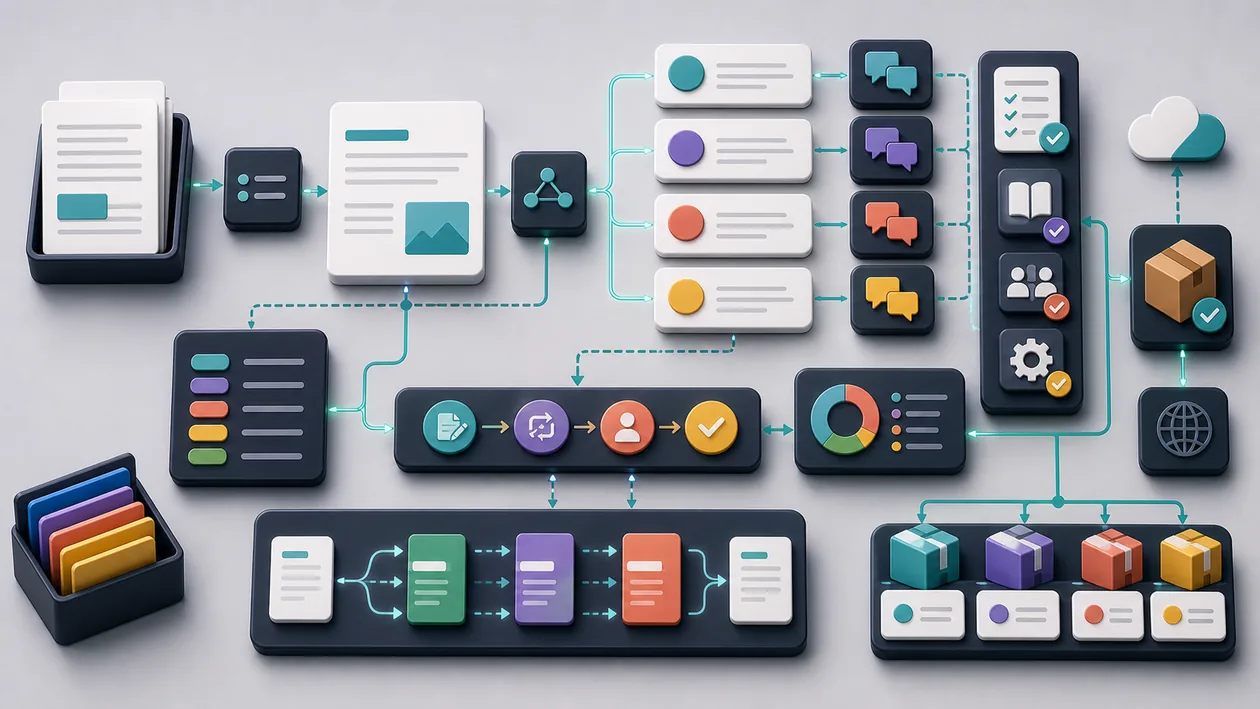
Phrase is a modern AI-powered platform built specifically for the translation and localization industry. It helps companies manage content efficiently and publish it in multiple languages. By using AI technologies, Phrase supports faster, more accurate, and more cost-effective text translation while making collaboration between developers, translators, and project managers easier.
Who is Phrase suitable for?
Phrase is aimed primarily at companies and teams that regularly need to create and manage multilingual content. These include software developers, marketing teams, translation agencies, and content managers. The platform is especially useful for organizations that offer their products or services globally and want to ensure consistent, high-quality localization. Smaller teams also benefit from the intuitive interface and automation features that simplify the translation process.
Phrase is most useful for editorial, learning, localization, and knowledge-work teams that need language to be reviewed reliably. The value should be judged in a real process where text quality, language, sources, structure, tone, and consistent publishing become not only faster but also easier to explain.
Phrase works best when the start is deliberately narrow: a clear purpose, a limited task or data set, and a review step that exists before problems appear.
Editorial Assessment
Phrase should be measured by process quality. A good implementation makes handoffs clearer, decisions easier to trace, and errors visible earlier.
Phrase should first prove itself in a real writing assignment with brief, draft, review, revision, and publication. A broader rollout only makes sense when clarity, fact checking, tone, editing time, and approval quality look more stable there.
- Checkpoint for Phrase: Before rollout, clarity, fact checking, tone, editing time, and approval quality should be supported by a small before-and-after comparison.
- Good start for Phrase: Use one production-like case with an owner, an acceptance criterion, and a short review instead of a long comparison without real use.
- Risk with Phrase: The rollout turns into extra coordination when sources, tone, review rules, language variants, and ownership remain unclear.
Main features
Translation Management System (TMS): Centralized management of translation projects with real-time updates and progress tracking.
AI-assisted translation: Automatic suggestions and machine translation to speed up the workflow.
Glossary and terminology management: Consistent use of technical terms across all projects.
API integration: Seamless connection to development and content management systems to automate translation processes.
Collaborative Workspaces: Shared editing and communication between translators, developers, and project managers.
Quality Assurance: Automated checks to ensure translation quality, e.g. for consistency and formatting.
Support for numerous file formats: Import and export of various file types such as JSON, XML, HTML, Markdown, and more.
Freemium pricing model: Free basic features with optional advanced features in paid plans.
Practical run with Phrase: The tool should be tested against a real writing assignment with brief, draft, review, revision, and publication, so strengths and limits become visible outside a polished demo.
Quality control in Phrase: The team needs a simple way to review clarity, fact checking, tone, editing time, and approval quality after use.
Handoff with Phrase: Results, open questions, and decisions should be documented so other roles can continue the work later.
Pros and cons
Pros
User-friendly interface that makes it easy to get started.
Extensive integrations for various development and content platforms.
Automated translations save time and money.
Strong collaboration options for distributed teams.
Flexible pricing model with a free entry point.
Strong quality assurance features for consistent results.
Phrase can make the workflow calmer when tasks, review, and handoff are named before the rollout.
Phrase can make team knowledge easier to reuse when text quality, language, sources, structure, tone, and consistent publishing are scattered, implicit, or hard to verify.
Cons
Advanced features are only available in paid plans.
AI translations often still require human post-editing.
Automation can be limited for very complex or creative content.
There is a learning curve when setting up API integrations and workflows.
Phrase becomes harder to run when sources, tone, review rules, language variants, and ownership remain unclear and the team discovers those gaps only after rollout.
Phrase saves little when setup, control, and follow-up are expected to happen only on the side.
Pricing & costs
Phrase offers a freemium model, so basic functions can be used free of charge. For a broader feature set, such as additional users, API access, or advanced quality assurance tools, various paid plans are available. Exact prices vary depending on the provider and plan, usually based on the number of users, translation volume, and desired features. Companies can often request custom quotes to meet their specific needs.
The cost of Phrase is not just the plan price. In practice, number of users, language coverage, integrations, review effort, rights, and governance also matter because that is where ongoing maintenance and real time investment appear.
Open frequently asked questions
FAQ
1. What is the main advantage of Phrase? Phrase simplifies and automates the translation process with AI-powered tools and enables efficient collaboration within teams.
2. Can I try Phrase for free? Yes, Phrase offers a free basic version with limited features that is well suited for getting started.
3. Which languages does Phrase support? Phrase supports a wide range of languages, depending on the machine translation systems used and the resources of the respective project.
4. Is Phrase suitable for small businesses? Yes, especially thanks to the freemium model and the user-friendly interface, Phrase is also a good fit for small teams.
5. Which file formats can Phrase handle? Phrase supports numerous formats such as JSON, XML, HTML, Markdown, and more, making flexible integration into different workflows possible.
6. How secure is data in Phrase? Phrase uses common security standards for data encryption and protection; details depend on the respective contract and provider.
7. Can Phrase be integrated with other tools? Yes, Phrase offers extensive API integrations for various development and content management systems.
8. How much does Phrase cost in the full version? Prices vary depending on the plan and usage scope; interested users can get exact information directly from the provider or on the website.
9. How should a team test Phrase? For Phrase, use one real, bounded use case. Define the goal, owner, data basis, review steps, and success criteria first, then compare effort and output quality after the test.
10. When is Phrase a poor fit? Phrase is a poor fit when sources, tone, review rules, language variants, and ownership remain unclear, or when nobody has time for setup, review, and ongoing maintenance. In that case the operational value is too thin for a clean rollout.