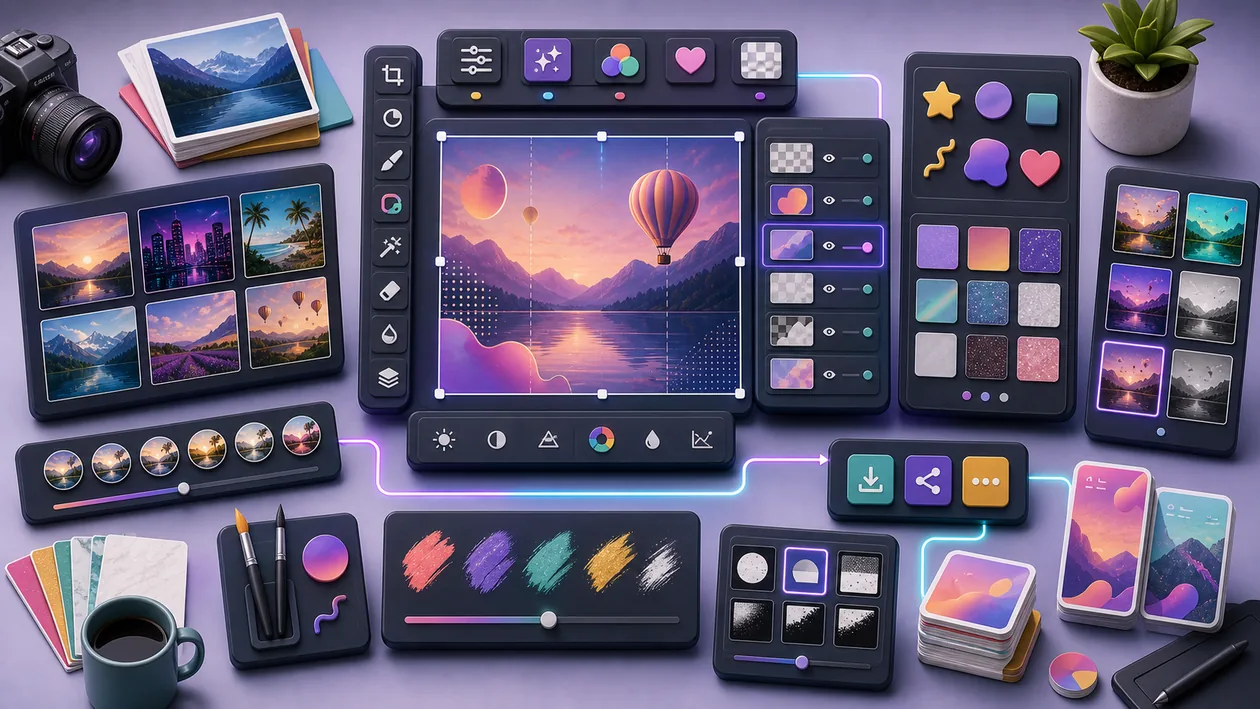
Picsart is a creative image and design app for quick visual content, social posts, collages, stickers, effects, and simple editing. It sits between classic photo editing and template design: less heavy than Photoshop, more playful than pure layout tools.
Its value lies in speed and variety. Anyone who regularly needs visual variations for social media, small campaigns, or creator content can use Picsart to move quickly from an image to a publishable graphic.
Who is Picsart suitable for?
Picsart is suitable for creators, social media teams, small brands, youth projects, clubs, and people who want to build eye-catching visuals without formal design training. For strictly managed corporate design systems or professional retouching, more controlled workflows are usually needed.
Typical use cases
- Quickly create social posts, stories, thumbnails, or collages.
- Combine images with text, stickers, effects, or background changes.
- Visually test campaign ideas before a designer finalizes them.
- Prepare product images or portraits for simple online use.
- Use templates for recurring creator formats.
What really matters in day-to-day work
In daily work, Picsart is a fast creative toolbox. The risk is that every post starts to look like it came from the same effects catalog. Good results come from restraint: few elements, clear hierarchy, enough breathing room.
For teams, a small style guide inside the tool is worthwhile: colors, fonts, logo spacing, image style. That keeps the speed while preventing the brand from showing up with a new face every Tuesday.
Key features
- Image editing, collages, text, and creative effects.
- Stickers, templates, and social media formats.
- Background removal or AI-related editing depending on the version.
- Mobile and web-based graphic creation.
- Export for platforms, campaigns, and simple design workflows.
Pros and limitations
Advantages
- Very accessible for quick visual content.
- Many creative options without complex professional software.
- Good for social media variations and creator workflows.
Limitations
- Can quickly feel overloaded or generic.
- Not ideal for precise brand and print production.
- Rights to templates, stock material, and effects should be checked.
Workflow fit
Picsart is a strong fit for fast content production: choose a source image, set the format, make the message visible, use effects sparingly, and check readability on a smartphone before exporting.
For branded content, every template should be checked for recognizability: the same colors, similar visual language, clear readability. Picsart is fast, but without that control feeds can quickly look like a flea market of effects.
Privacy & data
For uploaded images and photos of people, rights, consent, and platform terms should be observed. Stock elements or templates must fit commercial use if content is used for brands.
Pricing & costs
Picsart offers free and paid features. A subscription is especially worthwhile for users who regularly use templates, premium elements, or AI features in their content process. The pricing model listed in the dataset is: Freemium.
Editorial assessment
Picsart is a good creative accelerator for social visuals. The best results come when you do not use all the effects, but instead make a clear idea visible with intention.
A good first test for Picsart is therefore not a demo click, but a real mini workflow: quickly create social posts, stories, thumbnails, or collages. If that works with real data, real roles, and a clear outcome, the next stage is worthwhile.
At the same time, the most important limitation should be stated openly: It can quickly feel overloaded or generic. This friction is not a reason to rule it out, but it belongs before the decision, not in the frustrated debrief after the purchase.
Open frequently asked questions
FAQ
Is Picsart suitable for small teams?
What should a Picsart pilot look like?
Start with a bounded process, a small group and a clear success criterion. Check output quality, permissions and handovers before expanding the scope.
Which data should not be processed in Picsart without review?
Sensitive or confidential content should wait until contract terms, access, storage and deletion controls have been reviewed. Escalate uncertainty to the responsible privacy owner.
When is an alternative to Picsart the better choice?
Choose an alternative when the need is occasional, a required integration is missing, or administration and cost outweigh the practical benefit.
Yes, if the specific use case is kept small enough and the team can realistically maintain it.
What should you pay attention to before using Picsart? It can quickly feel overloaded or generic. It should also be clear in advance who maintains the tool, what data is used, and how success will be measured.
Does Picsart replace human work? No. Picsart can speed up or structure work, but decisions, quality control, and responsibility remain with the team.