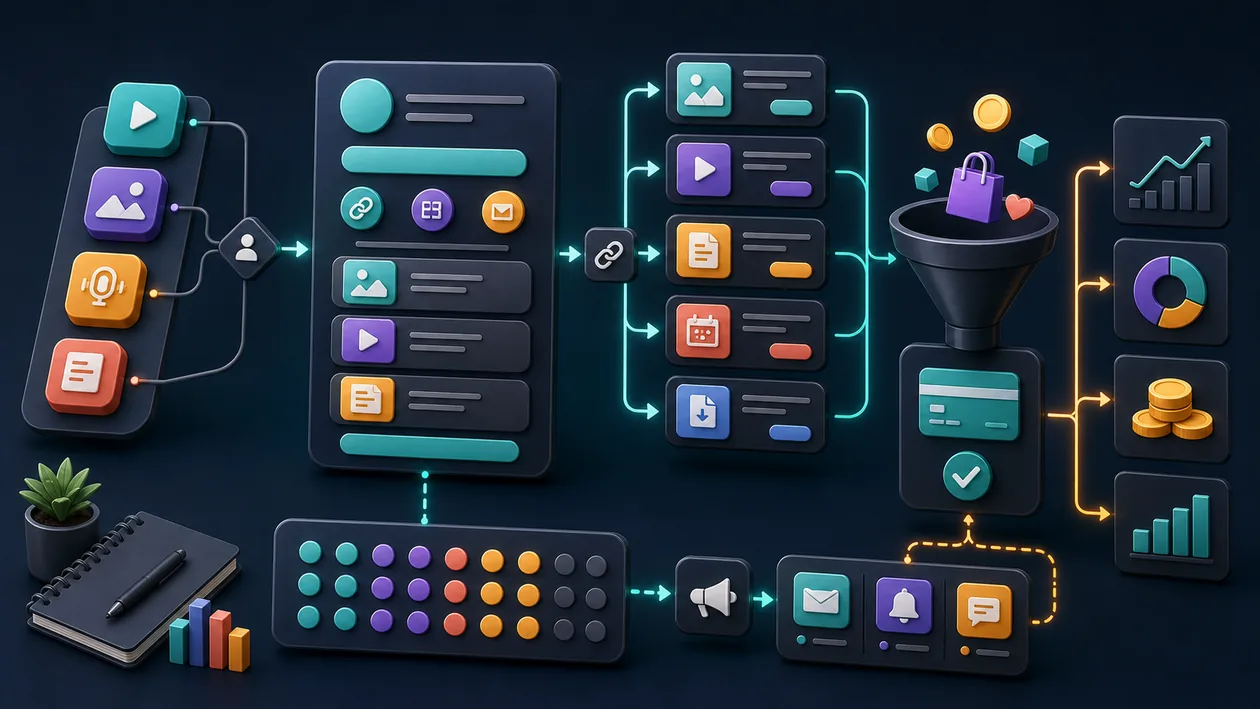
Pillar is an innovative AI tool designed to increase productivity and automation for businesses and individual users. It combines intelligent assistant functions with data-driven analytics to make workflows more efficient and support decision-making. With a freemium pricing model, Pillar offers both basic features for free and advanced features in paid plans.
Who is Pillar for?
Pillar is aimed at professionals and managers who want to optimize their work processes through the use of artificial intelligence. Teams in mid-sized and large companies also benefit from its automation and analytics features. Individual users looking to boost their productivity will also find Pillar a flexible tool. It is especially useful for industries that rely on data analysis and efficient communication, such as marketing, sales, project management, and IT.
Pillar is most useful for data, analytics, research, and engineering teams that need decisions to be reproducible. The value should be judged in a real process where data quality, queries, analysis, model maintenance, and traceable decisions become not only faster but also easier to explain.
Pillar works best when the start is deliberately narrow: a clear purpose, a limited task or data set, and a review step that exists before problems appear.
Editorial Assessment
With Pillar, the demo impression matters less than daily operation: who maintains the inputs, who checks the result, and where does expert control remain?
A useful pilot for Pillar starts with a limited data set with a clear source, defined question, owner, and acceptance point. After that, the team should judge whether data quality, runtime, maintainability, result stability, and acceptance of the analysis are visibly better in the real workflow, not just in a demo.
- Checkpoint for Pillar: Before rollout, data quality, runtime, maintainability, result stability, and acceptance of the analysis should be supported by a small before-and-after comparison.
- Good start for Pillar: A limited test path with real inputs shows faster whether the tool removes work or creates new maintenance.
- Risk with Pillar: The rollout turns into extra coordination when data sources, definitions, access rights, and ownership remain unclear.
Main Features
Intelligent AI assistant: Helps with task organization, scheduling, and information lookup.
Workflow automation: Enables the creation of automated processes to reduce manual work.
Data analysis and reporting: Analyzes company data and generates easy-to-understand reports to support decision-making.
Third-party integrations: Compatible with common tools such as calendars, CRM systems, and cloud services.
Personalized recommendations: Learns from usage data to provide individual suggestions for improving productivity.
Team collaboration: Supports collaboration through shared dashboards and communication features.
Security and privacy features: Protects sensitive data in line with common standards.
Practical run with Pillar: The tool should be tested against a limited data set with a clear source, defined question, owner, and acceptance point, so strengths and limits become visible outside a polished demo.
Quality control in Pillar: The team needs a simple way to review data quality, runtime, maintainability, result stability, and acceptance of the analysis after use.
Handoff with Pillar: Results, open questions, and decisions should be documented so other roles can continue the work later.
Pros and Cons
Pros
Easy to use with an intuitive interface
Flexible and adaptable to different industries and ways of working
Efficient automation reduces time-consuming routine tasks
Comprehensive analytics help support informed decisions
Freemium model allows for a risk-free start
Pillar works best when the scope stays narrow enough for results to be reviewed and repeated reliably.
Pillar can improve handoffs when data quality, queries, analysis, model maintenance, and traceable decisions currently leave too much context in individual heads.
Cons
Advanced features are only available in paid plans
Technical knowledge may be required depending on the integration
Performance depends on the quality of the data entered
Support and documentation vary by plan and provider
Pillar can merely move the friction elsewhere when data sources, definitions, access rights, and ownership remain unclear.
Pillar saves little when setup, control, and follow-up are expected to happen only on the side.
Pricing & Costs
Pillar offers a freemium model that provides basic features free of charge. For advanced features such as expanded automations, additional integrations, or premium support, there are various paid plans available. Prices may vary depending on the provider and scope of services and are usually offered as monthly or yearly subscriptions. More detailed information can be found on the official website.
For Pillar, it is worth looking behind the sticker price: infrastructure, operations, monitoring, training, data model maintenance, and governance. These factors often decide ROI more than the entry price.
Open frequently asked questions
FAQ
1. Is Pillar suitable for beginners? Yes, Pillar is designed so that even users without in-depth technical knowledge can use the basic features. More complex automations, however, may require some onboarding.
2. Which data sources can Pillar integrate? Depending on the plan, Pillar supports various data sources, including calendars, CRM systems, cloud storage, and other common business tools.
3. How secure is my data with Pillar? The tool implements industry-standard security and privacy measures to ensure the confidentiality of user data. More detailed information can be found on the provider's website.
4. Is there a mobile app for Pillar? Depending on the provider and plan, a mobile app or a mobile-optimized web application is available to enable access on the go.
5. Can I integrate Pillar into my existing team? Yes, Pillar offers team collaboration features and can be integrated into existing work environments to improve cooperation.
6. How does the freemium model work? Free access includes basic features, while premium features and expanded usage options are included in paid plans.
7. Does Pillar support multiple languages? Language availability may vary depending on the version and provider. Information on this is usually included in the product details.
8. Is there a trial period for the paid plans? Many providers offer a free trial so users can test the advanced features before purchasing. Check the website for details.
9. How should a team test Pillar? For Pillar, use one real, bounded use case. Define the goal, owner, data basis, review steps, and success criteria first, then compare effort and output quality after the test.
10. When is Pillar a poor fit? Pillar is a poor fit when data sources, definitions, access rights, and ownership remain unclear, or when nobody has time for setup, review, and ongoing maintenance. In that case the tool quickly becomes another maintenance item.