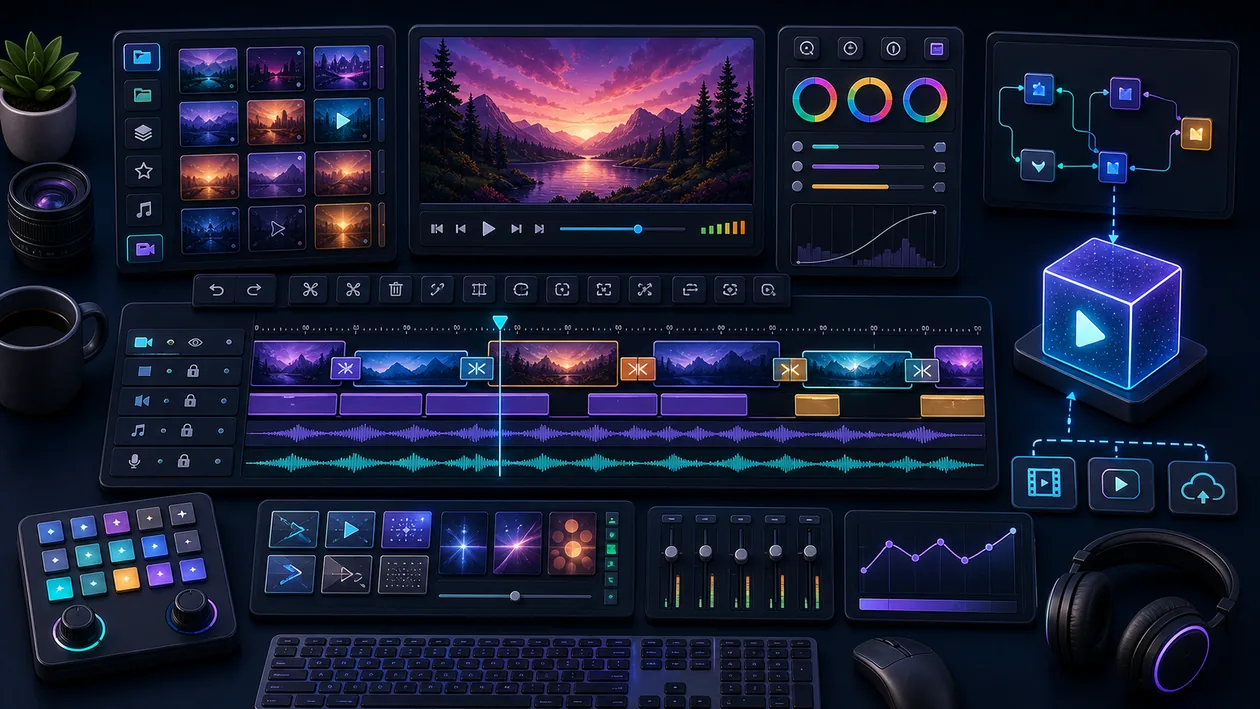
PowerDirector is a powerful video editing software distinguished by its user-friendly interface and wide range of features. With built-in AI tools, it enables both beginners and professionals to create creative and professional videos on desktop systems. The software offers extensive editing options, effects, and templates that make it easier to produce high-quality content.
Who is PowerDirector suitable for?
PowerDirector is aimed at a broad audience: from hobby videographers who want to create simple, appealing videos to professional content creators who need to complete complex projects. The tool is especially suitable for users who value fast and efficient editing and want to benefit from AI-supported features. The software is designed for use on desktop computers and is compatible with various operating systems.
Key features
- Intuitive timeline editing: Easy arrangement and editing of video clips, audio, and effects.
- AI-supported tools: Automatic scene detection, color adjustment, and noise reduction.
- Multicam editing: Synchronization and editing of footage from multiple cameras.
- Effect library: A large selection of transitions, filters, titles, and animated elements.
- 4K and HD support: Enables editing and exporting of high-resolution videos.
- Audio editing: Integrated tools for improving sound and adding music.
- Templates and themes: Prebuilt designs for different video types and styles.
- Export options: Flexible output formats and direct publishing to social platforms.
- Stabilization and time-lapse: Tools for image enhancement and creative speed changes.
Pros and cons
Pros
- User-friendly interface, suitable for beginners
- Extensive features and effects, including AI support
- Fast performance for video editing on desktop systems
- Regular updates and expansions
- Support for many video formats and resolutions
Cons
- Subscription model can be expensive for occasional users
- Some advanced features are only available in higher-tier versions
- Learning curve for more complex editing tools
Pricing & costs
PowerDirector is primarily offered as a subscription model. Exact prices vary depending on the provider, selected plan, and included features. There are often different versions available, including basic and premium packages with different feature sets. In some cases, a one-time payment may also be possible for certain versions or add-ons. A free trial may be available depending on the provider so you can try the program before buying.
What really matters in daily use
PowerDirector is a video tool for users who want finished clips quickly without entering a professional post-production environment. Templates, effects, and simple timeline editing help, as long as story, audio, and export format are not subordinated to the effects catalog.
Workflow Fit
- Good for YouTube, social clips, family videos, school projects, and small marketing productions.
- Less suitable for high-end color grading, complex team workflows, or projects with strict broadcast requirements.
Editorial Assessment
PowerDirector sits in a useful middle ground between beginner comfort and creative control. The best output comes when users apply effects selectively instead of enabling every automatic option at once.
Open frequently asked questions
FAQ
1. Is PowerDirector suitable for beginners?
What should a PowerDirector pilot look like?
Start with a bounded process, a small group and a clear success criterion. Check output quality, permissions and handovers before expanding the scope.
Which data should not be processed in PowerDirector without review?
Sensitive or confidential content should wait until contract terms, access, storage and deletion controls have been reviewed. Escalate uncertainty to the responsible privacy owner.
When is an alternative to PowerDirector the better choice?
Choose an alternative when the need is occasional, a required integration is missing, or administration and cost outweigh the practical benefit.
Yes, PowerDirector offers an intuitive user interface and numerous templates that make it easy to get started.
2. Which operating systems are supported? PowerDirector is mainly available for Windows desktop systems. Some versions may also support macOS, depending on the provider.
3. Is there a free version of PowerDirector? Depending on the provider, there may be a free trial version, but it is usually time-limited or functionally restricted.
4. Does PowerDirector support 4K video editing? Yes, PowerDirector supports editing and exporting 4K videos.
5. Which AI features are integrated into PowerDirector? PowerDirector uses AI for automatic scene detection, color adjustments, and noise reduction to simplify the editing process.
6. Can videos be uploaded directly from PowerDirector to social media? Yes, the software offers export options for direct publishing to platforms such as YouTube or Vimeo.
7. How much does a PowerDirector subscription cost? Costs vary depending on the plan and provider. There are different packages with different features.
8. Is PowerDirector also suitable for professional video production? Yes, with its wide range of features and support for multicam editing, PowerDirector is also suitable for professional users.