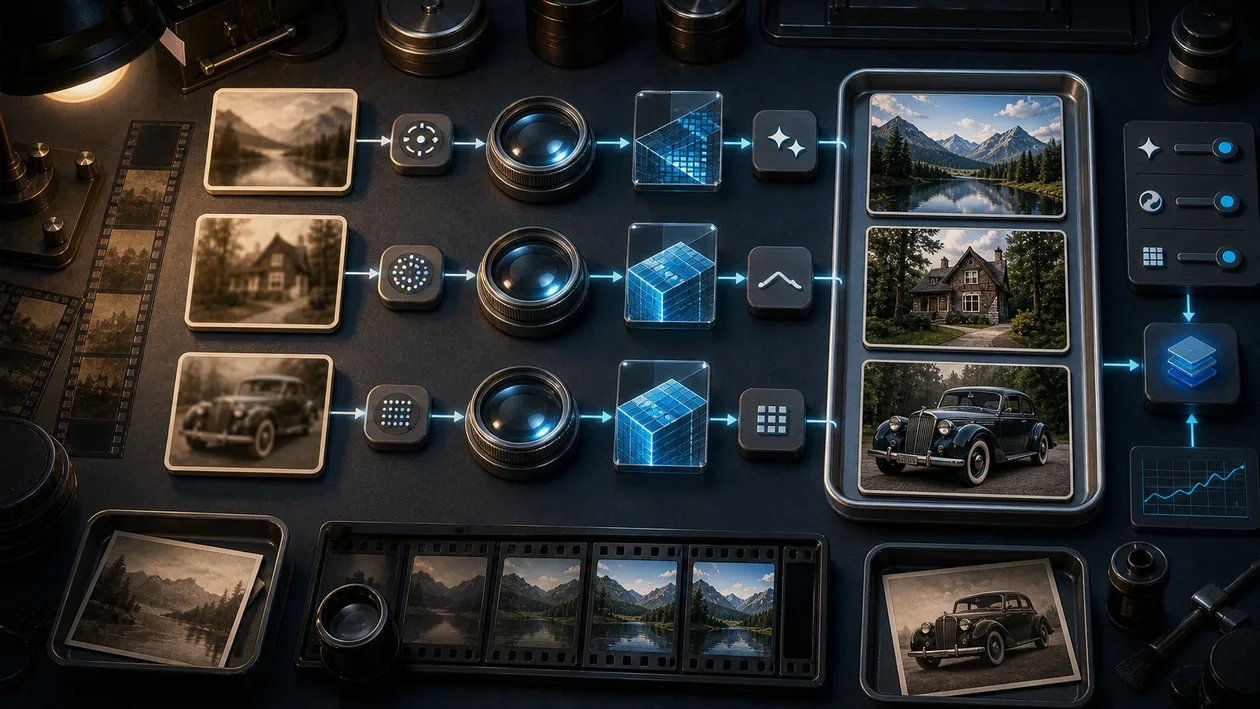
Remini is an AI-powered design tool that specializes in improving and restoring images. It uses advanced artificial intelligence to optimize photos, reconstruct details, and turn old or blurry images into high-resolution works of art. Remini offers both free and paid features, allowing users to enhance their images quickly and easily.
Who is Remini for?
Remini is aimed at a broad audience of users, including photographers, designers, social media managers, artists, and hobby photographers. The tool is especially useful for anyone who wants to restore old family photos, improve pixelated or blurry images, or simply increase the quality of images for professional or personal use. Even users without in-depth technical knowledge benefit from the user-friendly interface and automated functions.
Main Features
- AI-powered image enhancement: Automatic improvement of photos through sharpening, noise reduction, and detail reconstruction.
- Restoration of old photos: Restoration of damaged or faded images.
- Upscaling: Enlarging images without loss of quality.
- Portrait enhancement: Special optimization of faces to smooth skin textures and highlight details.
- Batch processing: Ability to enhance multiple images at the same time (depending on the plan).
- Easy to use: Intuitive user interface with results in just a few clicks.
- Mobile app and web version: Available for use on smartphones as well as on desktop.
Advantages and Disadvantages
Advantages
- Easy and fast image enhancement thanks to AI technology.
- Free entry with a freemium model.
- Good performance when restoring old and poor-quality photos.
- Available on various platforms (iOS, Android, web).
- No in-depth technical knowledge required.
Disadvantages
- Paid features are sometimes necessary for the best results.
- Limited number of free image enhancements per day.
- Results can vary depending on image quality.
- Privacy and upload concerns with sensitive images, since processing takes place in the cloud.
Pricing & Costs
Remini offers a freemium model in which basic features can be used for free. For advanced features, unlimited use, and faster processing, various subscriptions are available. The exact prices and plans may vary by provider and region, but usually include monthly and annual options with discounts for longer terms.
Open frequently asked questions
FAQ
1. Is Remini really free?
What should a Remini pilot look like?
Start with a bounded process, a small group and a clear success criterion. Check output quality, permissions and handovers before expanding the scope.
Which data should not be processed in Remini without review?
Sensitive or confidential content should wait until contract terms, access, storage and deletion controls have been reviewed. Escalate uncertainty to the responsible privacy owner.
When is an alternative to Remini the better choice?
Choose an alternative when the need is occasional, a required integration is missing, or administration and cost outweigh the practical benefit.
Remini offers free basic features, but many advanced features and unlimited use are paid.
2. How does Remini's AI image enhancement work? The AI analyzes the image, recognizes details, and reconstructs missing or blurry areas to improve image quality.
3. Can I use Remini on my smartphone? Yes, Remini is available as an app for iOS and Android as well as a web version for desktop users.
4. Are my uploaded images secure? Remini processes images in the cloud. For sensitive photos, it is advisable to review the privacy policy.
5. How many images can I enhance for free? Free use is usually limited to a certain number of images per day or month.
6. Does Remini support batch processing? Batch processing is available in some paid plans and allows multiple images to be edited at the same time.
7. Which image formats are supported? Common formats such as JPG and PNG are supported; exact details may vary by platform.
8. Is there a way to use Remini without an internet connection? Since AI processing is cloud-based, an internet connection is required. Offline use is not offered.
Editorial Assessment
Remini is a defensible choice when a defined workflow, clear ownership and a limited pilot come together. The decision should rest less on a feature checklist than on whether the team can review results, hand work over reliably and respond to change. Our verdict: a good fit for recurring work with an accountable owner; for a narrow or occasional task, a simpler alternative is usually more sensible.
Workflow and rollout
A useful start with Remini begins with one concrete workflow and a small user group. Define the input, expected outcome and manual checkpoint before adding more automation or permissions. Record who approves the result and how a failed step is reversed. A focused pilot makes it clear whether Remini holds up in daily work or only looks convincing in a demo.