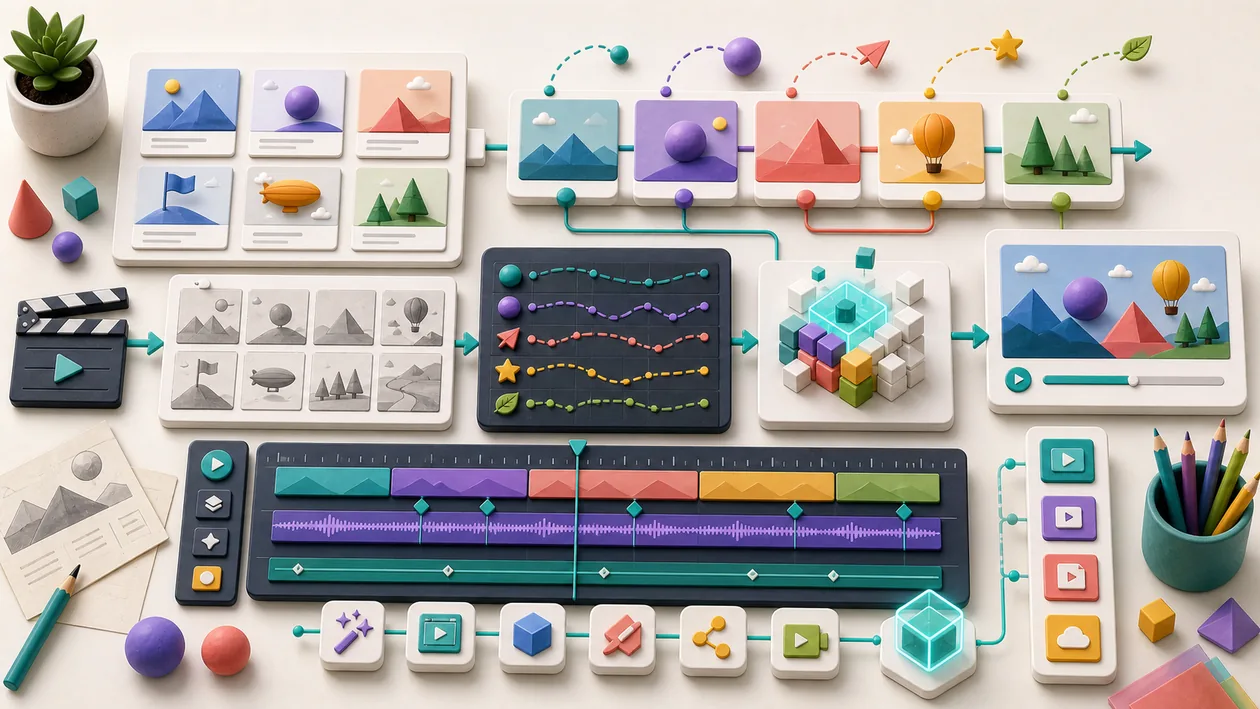
Renderforest is a versatile online platform that lets users create professional videos, animations, logos, and websites with the help of templates and AI-powered tools. Renderforest is especially popular for quickly producing marketing videos, explainer videos, and visual content that can be created without deep design or video editing knowledge. The platform supports both individuals and businesses in efficiently creating media content within their workflow.
Who is Renderforest suitable for?
Renderforest is aimed at a broad audience, including:
- Small and medium-sized businesses that want to create marketing videos or product presentations quickly and at low cost.
- Freelancers and creatives who want to produce professional videos and animations without complex software.
- Marketing and social media teams that regularly need content for campaigns.
- Startups and founders who need visual content for brand building.
- Educational institutions and trainers who create clear teaching videos or explainer videos.
The platform is especially suitable for users who prefer an intuitive, browser-based solution and do not have extensive video editing experience.
Main Features
- Template Library: Access to hundreds of customizable video templates for a wide range of use cases such as advertising, explainer videos, slideshows, and intros.
- AI-Powered Video Creation: Automated generation of videos based on text, images, and music.
- Logo and Branding Tools: Create logos and brand assets with integrated design options.
- Cloud-Based Workflow: Projects are stored online, making them accessible from different devices.
- Music and Sound Effects: A large selection of royalty-free music and sound effects to accompany videos.
- Export Options: Various video resolutions and formats for download or direct sharing on social networks.
- Team Features: Collaborate as a team with shared projects and approval options.
- Website Builder: Easily build websites with ready-made templates and a drag-and-drop editor.
- Customizable Animations: The ability to animate text, shapes, and images.
Pros and Cons
Pros
- User-friendly interface, ideal for beginners with no prior experience.
- Fast video creation thanks to ready-made templates.
- Broad range of media formats (video, logo, website) on one platform.
- Cloud-based solution without the need to install additional software.
- AI support makes content production easier.
- Flexible export and sharing options.
- Suitable for different industries and use cases.
Cons
- The free version often includes watermarks and limited features.
- Advanced video editing and custom adjustments are limited.
- Dependence on an internet connection and browser performance.
- Pricing structure can vary depending on the features needed and is not always transparent.
- Some users report longer render times for complex projects.
What really matters in daily use
In daily use, Renderforest is useful only when it can support template-based videos, logos and simple brand assets for small teams inside a real workflow. A fair pilot needs real trials with concrete campaigns, export quality, license questions and reuse needs; canned demos are not enough to reveal latency, review effort, rights issues and cost. The main caveat is clear: useful for quick production, but limited when a brand needs to feel highly distinctive.
Workflow Fit
Renderforest should have a narrow job in the workflow: input, quality check, handoff point and owner. For template-based videos, logos and simple brand assets for small teams, this kind of evidence is more informative than a long feature list: real trials with concrete campaigns, export quality, license questions and reuse needs. Only after that can a team judge whether integration, review and maintenance effort are worth it.
Editorial Assessment
Editorial view: Renderforest is worth testing when the use case is specific and success can be measured. A broad search for automation is too vague. Useful for quick production, but limited when a brand needs to feel highly distinctive. That boundary should be discussed before a wider rollout, not after the workflow is already dependent on it.
Pricing & Costs
Renderforest offers several pricing plans that differ in feature set, export quality, and usage rights. Typically, these include:
- Free basic version: Includes limited templates, watermarks, and lower resolutions.
- Monthly and annual subscriptions: Include advanced features, higher video resolutions (HD, Full HD), no watermarks, and commercial use.
- Pay-per-use options: For individual video exports without a subscription, depending on the plan.
Depending on the provider and the chosen plan, costs vary, so it is advisable to check the current pricing overview on the official website.
Open frequently asked questions
FAQ
1. Do I need prior experience to use Renderforest?
What should a Renderforest pilot look like?
Start with a bounded process, a small group and a clear success criterion. Check output quality, permissions and handovers before expanding the scope.
Which data should not be processed in Renderforest without review?
Sensitive or confidential content should wait until contract terms, access, storage and deletion controls have been reviewed. Escalate uncertainty to the responsible privacy owner.
When is an alternative to Renderforest the better choice?
Choose an alternative when the need is occasional, a required integration is missing, or administration and cost outweigh the practical benefit.
No, Renderforest is designed for beginners and offers an intuitive interface as well as ready-made templates that make creating videos and other media easier.
2. Can I try Renderforest for free? Yes, there is a free basic version, but it includes watermarks and only limited features.
3. Which video formats and resolutions does Renderforest support? Renderforest allows export in various formats and resolutions, including HD and Full HD, depending on the selected plan.
4. Is Renderforest suitable for commercial use? Depending on the selected plan, commercial usage rights are included. It is important to review the license terms of the respective subscription.
5. Can I share my projects with others on the team or work on them together? Yes, Renderforest offers team collaboration features, including shared project management and approvals.
6. How long does it take to render a video? Render times vary depending on the complexity of the project and server load. In general, it takes a few minutes.
7. Which payment methods are accepted? Common payment methods such as credit card, PayPal, and possibly additional online payment services are typically accepted.
8. Is there a mobile app for Renderforest? Renderforest is primarily designed as a web-based platform, and a dedicated mobile app is not currently available; however, the website can be used on mobile devices.