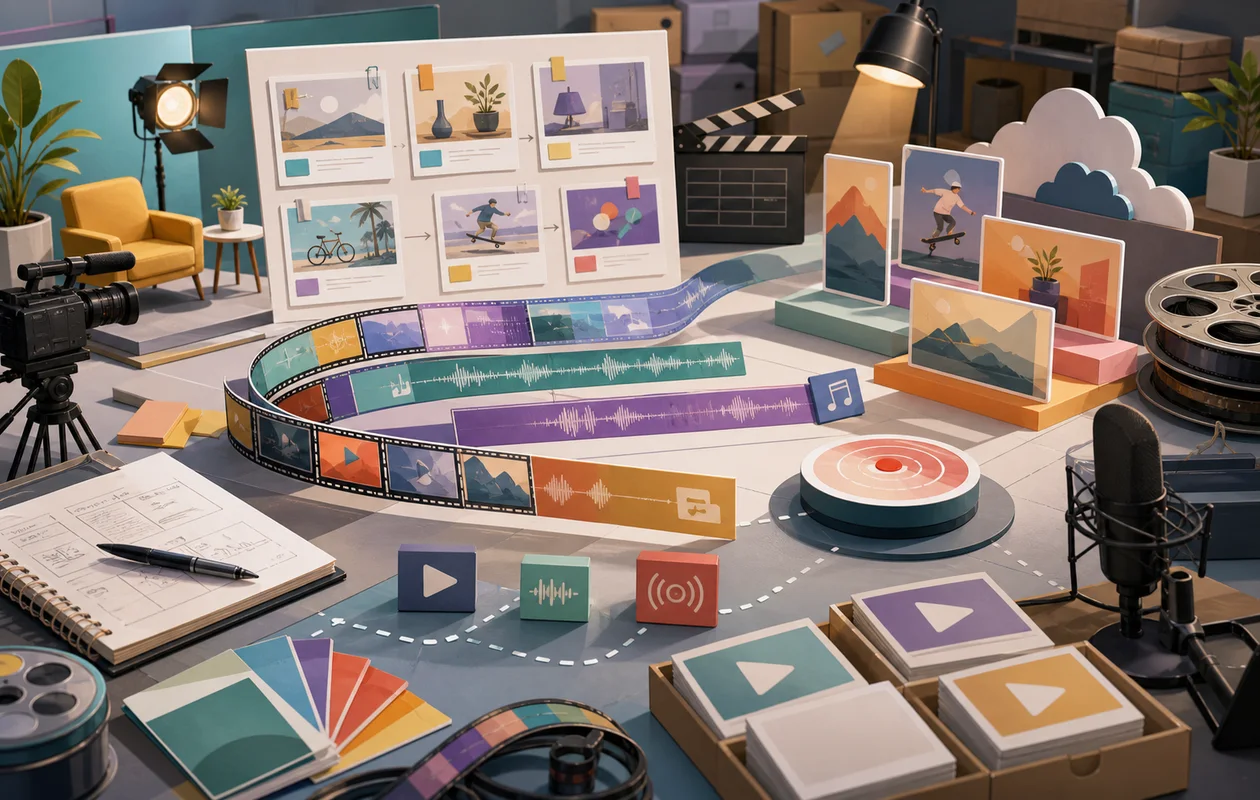
Wave.video is a versatile online platform for creating and editing videos, designed specifically for marketing, social media, and streaming. With a user-friendly interface, it allows both beginners and professionals to quickly produce and share engaging video content. The tool combines video creation, editing, and hosting in one place and offers numerous templates, effects, and customization options.
## Who is Wave.video suitable for?Wave.video is aimed at individuals, small to medium-sized businesses, marketing teams, and content creators who need professional videos for advertising, social media, webinars, or live streams. It is especially well suited for users who do not have in-depth video editing knowledge but still want to create engaging clips. Social media managers and influencers also benefit from the templates and easy integration with various platforms.
Wave.video is most useful for design, content, product, and creative teams that need visual outcomes to become reviewable faster. The value should be judged in a real process where visual quality, variants, feedback, export formats, and handoff to other roles become not only faster but also easier to explain.
Wave.video works best when the start is deliberately narrow: a clear purpose, a limited task or data set, and a review step that exists before problems appear.
Editorial assessment
Wave.video is worth considering only if it visibly improves an existing workflow. The key is not the longest feature list, but less friction, clearer ownership, and output that other people can review.
A good test case for Wave.video is one concrete asset with briefing, versions, feedback, export, and final acceptance. If editing time, visual quality, approval loops, reusability, and consistency do not improve in a plausible way afterwards, the value is not proven yet.
- Checkpoint for Wave.video: Before rollout, editing time, visual quality, approval loops, reusability, and consistency should be supported by a small before-and-after comparison.
- Good start for Wave.video: A limited test path with real inputs shows faster whether the tool removes work or creates new maintenance.
- Risk with Wave.video: The value becomes weak when briefing, rights, brand rules, file formats, and review steps remain vague.
Main features
Video creation with templates: Access to an extensive library of ready-made video templates for different industries and purposes.
Drag-and-drop editor: Intuitive video editing, including trimming, adding text, transitions, and animations.
Video hosting and sharing: The ability to host videos directly on Wave.video and share them via link or embed.
Social media optimization: Automatic adjustment of video formats and sizes for platforms such as Instagram, Facebook, YouTube, and LinkedIn.
Stock media library: Access to millions of royalty-free photos, videos, and music tracks.
Live streaming: Integration of live streaming features for events and webinars.
Branding options: Add logos, colors, and fonts for customized designs.
Subtitles and text animation: Support for automatic subtitles and animated text to attract more attention.
Team collaboration: Work on projects together with multiple users.
Analytics tools: Insights into the performance of the videos created on different platforms.
Practical run with Wave.video: The tool should be tested against one concrete asset with briefing, versions, feedback, export, and final acceptance, so strengths and limits become visible outside a polished demo.
Quality control in Wave.video: The team needs a simple way to review editing time, visual quality, approval loops, reusability, and consistency after use.
Handoff with Wave.video: Results, open questions, and decisions should be documented so other roles can continue the work later.
Pros and cons
Pros
User-friendly interface, suitable even for beginners.
Large selection of templates and stock media.
Combines video creation, hosting, and live streaming in one tool.
Flexible adaptation to different social media channels.
Freemium model allows risk-free testing.
Collaboration features for teams.
Automatic subtitles make accessible videos easier to create.
Wave.video can make the workflow calmer when tasks, review, and handoff are named before the rollout.
Wave.video can improve handoffs when visual quality, variants, feedback, export formats, and handoff to other roles currently leave too much context in individual heads.
Cons
Some advanced features are only available in paid plans.
Video editing is less extensive than in specialized professional software.
Streaming features may be limited depending on the plan.
Export options and video quality vary by subscription.
Wave.video needs clarification before rollout when briefing, rights, brand rules, file formats, and review steps remain vague; otherwise side processes appear quickly.
Wave.video saves little when setup, control, and follow-up are expected to happen only on the side.
Pricing & costs
Wave.video offers a Freemium pricing model that includes a free basic version with limited features. For advanced features and higher usage limits, various subscription plans are available, with prices varying depending on the selected package and contract term. Paid plans typically include additional templates, higher video quality, expanded storage, team features, and access to premium media.
A fair cost check for Wave.video should include licensing model, devices, storage, templates, team approvals, export options, and training. Otherwise the tool can look cheaper at the start than it is in productive use.
Open frequently asked questions
FAQ
1. Is Wave.video suitable for beginners?
What should a Wave.video pilot look like?
Start with a bounded process, a small group and a clear success criterion. Check output quality, permissions and handovers before expanding the scope.
Which data should not be processed in Wave.video without review?
Sensitive or confidential content should wait until contract terms, access, storage and deletion controls have been reviewed. Escalate uncertainty to the responsible privacy owner.
When is an alternative to Wave.video the better choice?
Choose an alternative when the need is occasional, a required integration is missing, or administration and cost outweigh the practical benefit.
Yes, the platform is very user-friendly and offers many ready-made templates that make it easy to get started.
2. Which video formats does Wave.video support? Wave.video supports common formats for export and streaming, which are automatically optimized for different platforms.
3. Can I create live streams with Wave.video? Yes, Wave.video offers live streaming features, although these may vary depending on the plan.
4. Is there a free version of Wave.video? Yes, Wave.video offers a free basic version (Freemium) with limited features.
5. Can I use my own branding in the videos? Branding options are available in the paid plans to customize logos, colors, and fonts.
6. How many videos can I create with the free version? The limit depends on the respective plan, but the free version has a restriction on the number and length of videos.
7. Are subtitles generated automatically? Wave.video supports automatic subtitles, which improves the accessibility of the videos.
8. Is team collaboration on projects possible? Yes, the platform offers collaboration features that allow multiple users to work on videos together.
9. How should a team test Wave.video? For Wave.video, use one real, bounded use case. Define the goal, owner, data basis, review steps, and success criteria first, then compare effort and output quality after the test.
10. When is Wave.video a poor fit? Wave.video is a poor fit when briefing, rights, brand rules, file formats, and review steps remain vague, or when nobody has time for setup, review, and ongoing maintenance. In that case the tool quickly becomes another maintenance item.
Workflow and rollout
A useful start with Wave.video begins with one concrete workflow and a small user group. Define the input, expected outcome and manual checkpoint before adding more automation or permissions. Record who approves the result and how a failed step is reversed. A focused pilot makes it clear whether Wave.video holds up in daily work or only looks convincing in a demo.