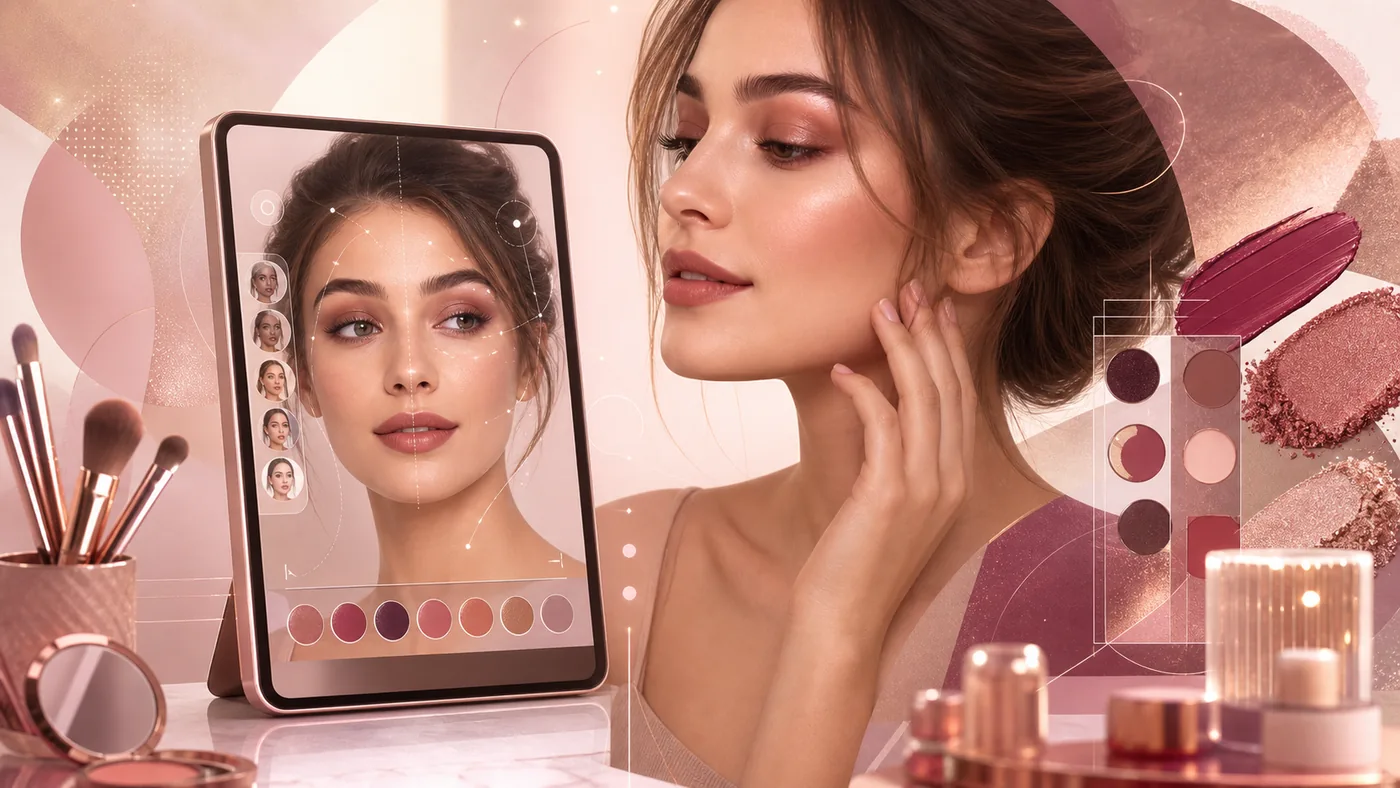
YouCam Makeup is Perfect Corp.'s mobile beauty and selfie app for applying virtual makeup, hairstyles, and portrait edits to a photo or live camera view. It is useful for sketching looks and preparing social content, but it is not a binding product swatch, a medical skin diagnosis, or a replacement for controlled professional retouching.
Who is YouCam Makeup for?
The app fits private users, beauty creators, small social teams, and brands that need to visualise several looks quickly. A creator can compare options before a shoot, a studio can discuss a direction for lips, eyes, or hair with a client, and a shopper can preview an idea before applying it in real life. Sensitive client portraits, final colour decisions, and campaign production need additional approval rules and a more controlled image workflow.
What it contributes to a real workflow
The central workflow is virtual application of individual elements such as lipstick, eyeshadow, eyeliner, lashes, blush, foundation, and contour. Preset looks, intensity controls, and a live camera preview make quick comparisons possible. Depending on the current app version, Perfect Corp. also offers skin retouching, face adjustments, hair colour and hairstyle changes, body editing, outfit variations, and AI-based image or video effects. Availability of specific features, products, and exports can vary by device, region, and plan, so a team should verify the exact path it intends to use.
Practical use cases
- Compare lipstick, blush, or eyeshadow directions before buying or applying a product.
- Prepare several looks on the same source portrait for a beauty reel.
- Discuss a rough hair or makeup idea with a client before spending time on a real styling session.
- Develop seasonal social variants without immediately reshooting every concept.
- Use restrained retouching as the final mobile step while keeping the original untouched.
A sensible day-to-day workflow
Start with a sharp, evenly lit source image and keep it in a separate original folder. Change one category at a time, for example lips first, eyes second, and skin last. Reduce intensity deliberately until the result still looks credible. Before publication, have another person compare the original and variant at normal screen brightness. Export format, aspect ratio, filename, and approval status belong in the same handoff step. This keeps an experiment from being mistaken for an approved asset and makes later revisions easier to trace.
Quality, exports, and maintenance
A preview succeeds when it clarifies a direction, not when it guarantees the result of a real application. Lighting, camera angle, skin tone, display, and compression all affect the appearance. For product colour, place a real sample or an approved manufacturer swatch beside the preview. Teams benefit from an original folder, simple naming rules, an approval status, and a rule against repeatedly overwriting files. If the project needs video, transparent backgrounds, or high-resolution campaign assets, test the exact export with real files before committing to a paid plan.
Advantages and limitations
Advantages
- Fast visual decision support on a phone.
- Many look variations without immediately applying products or arranging another shoot.
- Low entry barrier for private users and small content teams.
- Useful combination of live preview, portrait retouching, and style variations.
Limitations
- Virtual colours and textures are not binding because light, camera, and display conditions differ.
- Heavy smoothing, face reshaping, or body editing can look artificial and create editorial or ethical problems.
- Features, advertising, premium limits, and export conditions can vary by platform and plan.
- Precise retouching, colour management, large campaigns, and multi-stage approvals may fit a desktop workflow better.
Privacy, consent, and rights
Face images, live camera data, and possible skin or style information are sensitive personal data. Uploading another person requires appropriate consent; minors, customers, and employees deserve especially strict internal rules. Before a team rollout, review Perfect Corp.'s current privacy policy and terms for processing, retention, deletion, third parties, and community features. No app output should be treated as a medical statement about skin or age. Image rights, brand approvals, and disclosure of substantial manipulation also remain the team's responsibility when a variant is published.
Pricing and operating cost
The catalogue lists YouCam Makeup as Freemium. A sound decision includes more than a possible subscription price: check premium locks, advertising, export quality, credits or usage limits, devices, and the time needed for review and approval. Perfect Corp. can change conditions by app store, region, or plan, so confirm the current terms in the app and on the official product page. A small test with real images usually reveals more than a feature list about whether the benefit justifies ongoing maintenance.
Editorial Assessment
YouCam Makeup is a sensible choice for private users and beauty creators who need to compare looks quickly or prepare social assets. It creates value when originals are preserved, the preview is not mistaken for a colour or skin guarantee, and a person reviews the output before publication. For precise colour management, medical questions, tightly governed campaigns, or deliberately restrained portrait retouching, a narrower alternative such as Facetune or a professional desktop editor is a better fit.
Open frequently asked questions
FAQ
Can YouCam Makeup reliably replace a real makeup product test?
No. It helps narrow down colours and style directions. Lighting, camera, skin, texture, and display conditions change the result, so a real sample should be checked before a purchase or campaign decision.
Is the skin analysis a dermatological diagnosis?
No. Such features are at most general beauty or visualisation aids. Skin complaints and medical questions belong with qualified professionals.
How should a team handle customer or employee portraits?
Use them only with appropriate consent, a clear purpose, and reviewed privacy terms. Keep originals, edited variants, and approvals separate and traceable.
When should we choose an alternative?
Choose one when the main requirement is subtle portrait retouching, general image editing, colour control, or a governed desktop export. The tool should match that primary workflow rather than merely offer a similar filter.
What should be tested before subscribing?
Use a small real set covering indoor and outdoor light, different skin tones, and the intended export format. Review quality, time, premium locks, privacy, and approval effort together.