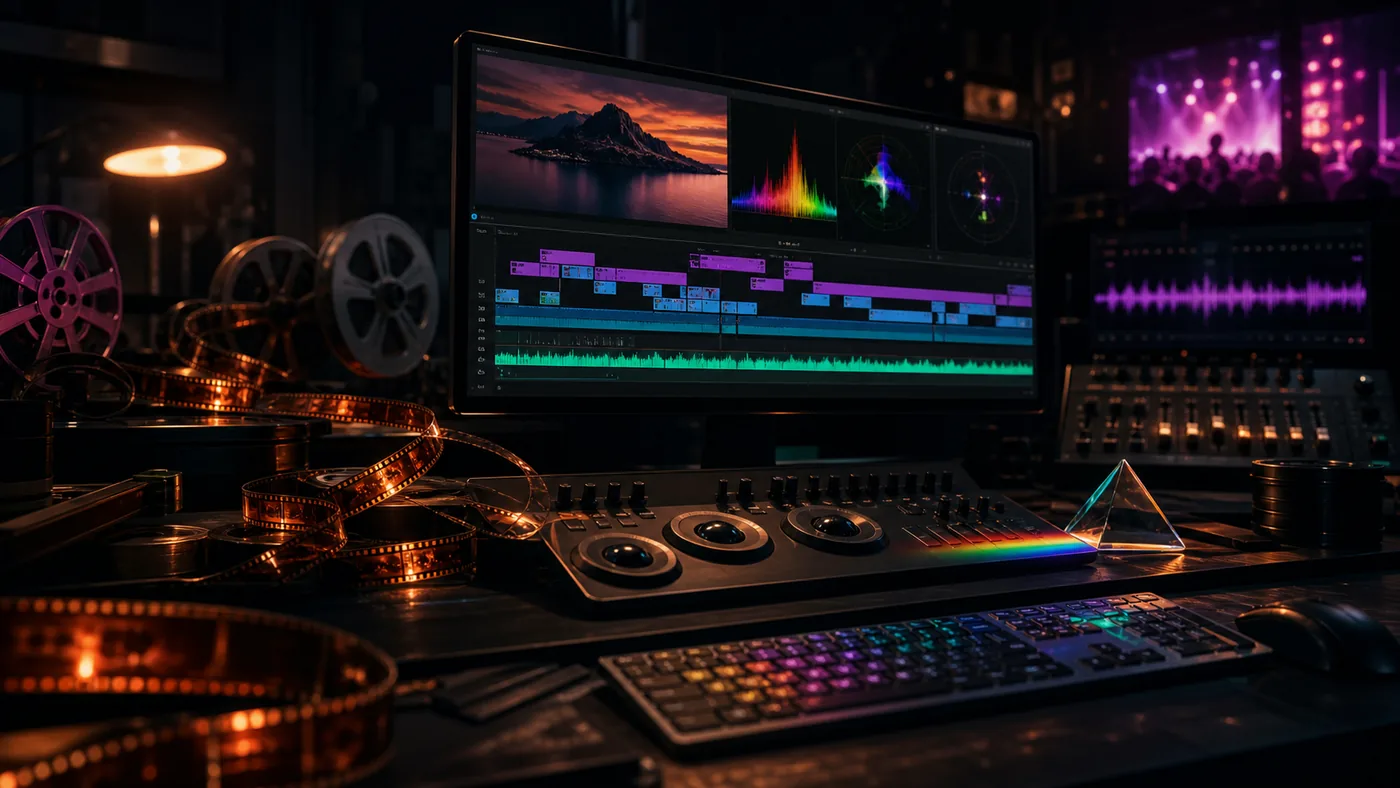
Adobe Premiere Pro is a professional video editor for creators, agencies, editorial teams, and post-production workflows. It covers editing, sound, color, captions, effects, and export in a mature environment.
Premiere is especially useful when video work connects with After Effects, Audition, Photoshop, Frame.io, or shared team workflows.
Who is it for?
Premiere Pro fits people who produce video regularly and need control over editing, audio, color, and delivery. CapCut is easier for quick social clips; DaVinci Resolve is a very strong alternative for color-heavy film workflows.
Typical use cases
- Edit YouTube, course, product, and marketing videos
- Turn interviews, podcasts, and raw footage into usable clips
- Handle captions, audio cleanup, and color looks in one workflow
- Coordinate team editing with Adobe and Frame.io integrations
Core features
- Professional multi-track video timeline
- Audio, color, and caption tools for post-production
- Proxy, media, and export workflows for larger projects
- AI-assisted helpers for selected editing steps depending on the current Adobe version
Pros and cons
Pros
- Broad industry standard for video work
- Strong Creative Cloud integration
- Good fit for complex projects with many formats and collaborators
Cons
- Subscription model and hardware requirements can feel heavy
- Overpowered for simple social clips
- Performance depends heavily on hardware and media format
Workflow fit
Premiere Pro is not the lightest editor, but it is one of the most capable. It pays off when video is a recurring production workflow, not an occasional clip edit.
Privacy & data notes
Video projects often include customer footage, faces, raw material, and unpublished campaigns. Sharing, cloud projects, and access rights should be defined before production starts.
Pricing & costs
Premiere Pro is available as an Adobe subscription. Team and Creative Cloud plans differ in pricing, storage, and collaboration features.
Go to provider: https://www.adobe.com/products/premiere.html
Editorial assessment
Premiere Pro is not the lightest editor, but it is one of the most capable. It pays off when video is a recurring production workflow, not an occasional clip edit.
Open frequently asked questions
FAQ
Is Premiere Pro beginner-friendly?
It can be learned by beginners, but the learning curve is higher than with simple social editors.
Do I need powerful hardware?
For 4K, many effects, or long projects, yes. Strong hardware helps a lot.
Is DaVinci Resolve better?
For color grading it is often excellent. Premiere is especially strong inside the Adobe ecosystem.