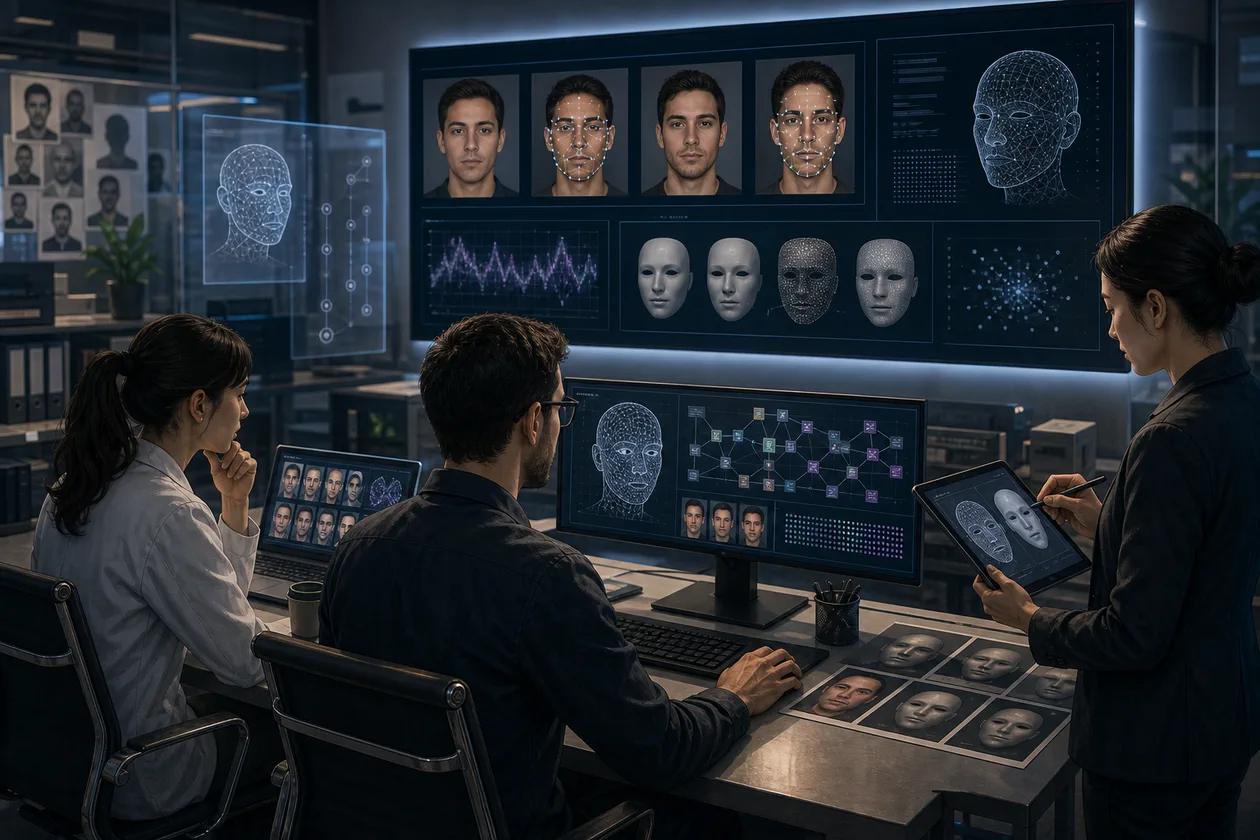
DeepFaceLab is a local open-source pipeline for replacing faces and heads in images and video. The official repository also describes de-aging and native-resolution work; the real process is a chain of source selection, face extraction, training, masking, merging, and final video post-production. The important boundary is that the repository has been archived and made read-only since November 13, 2024. DeepFaceLab is therefore a defensible choice for research, VFX experiments, or tightly bounded internal tests—not an actively maintained cloud product with a support promise.
Who is DeepFaceLab for?
It is aimed at technically capable individuals or small VFX and research teams that can keep data local, understand the training process, and review every export. Someone who needs an occasional short social clip will usually move faster with a simpler app. A team seeking a dependable production pipeline must also own the maintenance risk of archived code, the hardware environment, and the rights chain for every face and source clip.
What does the pipeline do?
The official examples cover face replacement, head replacement, and de-aging. The core is not a one-click filter but the preparation and review of training data: faces are extracted from source and destination material, aligned, and prepared for a model. The model is then trained, a mask or segmentation area is maintained, and the result is merged into target images or frames. Editing, color correction, sound, and artifact cleanup remain outside the core pipeline.
A responsible pilot workflow
Start with material for which consent and usage rights are documented. Decide whether the output is an internal proof or may be published. Isolate the environment, back up source material and model states, and use a small representative sequence rather than an entire film. Check extraction first, then a few training checkpoints, and only then perform a full merge. Give every export a version, an accountable reviewer, and a note stating whether it contains synthetic media.
Operations, hardware, and handoff
DeepFaceLab runs on the operator's own machine. That can reduce the need to upload raw footage to a web service, but it does not make the workflow automatically secure. The repository references CUDA, DirectX, and TensorFlow-related components and points to Windows packages; its listed Linux variants may be outdated. Plan for GPU memory, local storage for frames and models, reproducible environments, and a tested export path. Because the project is archived, the team must document dependencies, drivers, and installation sources instead of expecting timely bug fixes.
Quality control and acceptance
A convincing training preview is not a publishable result. Inspect contours, eyes and teeth, hair, mask edges, lighting, occlusion, motion blur, and frame-to-frame flicker. Compare a fixed test sequence with the source and record rejection reasons. The decision should use time to a usable export, the number of manual corrections, visible artifacts, and the share of frames accepted—not just one impressive frame.
Privacy, security, and governance
Local processing can make the data path easier to control, but it does not replace a rights review. Faces are personal and potentially biometric information; consent, purpose, retention, and access must be decided before import. Do not use real people without meaningful permission or present synthetic footage as authentic. Keep originals and derivatives separate, restrict access, inspect downloaded packages and dependencies, and label synthetic media. DeepFaceLab's GPL-3.0 software license does not grant rights to faces, film clips, training data, or music.
Price and operating cost
The official repository does not publish a SaaS price list; its source is released under GPL-3.0. “Free” therefore does not mean free to operate. Budget for a GPU or rented compute, electricity, storage for frames and models, backups, setup, troubleshooting, human quality review, and potentially legal advice. Downloads from channels linked in the README also require provenance and integrity checks. A small test may be inexpensive, while repeatable production use can demand more care than software budget.
Editorial Assessment
We recommend DeepFaceLab only to teams that explicitly accept a local deepfake or VFX study and can assign an owner for an archived software base. It creates value when a bounded shot with approved material can be processed reproducibly and accepted against visible quality criteria. It is the wrong choice for marketing, news, identity representation, or any publication without a clean consent and labeling process. In those cases, choose a narrower, less abuse-prone video solution or a professional VFX workflow.
Open frequently asked questions
FAQ
Is DeepFaceLab still actively maintained?
No. The official GitHub repository has been archived and made read-only since November 13, 2024. Check releases, drivers, and dependencies before a pilot and pin the environment for the hardware you actually use.
Do I need a powerful GPU?
A compatible GPU environment is important for a practical training workflow. The exact requirement depends on the model, resolution, and footage; the README references CUDA-related components but does not guarantee current compatibility with every GPU.
Can I use any face or film clip?
No. The software license and media rights are separate questions. Consent, rights to source and target material, purpose, labeling, and local law must be addressed before processing.
Does DeepFaceLab automatically process data in the cloud?
The published project is a codebase intended to run locally. Downloads, external installers, or personal backups can still introduce data and security risks outside the machine, so review the actual environment and grant no unnecessary network or file access.
When is an alternative the better choice?
Choose one when you need live effects, a simple app, broad video generation, or active product maintenance. DeepFaceLab makes sense only when local training, manual control, and documented governance matter more than convenience and current support.