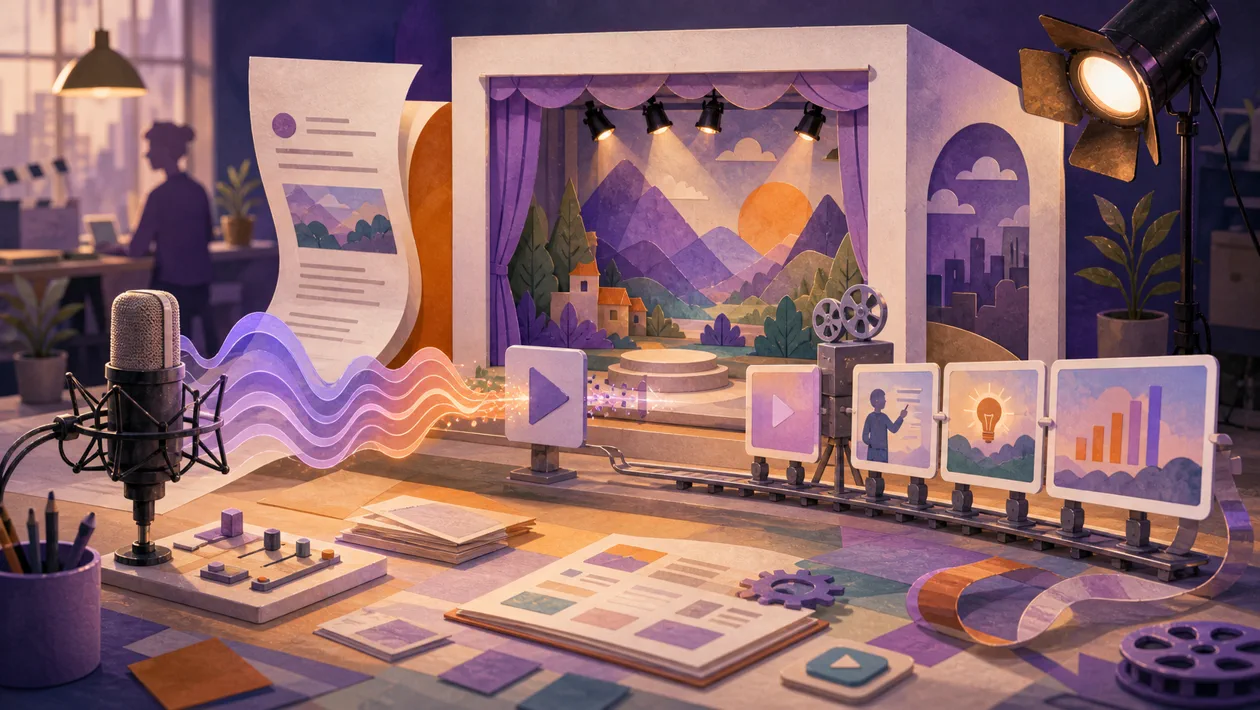
Fliki is a browser-based production workspace for videos and voiceovers. It turns a finished script, an idea, a blog post, or a presentation into scenes, narration, captions, and media. That can remove the first-pass editing work from recurring explainers, social clips, and training content. It does not replace fact-checking, rights clearance, or final approval.
What Fliki is for
Fliki targets content teams, marketing, internal communications, e-learning, and creators who repeatedly turn written material into audiovisual variants. Its useful boundary is fast conversion of an edited source into a narrated, captioned video, not a promise of full film production. A short how-to, product announcement, or localized clip is a sensible use case. A carefully staged brand production with exact visual direction still belongs in a conventional editing workflow.
Components in the real workflow
Official Fliki materials list text-to-video and idea-to-video, blog-to-video, PPT-to-video, text-to-speech, and AI voiceover. The suite also includes templates, stock or AI visuals, captions, music, a built-in timeline editor, AI avatars, translation, and dubbing. Voice cloning can reuse an authorized voice. The exact models, languages, exports, and credit limits depend on the current product and plan. The headline claim of more than 2,000 voices and more than 80 languages should not be read as equal quality or availability for every language.
A workable production flow
- Approve the script outside the generator first: define the audience, sources, claims, call to action, target length, and aspect ratio.
- Import the script or source. Fliki segments it into scenes; the editor replaces unsuitable visuals, shortens spoken copy, and marks claims that must not be interpreted automatically.
- Test voice, pronunciation, pauses, music, and captions on a short section. If a cloned voice is used, record and retain the consent evidence.
- Add an avatar, owned media, translation, or alternate formats only after the base version is approved. Check the export on the target device and platform before publishing.
Operations, handoff, and limits
Fliki runs online and stores projects against an account. A team therefore needs an owner, a location for approved scripts, and a procedure for exports and deletion. One source can be adapted to several aspect ratios, but scene breaks and captions still need a channel-specific check. For a recurring series, document naming, version, speaker approval, and the final export outside Fliki. The generator creates a useful first draft; it does not guarantee correct visual selection or consistent brand and technical terminology.
Quality control and evaluation
A useful pilot includes three real scripts with different lengths. Measure more than generation time: correction minutes per video minute, pronunciation errors, misleading visuals, caption accuracy, export reliability, and time to approval all matter. For narration, add intelligibility, emphasis, and loudness checks. A video should not go live until sources, claims, music and image rights, disclosure requirements, captions, and platform specifications have been reviewed. If the recurring correction work takes longer than a manual edit, Fliki has not created a process gain for that use case.
Privacy, rights, and governance
Fliki's Terms require users to own uploaded or published material or hold the necessary licenses. They grant the provider a broad license to access, host, store, modify, reproduce, transmit, display, publish, and distribute content to operate, improve, promote, and develop the services; the Terms say users retain their rights in their content. Legal and privacy review is therefore appropriate before uploading confidential scripts, customer material, or unreleased campaigns. The Privacy Policy lists account, usage, device, and cookie data and says information may be processed or stored in the United States. YouTube and TikTok connections bring additional platform rules. Voices and avatars require documented permission, and sensitive or personal data should not enter a pilot without an approved basis.
Pricing and total operating cost
Fliki offers a free-forever plan without a credit card. It includes monthly credits and video exports with a Fliki watermark. Paid plans remove some restrictions and can include features such as voice cloning, avatars, longer videos, or higher export quality; Fliki lists 4K export as a paid option. Check the official pricing page before purchase because plan and credit details change. Budget also for review time, stock and music rights, possible model usage, translation, storage, account administration, and post-processing of exported files.
Editorial Assessment
Fliki is a reasonable recommendation for small and mid-sized content teams that repeatedly turn an approved script into short video and voiceover formats, provided one person owns quality control. Its value is measurable under those conditions: less rough-cut and recording work with unchanged intelligibility and reliable exports. Confidential material, tightly controlled speaker identities, and productions requiring precise visual direction are better served by a professional editing and audio workflow. The important metric is accepted correction time per published video, not the number of AI features shown in a demo.
Open frequently asked questions
FAQ
Can I test Fliki for free?
Yes. The official pricing page describes a free-forever plan with no credit card. Monthly credits and a watermark limit how far it can serve as a production plan.
Can Fliki turn a blog post into a video?
Yes. A blog URL or pasted text can be the starting point. The resulting scene structure is a draft and must be checked against the source article, references, and intended message.
Can I clone someone else's voice?
Only with the necessary rights and explicit permission. Keep consent evidence before recording, and never use a cloned voice for deceptive or unauthorized impersonation.
Can Fliki videos be used commercially?
That depends on the plan, included media, and current Terms. Before a campaign, check commercial rights for voices, music, stock material, AI visuals, and any user-supplied assets separately.
What should a team measure in a pilot?
Track correction minutes per video minute, pronunciation and caption errors, rights issues, export quality, and time to approval. A before-and-after comparison with the existing process is more useful than generation speed alone.
When is Fliki a poor fit?
It is a poor fit when source material is confidential, the production needs precise manual visual direction, or no one can approve scripts, rights, voices, and exports. A professional editor or narrower audio tool may then create less governance overhead.