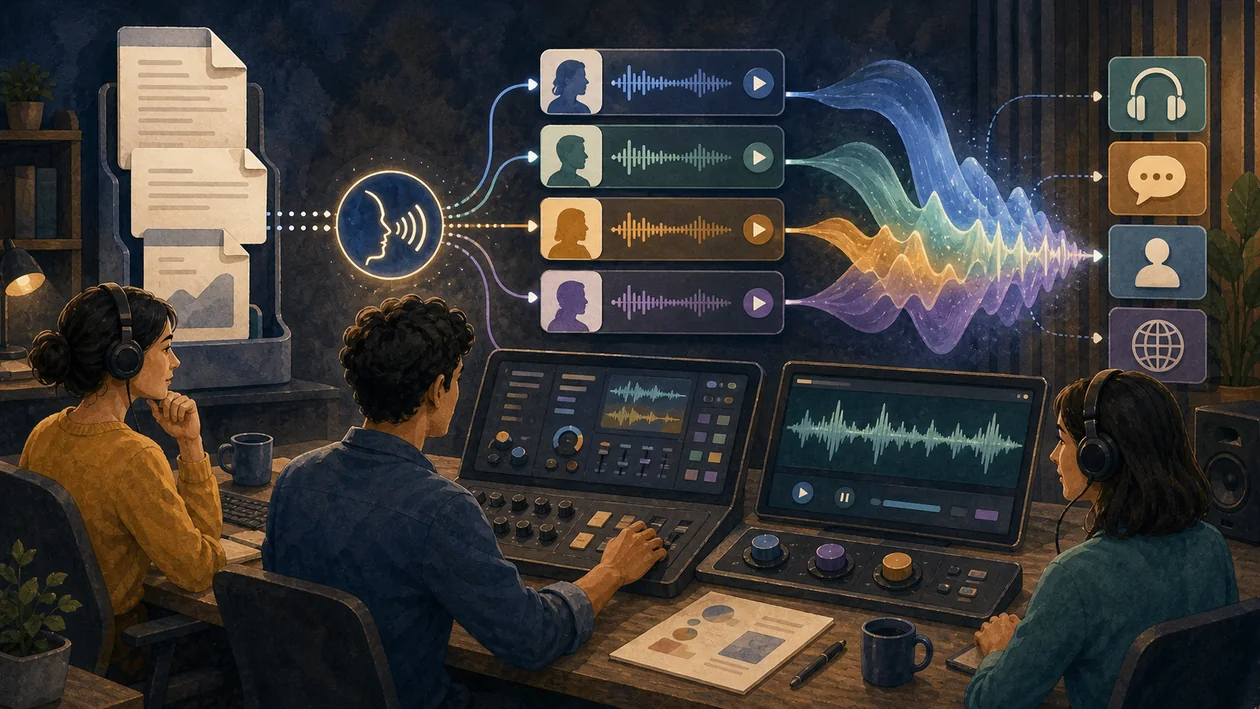
IBM Watson Text to Speech is a powerful cloud-based service that converts written text into natural-sounding speech. With state-of-the-art AI technology, the tool enables the creation of audio content in various languages and voices. It helps companies build interactive and accessible applications that improve the user experience and automate workflows.
Who is IBM Watson Text to Speech suitable for?
IBM Watson Text to Speech is aimed at companies and developers who need automated voice solutions. The tool is especially suitable for:
- Customer service teams that want to create interactive voice dialogs or automatic notifications.
- App and website developers who want to provide accessible content.
- E-learning platforms that want to supplement learning materials with audio.
- Marketing and content teams that generate audio content for different channels.
- Companies that want to make processes more efficient through voice automation.
Main features
- Natural voice variety: Choose from numerous voices and languages with customization options.
- Real-time speech output: Fast conversion of text into high-quality audio.
- Customizable pronunciation: The ability to control the emphasis and pronunciation of words.
- SSML support: Use Speech Synthesis Markup Language for detailed control over speech output.
- API integration: Easy integration into your own applications, websites, or services.
- Accessibility: Supports applications for people with visual impairments or reading difficulties.
- Scalability: Suitable for small projects through to large-scale enterprise use.
- Security and privacy standards: IBM ensures compliance with common data protection guidelines.
Pros and cons
Pros
- High-quality, natural-sounding voices with a large selection.
- Flexible API for a wide range of integration options.
- Support for numerous languages and dialects.
- Customizable speech parameters for individual requirements.
- Reliable cloud infrastructure with good scalability.
- Improved user experience through accessible content.
- Extensive documentation and support from IBM.
Cons
- Costs can vary depending on usage volume and feature scope and are not always transparent.
- API integration can be complex for beginners.
- Some features are only available in higher-priced plans.
- Dependence on an internet connection for cloud-based use.
What really matters in daily use
In daily use, IBM Watson Text to Speech is useful only when it can support synthetic speech output for enterprise applications and IBM Cloud environments inside a real workflow. A fair pilot needs real trials with target voices, pronunciation, API behavior and data handling in your stack; canned demos are not enough to reveal latency, review effort, rights issues and cost. The main caveat is clear: a solid option when IBM integration matters; lighter tools may fit simple creator voiceovers.
Workflow Fit
IBM Watson Text to Speech should have a narrow job in the workflow: input, quality check, handoff point and owner. For synthetic speech output for enterprise applications and IBM Cloud environments, this kind of evidence is more informative than a long feature list: real trials with target voices, pronunciation, API behavior and data handling in your stack. Only after that can a team judge whether integration, review and maintenance effort are worth it.
Editorial Assessment
Editorial view: IBM Watson Text to Speech is worth testing when the use case is specific and success can be measured. A broad search for automation is too vague. A solid option when IBM integration matters; lighter tools may fit simple creator voiceovers. That boundary should be discussed before a wider rollout, not after the workflow is already dependent on it.
Pricing & costs
IBM Watson Text to Speech pricing is based on the selected plan and actual usage volume. Typically, there is:
- A free quota with a limited number of characters per month for testing.
- Billing per 1,000 characters of converted text.
- Different pricing tiers that may include additional features or support levels.
For exact pricing, it is advisable to consult the official IBM website, as costs vary by region and contract terms.
Open frequently asked questions
FAQ
1. Which languages and voices does IBM Watson Text to Speech support? IBM offers a wide selection of languages and voices, including German, English, Spanish, French, Italian, and many more. The voices range from male to female and are partially customizable.
2. Can I test IBM Watson Text to Speech for free? Yes, IBM usually provides a free quota that lets users test the basic features. Details of the free plan can be found on the official website.
3. How can I integrate IBM Watson Text to Speech into my application? Integration is done via a REST API that is well documented. Developers can send text data to the service and receive audio files or streams in return.
4. Is IBM Watson Text to Speech suitable for accessible applications? Yes, the tool supports the creation of accessible content by converting text into clearly understandable speech and thus helping people with visual impairments or reading difficulties.
5. Which security standards does IBM Watson Text to Speech meet? IBM places great emphasis on privacy and security, including compliance with common standards such as GDPR. Data transmission is encrypted, and users can use additional security options depending on their contract.
6. Can I customize the pronunciation of certain words? Yes, SSML and other settings allow pronunciation to be controlled individually to make speech output more natural and better suited to the content.
7. How fast is the speech output? Conversion happens in real time or near real time, depending on text length and the selected plan.
8. Are there any usage restrictions? Restrictions may result from the selected tariff, usage volume, or licensing terms. It is advisable to review the contract terms carefully.
