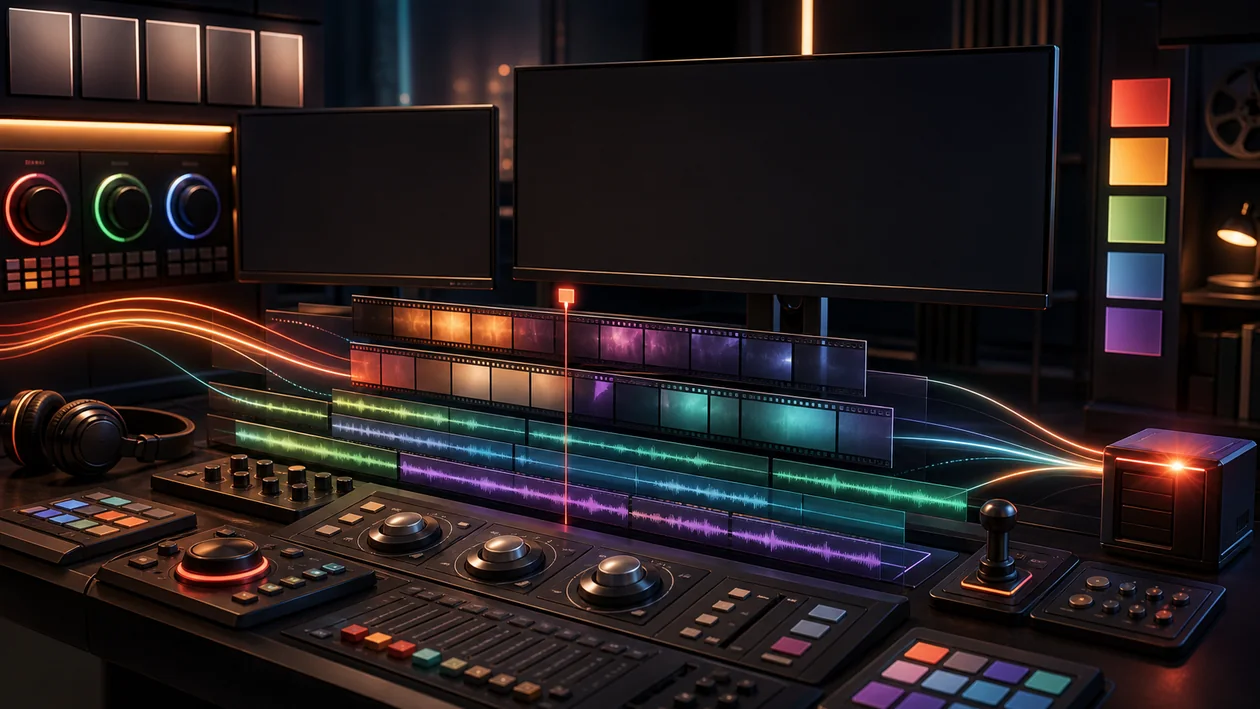
Lightworks deserves a practical look. It is strongest when judged along a real workflow: who puts material in, who reviews the output, and where does the result go next?
When introducing Lightworks, avoid rebuilding the whole process at once. A limited pilot with clear criteria for time saved, quality, review effort, and team acceptance is more useful.
Practical core
With video tools, the workflow decides: recording, editing, audio, approval, and export need to fit together.
For video production, film projects, creators, and teams with classic editing needs, Lightworks is valuable when it creates a visible before-and-after difference in the workflow.
Typical use cases
- edit narrative or documentary projects
- bring footage into more professional editing workflows
- coordinate color, audio, and export work
- handle longer projects with more control
What works well in daily use
- shortens the path from raw material to publishable clip
- helps with repeatable formats and tutorials
- makes platform variants faster
Context matters as well: some teams use tools like Lightworks as a quick pre-production step, while others make them part of the production workflow. The second path needs more rules, but it pays off when many similar tasks repeat.
Limits and red flags
- good editing still needs a sense of rhythm
- audio is often underestimated
- export formats and rights should be clarified early
- For quick social clips, Lightworks can feel larger than necessary.
Workflow fit
Lightworks fits best when the desired output is clear before the tool is opened. A good setup defines input material, ownership, review steps, and export. Without those four points, a tool may feel productive while creating more unfinished intermediate work.
Quality control
If the clip remains understandable without explanation, the tool is embedded well. For catalog evaluation, that means looking beyond the first output. Test the same case two or three times with slightly different inputs. If the results remain stable, explainable, and editable, the value is much more reliable.
Privacy & operations
Depending on the use case, text, images, audio, customer data, research notes, or internal process information may be processed. Before production use, permissions, storage location, export paths, and deletion options should be clear. For AI or cloud-based tools, it also matters whether data is used for training, analytics, or only for providing the service.
Pricing & costs
In the catalog, Lightworks is marked with the pricing model Plan-based. For a real decision, check current limits, team features, export options, and whether a free or cheap entry point turns into an expensive workflow later.
Provider: https://lwks.com/#features_section
Editorial assessment
Lightworks is a good choice when video editing and post-production for filmmakers, editors, and ambitious creators is truly a recurring part of the work. If the need appears only occasionally, a lighter tool or an existing process may be enough. If the need appears regularly, run a clean test with real material, real approvals, and a clear quality bar.
Open frequently asked questions
FAQ
Is Lightworks beginner-friendly?
Usually for first tests, yes. Productive use depends less on the first click and more on whether tasks, data, and quality control are defined.
When is Lightworks worth it?
When the same work step repeats regularly and is currently manual, scattered, or hard to review.
What should be checked before adoption?
Pricing model, data processing, export, team permissions, integrations, and who signs off on the results.
What is the most common mistake?
Treating the tool as the solution too early. A small practical test with a real example and a clear decision afterwards works better.