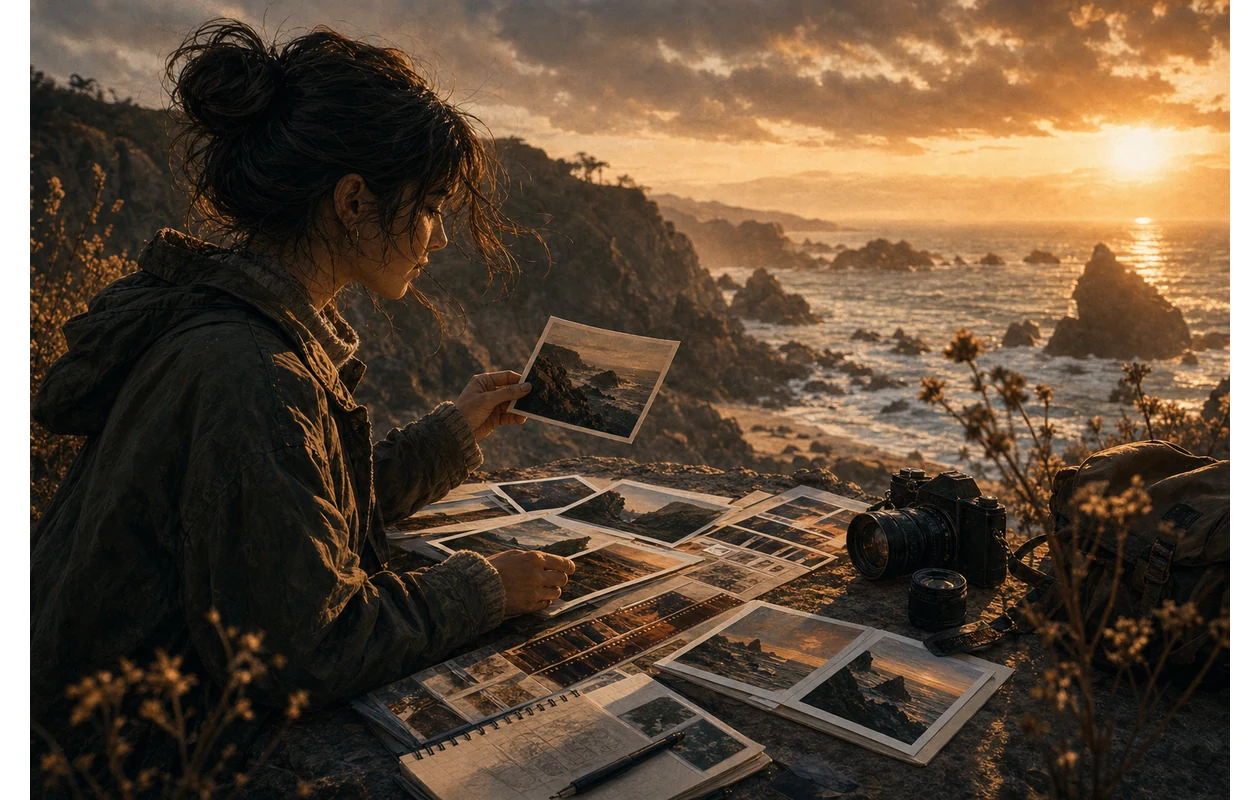
VSCO is a photo and video platform whose core value is not the largest possible retouching toolbox, but a repeatable visual style. Presets, colour adjustments, film and FX looks, and Recipes help turn a first edit into a consistent series ready for publication. The important boundary is that features, device support, and membership access differ by product level and platform. VSCO is therefore not automatically a replacement for a managed RAW archive or a full desktop post-production system.
Who is VSCO for?
VSCO suits photographers, creators, small brands, and social teams that need a recognisable look for photos and short videos without building every edit from scratch. It is most useful when the same visual language is applied repeatedly to a series, portfolio posts, or a moodboard. It is less suitable as the only system for large archives, complex compositing, colour-critical production, or tightly governed team approvals.
What is in the core toolkit?
The Photo Editor combines presets and film-inspired looks with tools for crop, exposure, contrast, saturation, white balance, HSL, grain, sharpening, vignette, and other effects. VSCO's official product page also lists AI-assisted tools in AI Lab, including removal and upscaling; those capabilities deserve testing on real subjects before they enter a production workflow. VSCO says RAW editing is available on supported iOS devices, while the exact import and export path depends on the device and plan.
Practical use cases
- A photographer builds a small series from a shoot, applies a base look, and then corrects individual skin tones, shadows, or mixed light.
- A social team creates a Recipe from an approved image and uses it as a starting point for new posts instead of rebuilding every adjustment.
- A creator aligns photo and video treatments, tests an FX look, and checks the result at the actual publishing dimensions before export.
- A photographer uses Studio on Web or professional VSCO features on a larger screen when the selected membership includes that access.
A dependable daily workflow
Define the permitted originals, aspect ratios, and publishing channels before opening the editor. Edit one reference image, record the meaningful corrections, and save a Recipe. Apply it to a small batch, inspect every image, and adjust subjects shot in different light or with different skin tones. Export a web-ready version while keeping the original separate. For video, also verify duration, resolution, audio, and whether the required effects are available on the chosen device.
Platforms, export, and support
VSCO is available on iOS and Android and offers web editing in selected membership products. Its official support material distinguishes mobile and desktop use: video editing is currently unavailable in Studio on Web, and the video editor does not expose every photo tool. Recipes store a group of preset and tool adjustments, but they are not a replacement for a global colour pipeline or asset-management system. Higher memberships may add portfolio, gallery, or business features, but those capabilities should not be assumed to exist in the free entry level.
Quality, privacy, and rights
Before publishing, inspect skin tones, highlight and shadow detail, AI-removal edges, text, and compression on the target channel. A strong preset should never matter more than preserving the subject. Photos can contain faces, location data, private spaces, and client information, so clarify consent, access, retention, and export destination before upload. Presets, music, source images, and AI-assisted results still have usage-rights implications. Include the current terms, privacy information, and membership conditions in an internal approval because the app interface does not answer every governance question.
Pricing and operating cost
VSCO offers a free entry level and paid membership tiers such as Plus and Pro; its current professional ecosystem also includes VSCO One. The subscription amount is only one part of the decision. Compare the presets and AI Lab usage required, web and desktop access, video tools, gallery or portfolio features, and whether billing occurs through the web, Apple, or Google. Run a small real image set and measure whether saved editing time and reduced rework justify the recurring cost.
Editorial Assessment
We recommend VSCO to creators and photographers who want to carry a recognisable visual language across series and social formats and who will still perform a short human check before export. The value comes from Recipes, repeatable adjustments, and a defined target channel, not from applying the strongest filter available. If you need a substantial RAW archive, durable cataloguing, or deep desktop retouching, start with Adobe Lightroom instead; layout and free-form pixel work call for different tools.
Open frequently asked questions
FAQ
Can I use VSCO for free?
Yes. VSCO has a free entry level with a limited set of features and presets. Before planning a series, check which tools, Recipes, and export options are available without a membership.
Can VSCO replace Lightroom or an asset library?
Not universally. VSCO is strong for developing a look and editing quickly; a managed archive with extensive selection, metadata, and long-term catalogue logic belongs in Lightroom or a comparable system.
Does VSCO work on desktop?
Yes, selected web and desktop capabilities are available, but access depends on the membership and product area. VSCO currently says video editing is not available in Studio on Web.
Can I apply Recipes to multiple images?
Yes. Recipes save a combination of preset and tool adjustments that can be applied to additional photos or videos. Each subject still needs an individual check because light and skin tones vary.
Does VSCO support RAW photos?
VSCO identifies RAW editing as available on supported iOS devices. That is not a blanket promise for every Android device, import path, or export; test the actual camera and device before changing a workflow.
Is VSCO suitable for client or brand work?
It can be suitable for bounded image-series and look-development work. For portraits, unreleased campaigns, or colour-critical brand assets, define rights, access, membership, export quality, and final approval first.